



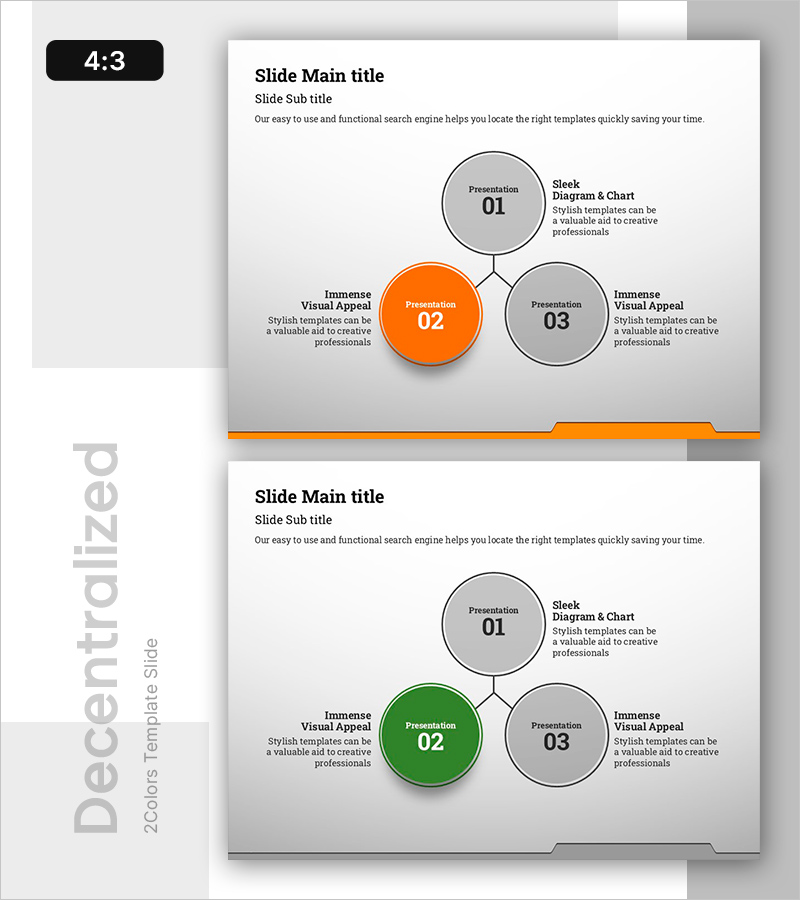
3-Key Expansion Diagram - Emphasizing Business Vision and Strategy
RB0800029-1_7
- Last Update 03/24/2025
- File Size 0.4MB
- # of Slides 2
- File Format PPTX
- Slide Ratio 4:3
- Color
Keywords
About the Product
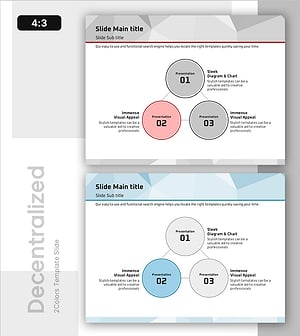
A radial expansion diagram PowerPoint slide with a central node connecting to three directional branches. The design places a primary concept at the center and extends to three supporting elements positioned at upper-left, upper-right, and right angles, creating a hub-and-spoke layout ideal for presenting business vision, strategy, and execution plans. The orange-highlighted center node contrasts with gray supporting nodes to establish visual hierarchy, while each node includes editable title and description text areas. Delivered in 4:3 aspect ratio across 2 slides, suitable for presentations, business plans, and strategic reports.
Usage Points
-
Main Usage
Visualizes one-to-three relationships by placing a core concept at the center and extending to three supporting elements, such as business vision-strategy-execution, or product-service-customer value. The orange-highlighted center node emphasizes primary importance while gray supporting nodes create clear information hierarchy through color contrast.
-
How to Use
Use in presentation openings to introduce key messages, strategy development phases to present three major pillars, business plan sections covering vision-goals-strategy, proposals highlighting three solution approaches, and reports organizing achievements-improvements-plans. Customize node text to match your specific context and messaging.
-
Recommended For
Executives, planning teams, marketing departments, and sales teams benefit from this layout for strategy presentations, business planning, and proposal development. Particularly effective when communicating relationships between one primary concept and three supporting elements, ideal for C-suite briefings, investor pitches, and team strategy meetings.
-
Slide Structure
Composed of one central orange circular node (Presentation 02) with three gray circular supporting nodes positioned at upper-left, upper-right, and right. Each node contains editable number, title, and description text fields with connecting lines radiating from center. Provided in 4:3 aspect ratio across 2 slides with fully editable elements.
Related Products
-
Business Connections Circular Diagram – Business Goals and Strategies
#Business Vision and Strategy #Diagram #Business Strategy
-
Coffee Imprint Diagram – Visualizing Business Strategy
#Business Vision and Strategy #Diagram #Business Strategy
-
Successful Business Strategy Diagram – Connecting Business Objectives
#Business Vision and Strategy #Diagram #Business Strategy
-
Key Focus Areas for Service Delivery – Effective Business Objectives Presentation
#Business Vision and Strategy #Diagram #Business Strategy
