



Mapping Key Connections Diagram Slide
RB0800026_17
- Last Update 03/23/2025
- File Size 1.1MB
- # of Slides 2
- File Format PPTX
- Slide Ratio 4:3
- Color
Keywords
- #Content-Based Slides
- #Design-Based Slides
- #Technical Approach
- #Diagram
- #Service Operation Plan
- #Service Implementation Plan
- #Structure
- #Tree Diagram
- #4:3
- #radial diagram PowerPoint
- #connection diagram slide
- #organizational chart template
- #relationship mapping PowerPoint
- #business diagram slide
- #3-node diagram template
About the Product
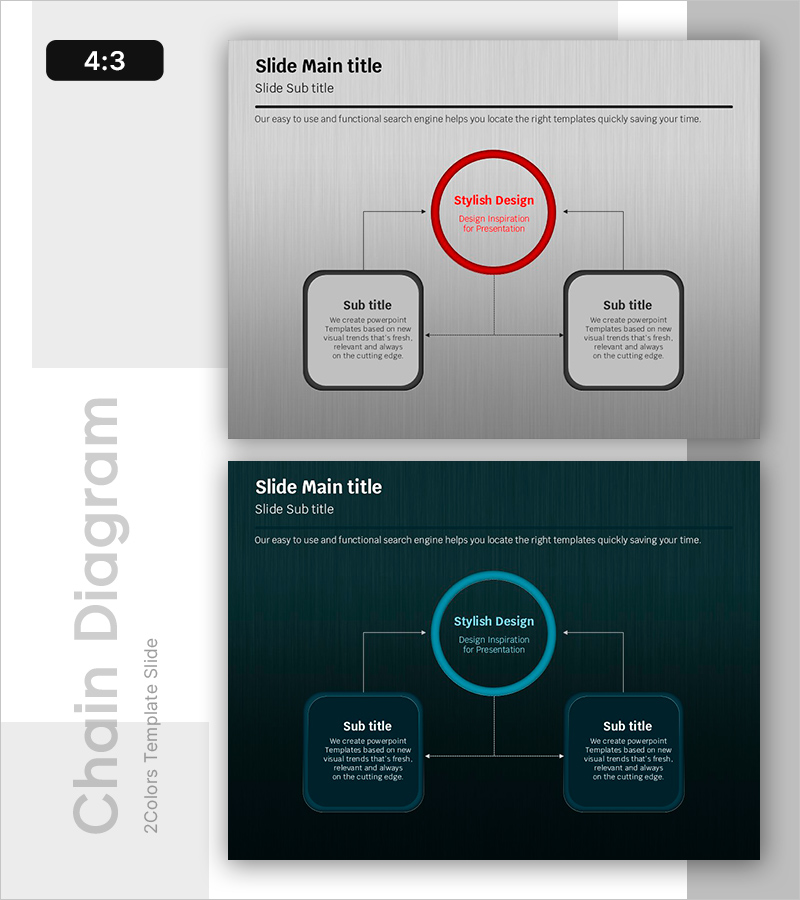
A radial diagram PowerPoint slide that visualizes the relationship between a central core element and surrounding components. The structure features a central circular node connected to two rectangular nodes on the left and right, enabling clear mapping of key connections and dependencies. Available in three color versions—red, black, and blue accents—each node accommodates text and descriptions for flexible use across organizational charts, process flows, stakeholder mapping, and business relationships. This 4:3 aspect ratio, 2-slide presentation is fully editable and ready to customize for your next business presentation.
Usage Points
-
Main Usage
Designed to illustrate the relationship between a central subject and surrounding elements in a single, clear visual. The emphasized central circular node highlights the primary topic, while the left and right rectangular nodes represent related items, conveying both hierarchical structure and interconnectedness.
-
How to Use
Double-click each node's text area to enter titles and descriptions. Use the central circle for the main topic (e.g., project name, department), and the side rectangles for related items (e.g., teams, partners, influencing factors). Select the color version that best matches your presentation theme and content tone.
-
Recommended For
Organizational structure explanations, project stakeholder mapping, business process flows, strategic planning with core and supporting elements, marketing campaign messaging with channel connections, product development showing core and auxiliary features, and cross-functional team relationships.
-
Slide Structure
Two-slide set featuring a red-accent version (red central circle, black connecting lines, black-bordered rectangles) and a blue-accent version (blue central circle, black connecting lines, black-bordered rectangles). Each slide contains one central circular node, two rectangular side nodes, and three connecting lines forming a balanced radial layout.
Related Products
-
Key Theme and Two Critical Components – Technical Service Diagram
#Technical Approach #Diagram #Service Operation Plan
-
Camping Isometric Service Implementation Plan – Innovation and Growth
#Technical Approach #Diagram #Text Box
-
Service Execution and Operation Plan Diagram Slide - Pink and Bluegreen Harmony
#Technical Approach #Diagram #Service Operation Plan
-
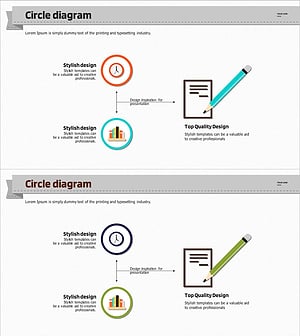
Diagram for Education-Related Measures
#Technical Approach #Service Operation Plan #Service Implementation Plan
