



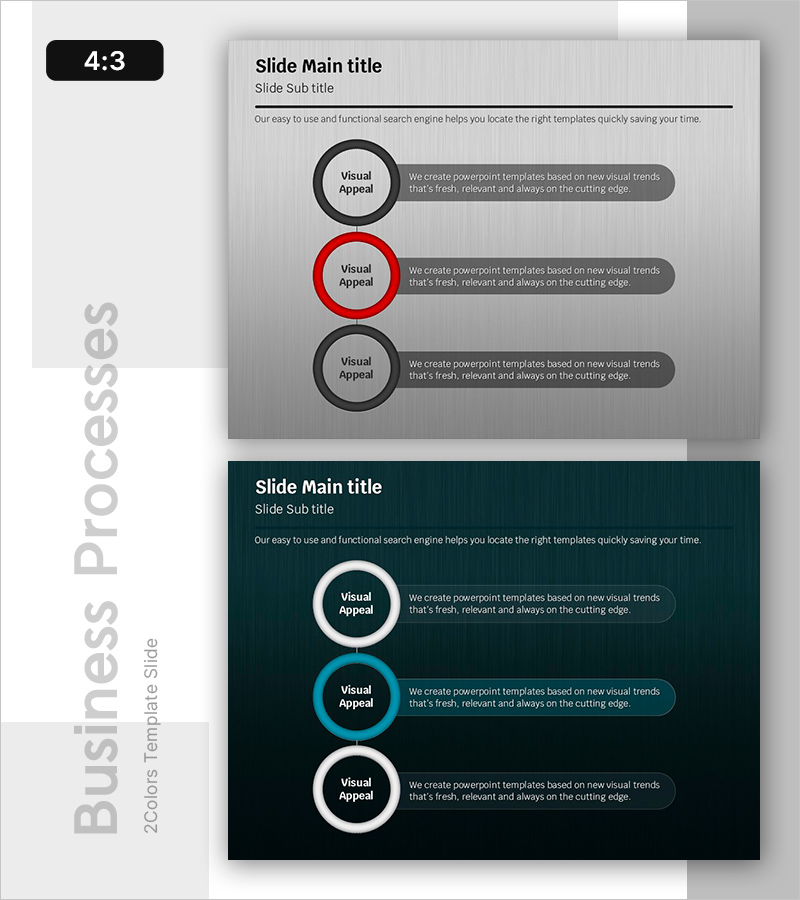
Optimized Business Flow – Sleek and Efficient Diagram
RB0800026_16
- Last Update 03/23/2025
- File Size 1.1MB
- # of Slides 2
- File Format PPTX
- Slide Ratio 4:3
- Color
Keywords
About the Product
A circular diagram PowerPoint slide that presents business processes in three sequential steps. The design features three circular nodes arranged vertically on the left side against a gray background, with black and red border styling to differentiate stages. Each node connects to a speech bubble text box on the right, providing space for step descriptions. The first and third nodes use black borders while the second node features a red border for emphasis. A dark-tone variant is included for flexible presentation contexts. This PowerPoint slide set is optimized for process explanation, step-by-step progression, and cycle visualization in business presentations.
Usage Points
-
Main Usage
Illustrate business processes, workflow sequences, and operational cycles broken down into three distinct stages. The design clearly communicates the role and relationship of each step, with color emphasis (red) highlighting the critical stage in the sequence.
-
How to Use
Use in strategy, operations, or process sections of presentations to explain workflow diagrams, decision-making processes, or improvement cycles. Edit node text to input actual stage names and descriptions, and adjust colors as needed to emphasize different stages or adapt to brand guidelines.
-
Recommended For
Recommended for business plans, proposals, reports, and marketing strategy presentations by professionals including planners, consultants, project managers, and operations specialists. Particularly effective when emphasizing three-stage cycles, iterative processes, or sequential progression.
-
Slide Structure
Three circular nodes (approximately 80px diameter, 8px border width) arranged vertically on the left with speech bubble text boxes (approximately 280px wide, 60px tall) on the right. Vertical spacing between nodes approximately 100px. Includes one gray-background slide and one dark-tone variant.
Related Products
-
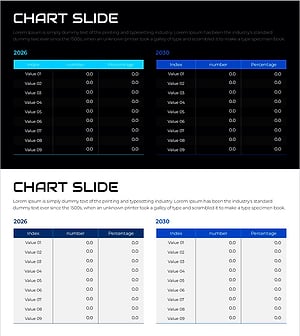
Changes in Sales and Future Outlook – Supporting Business Strategy
#Business Strategy #Financial Plans and Performance #Diagram
-
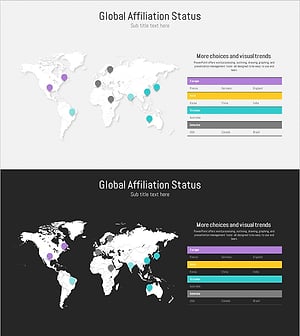
Target Country Analysis Table by Continent – Market and Competitor Analysis
#Company Introduction #Market and Competitor Analysis #Diagram
-
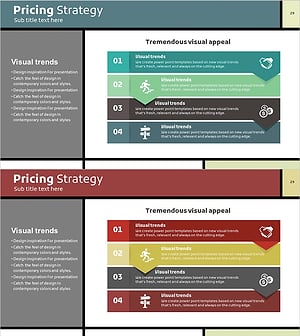
Pricing Strategy 4 Step Diagram – Visualizing Marketing Strategy
#Marketing Plan and Strategy #Diagram #Pricing Strategy
-
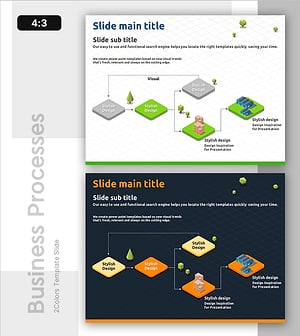
Collaborative Workflow in Construction Project – Effective and Innovative Diagram
#Operational Plan #Technical Approach #Diagram
