



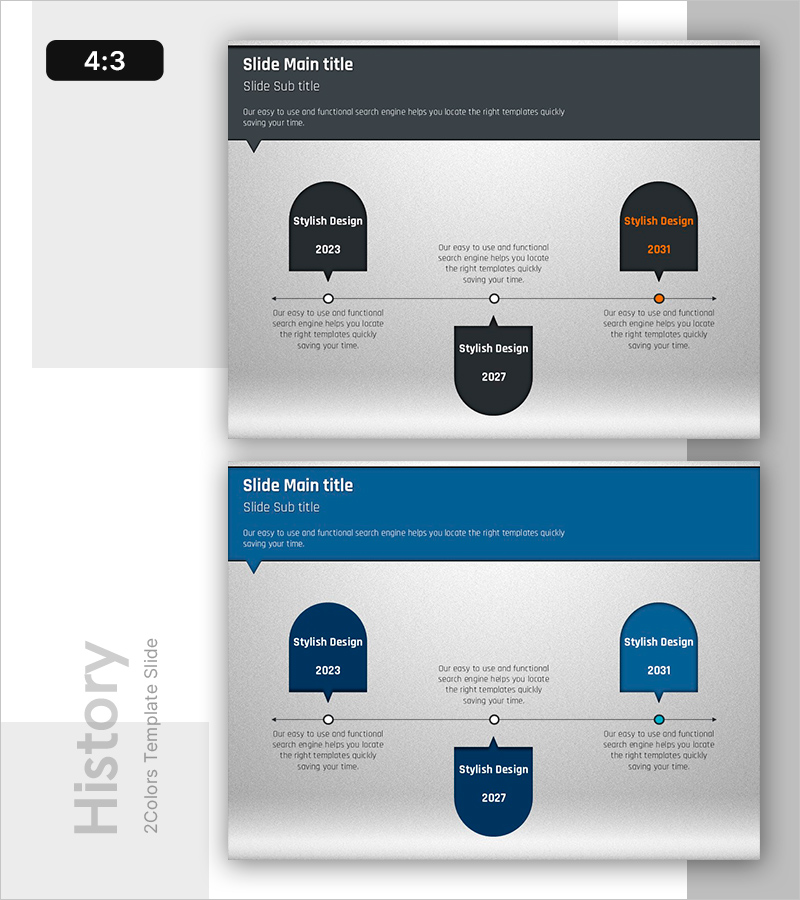
Speech Concept: History Visualized – Effective Information Delivery
RB0800008-1_4
- Last Update 03/19/2025
- File Size 1.7MB
- # of Slides 2
- File Format PPTX
- Slide Ratio 4:3
- Color
Keywords
About the Product
A timeline diagram PowerPoint slide that visualizes company history, milestones, and project progression. Three nodes (2023 left, 2031 right, 2027 center) are connected by horizontal arrows, effectively communicating key events, achievements, and transitions over time. Dark background with white typography and orange accent color creates high-contrast presentation materials. Instantly applicable to company history introductions, product development roadmaps, and business initiative timelines. Two-slide set in 4:3 aspect ratio, fully editable for your specific dates and descriptions.
Usage Points
-
Main Usage
Visualize organizational growth trajectory, project milestones, and key achievements in chronological order. Horizontal arrow connections intuitively express causality and sequential progression, helping audiences understand your company's development story and major accomplishments.
-
How to Use
Edit node text and years for company history sections in corporate presentations, employee onboarding materials, investor pitches, product development roadmaps, and project milestone reports. Simply replace placeholder text with your specific dates and descriptions for immediate use.
-
Recommended For
Corporate executives and marketing teams presenting company overviews, business development teams reporting new initiative progress, product teams sharing development roadmaps, investor relations presentations, organizational change announcements, training seminars, and strategic planning meetings.
-
Slide Structure
Two slides in 4:3 ratio. Slide 1: Dark background with 3 nodes (2 left, 1 center) connected by horizontal arrows. Each node includes year display and text input areas for descriptions. Slide 2: Identical structure in blue color variant, providing color scheme options.
Related Products
-
Business History Diagram – Visualizing Organizational Growth
#Company Introduction #Diagram #History
-
Silhouette History Diagram – Visualizing Evolution
#Company Introduction #Diagram #Other
-
Spade Shape Theme History Diagram – Emphasizing Company Development
#Company Introduction #Diagram #History
-
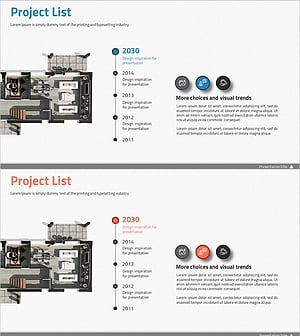
Introduction to the History of the Architectural Company – A Visual Timeline
#Company Introduction #Diagram #Company Overview
