



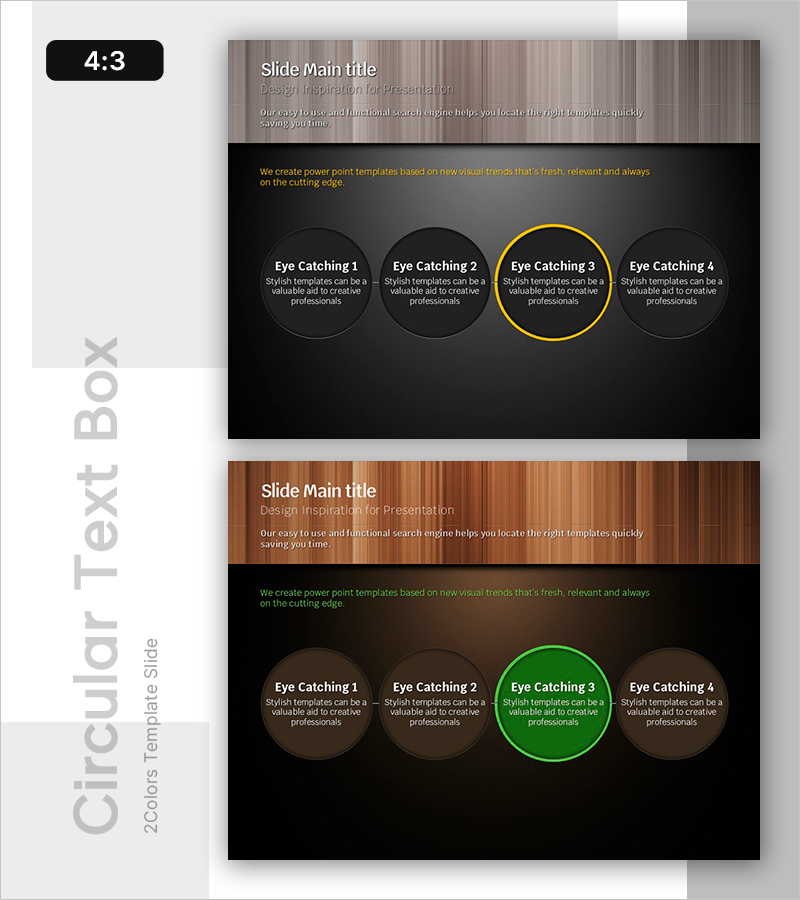
Yellow Green Circular Diagram – Business Vision and Strategy
RB0800004_9
- Last Update 03/18/2025
- File Size 2.9MB
- # of Slides 2
- File Format PPTX
- Slide Ratio 4:3
- Color
Keywords
- #Content-Based Slides
- #Design-Based Slides
- #Business Vision and Strategy
- #Operational Plan
- #Diagram
- #Text Box
- #Business Vision
- #Business Goals
- #Organizational Structure and Staffing Plan
- #Cluster
- #Closed Cluster Diagram
- #4:3
- #circular diagram PowerPoint
- #4-node circular slide
- #closed-form diagram template
- #business vision PPT slide
- #operational plan diagram
About the Product
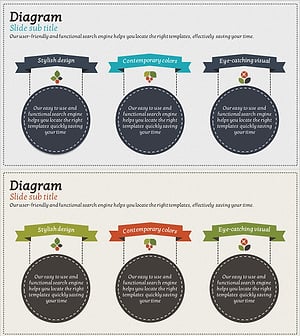
A closed-form circular diagram PowerPoint slide featuring 4 circular nodes arranged in a horizontal layout. Set against a dark background with yellow and green accent colors to highlight key elements. Each circular node provides an independent text input area, and the centered arrangement emphasizes equal importance of all 4 components. Ideal for presenting business vision, strategic pillars, operational plans, or any 4-element framework. The 2-slide set includes both yellow-accent and green-accent versions, allowing you to choose the version that best matches your presentation context and messaging tone.
Usage Points
-
Main Usage
Optimized for presenting 4 key elements or pillars with equal visual weight. The closed-form circular arrangement suggests cyclical relationships or integrated systems, while accent color treatment emphasizes specific items or priority areas.
-
How to Use
Insert your 4 core elements into each circular node—such as business vision pillars (customer, product, process, innovation), strategic foundations, or operational domains. Use the yellow-accent version for dynamic, forward-looking messaging and the green-accent version to convey stability and growth.
-
Recommended For
Executive presentations, business plan pitches, strategic planning sessions, organizational structure explanations, and investor pitch decks. Particularly effective when presenting 4 departments, teams, business units, or a 4-phase implementation roadmap.
-
Slide Structure
Dark background (black/charcoal) with 4 equally-sized circular nodes arranged horizontally. Each node contains an independent text field. One node features a colored border (yellow or green) to highlight the selected or priority item. Title and descriptive text areas appear at the top of the slide.
Related Products
-
Construction Project Objectives Overlapping Diagram – Business Vision and Strategy
#Business Vision and Strategy #Operational Plan #Diagram
-
Emphasize Business Vision and Goals with Simple Circle Template
#Business Vision and Strategy #Diagram #Text Box
-
Visually Representing Four Core Values in a PowerPoint Slide
#Company Introduction #Business Vision and Strategy #Operational Plan
-
Business Vision and Strategy Linear Diagram
#Business Vision and Strategy #Operational Plan #Diagram
