



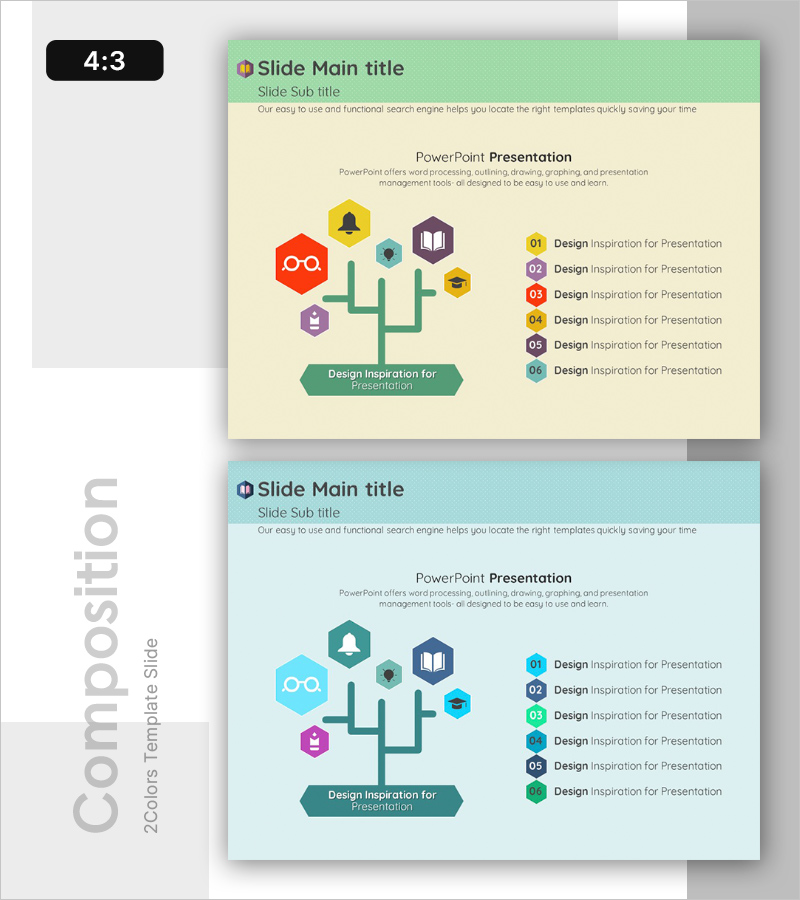
Tree-Shaped Component Diagram Presentation Slide – Diagram-Based Service Introduction
RB0300033_5
- Last Update 03/10/2025
- File Size 0.3MB
- # of Slides 2
- File Format PPTX
- Slide Ratio 4:3
- Color
Keywords
- #Content-Based Slides
- #Design-Based Slides
- #Product/Service Introduction
- #Diagram
- #Features
- #Composition
- #Cluster
- #Closed Cluster Diagram
- #Chain Diagram
- #4:3
- #tree diagram PowerPoint slide
- #service architecture diagram
- #organizational chart presentation
- #hierarchical structure PPT
- #how to create tree diagram in PowerPoint
About the Product
A tree-structured diagram PowerPoint slide featuring six colorful hexagonal icon nodes branching from a central trunk. Red, yellow, blue, purple, and cyan hexagons visualize service components, functional modules, or organizational hierarchy, with a central green banner for key messaging. This 4:3 ratio, 2-slide presentation template is ready to use for service introductions, product architecture, organizational charts, and process flows in business presentations.
Usage Points
-
Main Usage
Visualize service features, product components, organizational structure, team roles, and process stages in a hierarchical tree format that enables audience to grasp relationships and dependencies at a glance.
-
How to Use
Enter service categories, feature names, or department titles into each hexagon node. Add key messaging in the green banner at the bottom. Customize colors and icons to match your brand identity and presentation theme.
-
Recommended For
Product managers and marketing teams presenting service overviews, executives explaining organizational structures, IT and technical teams describing system architecture, educators and trainers illustrating conceptual frameworks.
-
Slide Structure
2-slide set. Slide 1: green header + cream background + central tree structure with 6 multicolor hexagon nodes + green banner base. Slide 2: teal header + light blue background + same tree structure with color variation. 4:3 aspect ratio, PPTX format.
Related Products
-
The Difference Between Men's and Women's Clothes – Understanding Through Diagrams
#Product/Service Introduction #Diagram #Features
-
Configuration Product Feature Guide – Diagram Based Introduction
#Product/Service Introduction #Diagram #Features
-
VR Service System Characteristics – Engaging Diagram
#Product/Service Introduction #Diagram #Features
-
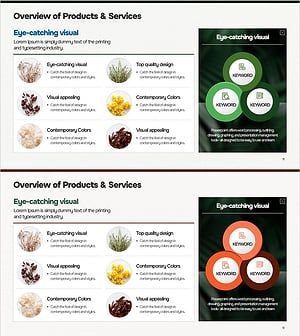
Analysis of Eye-Catching Natural Material Visuals & Traits – Utilizing Cluster Diagrams
#Product/Service Introduction #Diagram #Features
