



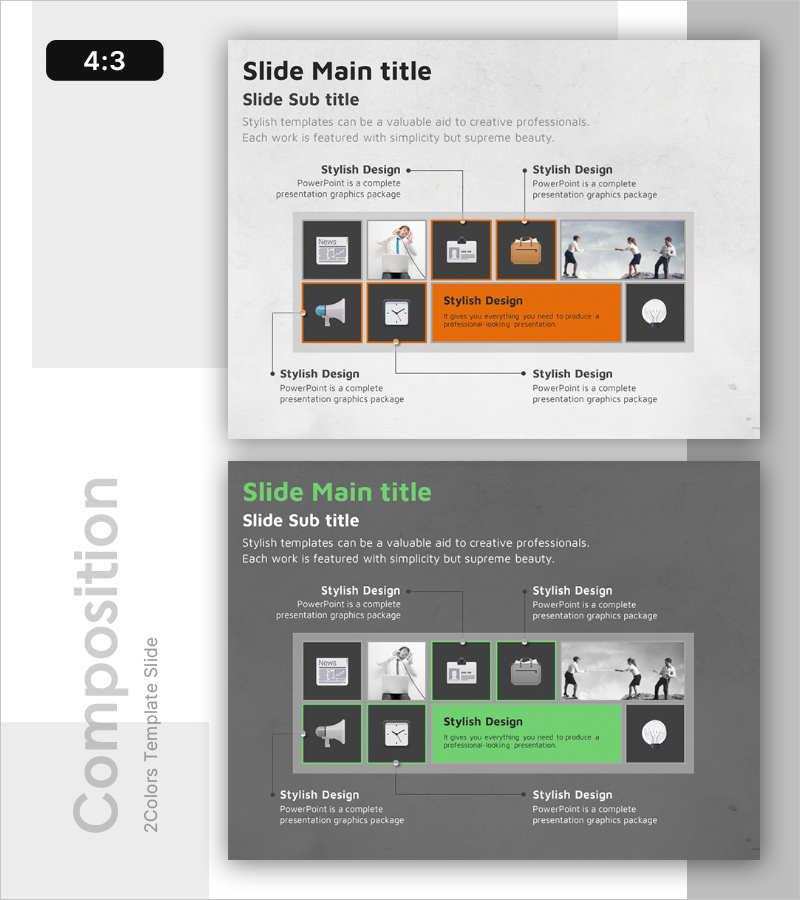
Configuration Product Feature Guide – Diagram Based Introduction
RB0100039_8
- Last Update 03/05/2025
- File Size 7.6MB
- # of Slides 2
- File Format PPTX
- Slide Ratio 4:3
- Color
Keywords
About the Product
A cluster diagram PowerPoint slide that visualizes product features across 9 interconnected nodes. The central node represents the core feature, with 8 surrounding nodes positioned in four cardinal directions to show secondary and supporting features. The design uses an orange accent area against a dark gray background to emphasize key messages, making it ideal for business presentations and product introduction materials. The 4:3 aspect ratio with 2-slide composition allows you to present multiple product features in a structured, step-by-step manner.
Usage Points
-
Main Usage
Organize and visualize diverse product features in a hierarchical manner, allowing audiences to understand feature relationships at a glance. The center-hub cluster structure clearly expresses the hierarchy between core and supporting features, enhancing audience comprehension during product introduction presentations.
-
How to Use
Use this slide in the feature explanation section of product introduction presentations. Enter the core feature name in the central orange area, then add supporting features to the 9 surrounding nodes. Each node can be linked to detailed explanation slides for deeper product information.
-
Recommended For
Product marketing managers, sales presentation specialists, and technical documentation writers use this when systematically explaining product capabilities. Ideal for IT and software product launches, SaaS feature overviews, customer proposals, and situations requiring multi-faceted product feature communication.
-
Slide Structure
2-slide composition featuring a 9-node cluster diagram with orange accent on the first slide and green accent on the second. Each slide has 1 central node surrounded by 8 nodes arranged in four cardinal directions (2 per direction). Arrows and connecting lines show relationships between nodes, with editable text areas for feature names and descriptions.
Related Products
-
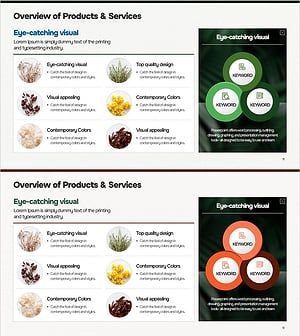
Analysis of Eye-Catching Natural Material Visuals & Traits – Utilizing Cluster Diagrams
#Product/Service Introduction #Diagram #Features
-
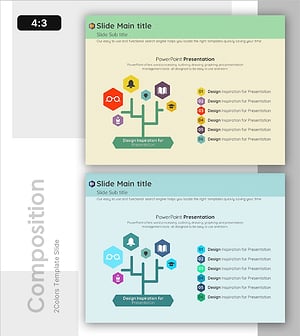
Tree-Shaped Component Diagram Presentation Slide – Diagram-Based Service Introduction
#Product/Service Introduction #Diagram #Features
-
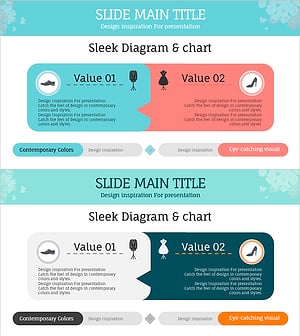
The Difference Between Men's and Women's Clothes – Understanding Through Diagrams
#Product/Service Introduction #Diagram #Features
-
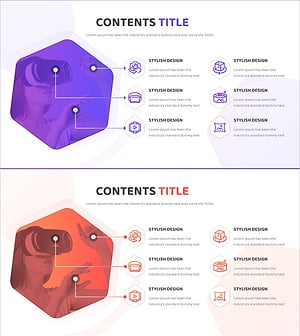
VR Service System Characteristics – Engaging Diagram
#Product/Service Introduction #Diagram #Features
