



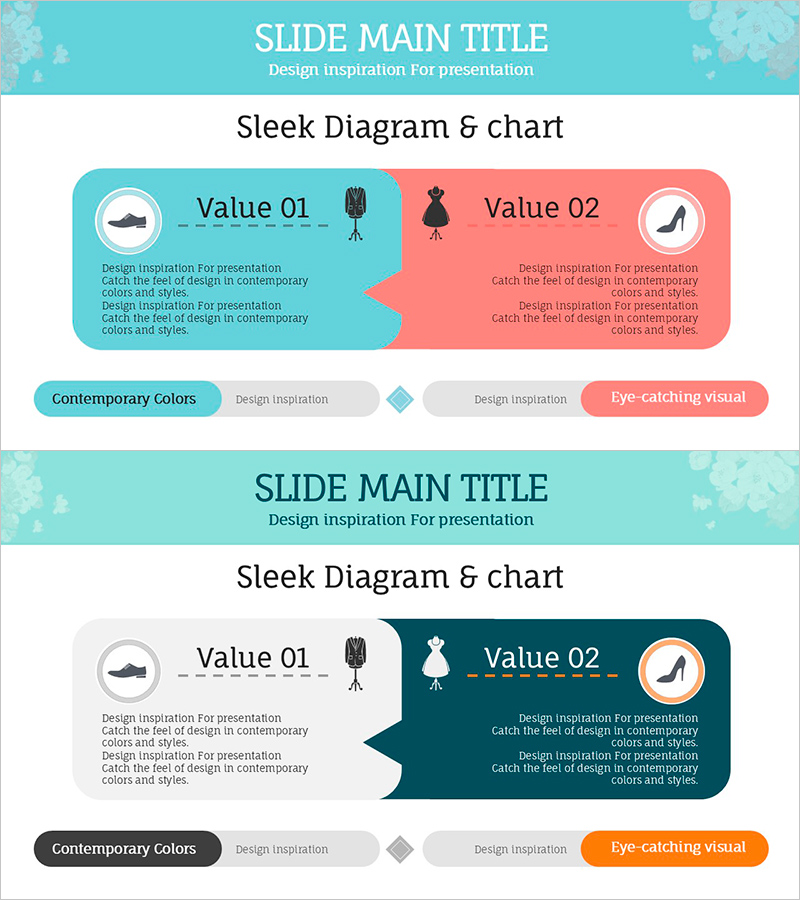
The Difference Between Men's and Women's Clothes – Understanding Through Diagrams
RJ0800011_12
- Last Update 08/02/2025
- File Size 0.3MB
- # of Slides 2
- File Format PPTX
- Slide Ratio 16:9
- Color
Keywords
- #Content-Based Slides
- #Design-Based Slides
- #Product/Service Introduction
- #Diagram
- #Features
- #Composition
- #Cluster
- #Closed Cluster Diagram
- #Chain Diagram
- #16:9
- #comparison diagram PowerPoint
- #2-section comparison slide
- #contrast diagram template
- #side-by-side comparison PPT
- #PowerPoint diagram slide template
About the Product
A side-by-side comparison diagram PowerPoint slide featuring two rounded boxes in contrasting turquoise and coral colors. Each section includes an icon area, title text, and descriptive content to visually represent differences between products, concepts, or attributes. The modern color palette and rounded corner design enhance presentation impact across fashion, marketing, education, and business analysis contexts. Immediately editable and ready to use. 2-slide set, 16:9 aspect ratio, PPTX format.
Usage Points
-
Main Usage
Effectively compare two products, concepts, attributes, or groups by presenting them side-by-side with clear visual distinction. The symmetrical layout creates balanced information architecture while icons and text emphasize key differentiators.
-
How to Use
Enter the first item in the left turquoise box and the second item in the right coral box. Edit the icon, title, and description text within each section to match your comparison content. Customize colors as needed to align with brand guidelines or presentation theme.
-
Recommended For
Fashion and apparel product comparisons, marketing strategy presentations, educational materials for concept contrast, competitive analysis in business reports, consumer segmentation analysis, demographic characteristic explanations, and feature-benefit comparisons.
-
Slide Structure
2-slide set with title area at top and centered 2-section diagram below. Left turquoise box and right coral box connected by arrow element. Each box contains three editable areas: circular icon region, title text field, and descriptive text field. Optimized for 16:9 widescreen format.
Related Products
-
Tree-Shaped Component Diagram Presentation Slide – Diagram-Based Service Introduction
#Product/Service Introduction #Diagram #Features
-
VR Service System Characteristics – Engaging Diagram
#Product/Service Introduction #Diagram #Features
-
Analysis of Eye-Catching Natural Material Visuals & Traits – Utilizing Cluster Diagrams
#Product/Service Introduction #Diagram #Features
-
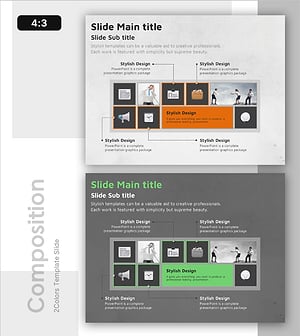
Configuration Product Feature Guide – Diagram Based Introduction
#Product/Service Introduction #Diagram #Features
