



Arrow Diagram for Project Timeline – Illuminate Project Direction
RB0300009_6
- Last Update 03/09/2025
- File Size 0.6MB
- # of Slides 2
- File Format PPTX
- Slide Ratio 4:3
- Color
Keywords
- #Content-Based Slides
- #Design-Based Slides
- #Business Strategy
- #Business Management
- #Diagram
- #Business Direction
- #Implementation Plan
- #Flow
- #Linear Flow
- #4:3
- #linear arrow diagram PowerPoint
- #project timeline slide template
- #3-step progress flow diagram
- #business direction PPT
- #arrow flowchart PowerPoint slide
About the Product
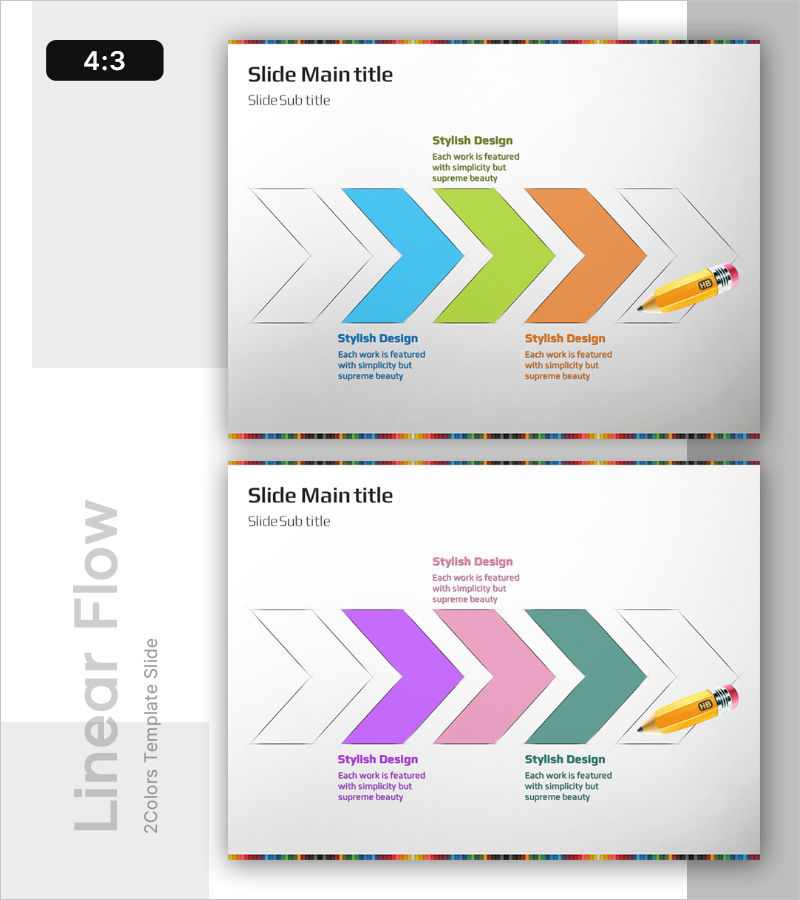
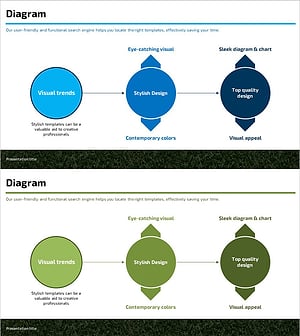
A linear arrow diagram PowerPoint slide that visualizes project timeline and business direction with three colorful arrows progressing from left to right. The design features three distinct colored arrows (blue, lime green, orange) representing sequential phases, with text areas beneath each arrow for phase descriptions, objectives, and ownership details. A pencil icon at the final stage emphasizes execution and refinement. Two color variations are included: top slide with blue-lime-orange gradient and bottom slide with purple-pink-teal combination, allowing you to match your presentation theme. The 4:3 aspect ratio with 2 slides is ready for immediate use in business presentations.
Usage Points
-
Main Usage
Visualizes sequential project or business phases using left-to-right flowing arrows. Clearly communicates project milestones, timelines, and phase-specific objectives to enhance audience comprehension. The pencil icon at the final stage reinforces action-oriented messaging and execution focus.
-
How to Use
Use in business plans, project proposals, and strategy presentations within the timeline or roadmap section. Enter phase names, durations, responsible departments, and key activities in the text areas below each arrow. Select the color combination that matches your presentation theme. Customize by adding or removing arrows and adjusting text sizes as needed.
-
Recommended For
Project managers, strategy planners, marketing professionals, and executives presenting business direction and project phases. Ideal for new product launches, organizational restructuring announcements, marketing campaign schedules, and investor pitch presentations where step-by-step progress needs clear visualization.
-
Slide Structure
2-slide set. Each slide contains 3 linear arrows (3 nodes) with evenly distributed spacing between arrows. Text input areas are positioned below each arrow for titles and descriptions. Top slide uses blue-lime-orange color scheme; bottom slide features purple-pink-teal palette. A pencil icon is positioned at the right end as a visual emphasis point.
Related Products
-
Dot Patterns Wide PowerPoint Template Diagram
#Business Management #Operational Plan #Diagram
-
Pricing Strategy Schedule Diagram – Effective Business Management
#Business Management #Marketing Plan and Strategy #Diagram
-
Witch and Stage Guide Flow – Business Strategy Diagram
#Business Strategy #Diagram #Text Box
-
Service Characteristics Diagram – Vision and Direction
#Business Vision and Strategy #Business Strategy #Diagram
