



Efficient Slide for Flight Operation Plan
RB0100047_5
- Last Update 03/06/2025
- File Size 0.8MB
- # of Slides 2
- File Format PPTX
- Slide Ratio 4:3
- Color
Keywords
- #Content-Based Slides
- #Design-Based Slides
- #Product/Service Introduction
- #Technical Approach
- #Diagram
- #Composition
- #Service Operation Plan
- #Flow
- #Cluster
- #Linear Flow
- #Inclusive Cluster Diagram
- #4:3
- #nested cluster diagram PowerPoint
- #concentric circle diagram slide
- #hierarchical structure template
- #flight operation PPT
- #two-level diagram slide
- #service operation presentation
About the Product
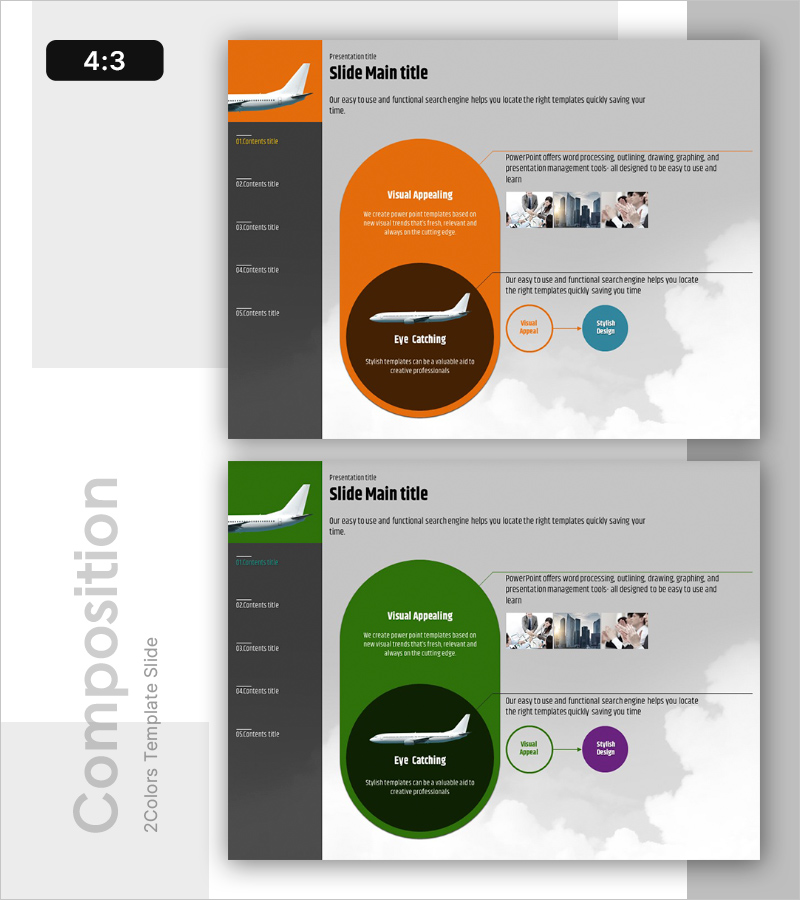
A nested cluster diagram PowerPoint slide designed to communicate flight operation plans with visual clarity. The two-level concentric circle structure places the core concept at the center, surrounded by hierarchical layers that express relationships between elements. The orange and brown color contrast creates strong visual emphasis, while the balanced layout with left navigation menu and right text-image area enhances information delivery. This 4:3 aspect ratio, 2-slide template is ready for immediate use in service operations, business strategy, organizational structure presentations, and other professional contexts.
Usage Points
-
Main Usage
Visualizes hierarchical relationships between a core concept and supporting elements. Ideal for expressing flight operations, service operations, and business strategies where a central idea connects to surrounding components. The nested circular structure intuitively conveys priority and inclusion relationships.
-
How to Use
Enter your core topic in the center circle, place main categories in the inner ring, and detailed items in the outer ring. The left navigation menu allows selection of sections with corresponding content and images displayed on the right. Freely edit text and image areas to represent organizational operations, strategic frameworks, or structural hierarchies.
-
Recommended For
Suitable for airline and transportation company operational strategy presentations, service business model explanations, organizational restructuring proposals, and project management process descriptions. Effective for executives, team leaders, consultants, educators, and professionals who need to explain organizational structures and relationships.
-
Slide Structure
Two-slide template featuring the first slide with an orange nested circular diagram (center core + inner ring + outer ring) and right-side text-image area. The second slide provides a green color variation of the same structure. The left navigation menu lists five sections for structured exploration and navigation.
Related Products
-
Slide Visualizing 24-Hour Automobile Safety Management Service
#Technical Approach #Diagram #Service Operation Plan
-
Key Service Operation Strategy Diagram - Service Operation Plan
#Product/Service Introduction #Technical Approach #Diagram
-
Keywords for Exercise Programs Slide – Beautiful Design and Innovative Flow
#Technical Approach #Diagram #Service Operation Plan
-
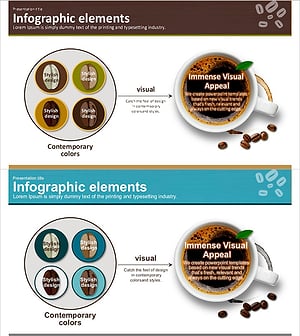
Coffee Bean Type Inclusion Diagram
#Product/Service Introduction #Diagram #Composition
