



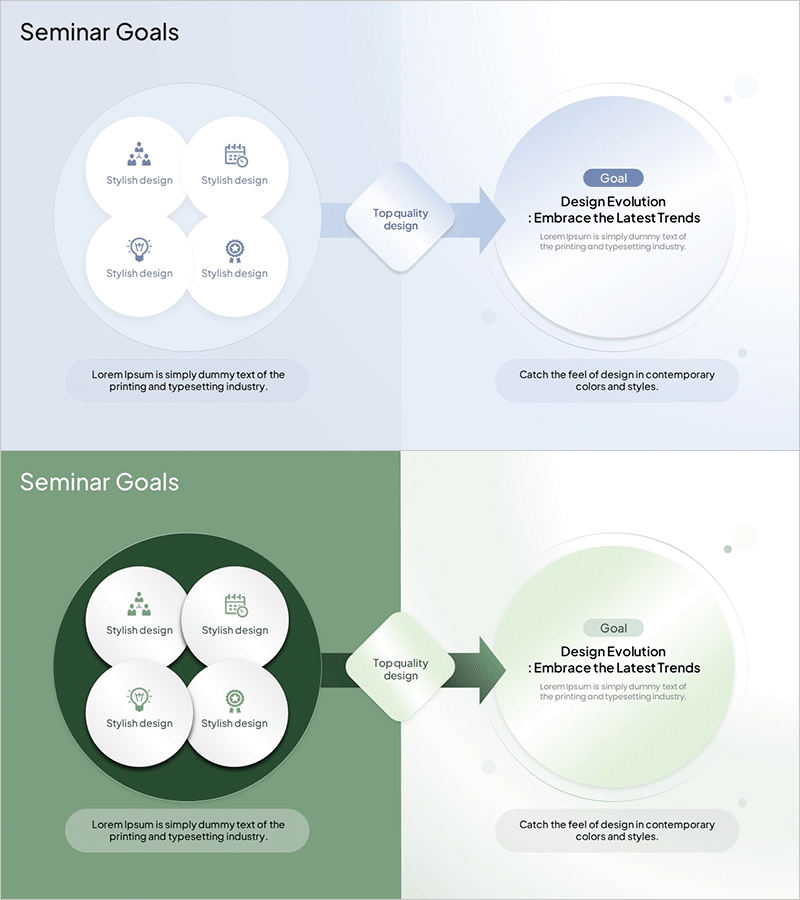
Seminar Goal Setting Diagram – Business Vision and Marketing Strategy
RM0900002_6
- Last Update 03/02/2025
- File Size 0.6MB
- # of Slides 2
- File Format PPTX
- Slide Ratio 16:9
- Color
Keywords
- #Content-Based Slides
- #Design-Based Slides
- #Business Vision and Strategy
- #Marketing Plan and Strategy
- #Diagram
- #Business Goals
- #Marketing Objectives
- #Flow
- #Cluster
- #Linear Flow
- #Combination Diagram
- #16:9
- #nested diagram PowerPoint
- #goal setting slide template
- #4-node diagram
- #seminar presentation slides
- #diagram PowerPoint slide design
About the Product
A 4-node nested diagram PowerPoint slide designed for seminar goal setting and strategic planning. The slide features a light blue background with four white circular nodes arranged around a central diamond shape, each with space for icons and text input. The left slide displays four stylish design elements, while the right slide visualizes the flow toward the top-level goal using directional arrows. This PowerPoint slide template is ready to use for business vision presentations, marketing strategy sessions, design evolution workshops, and seminar discussions.
Usage Points
-
Main Usage
Visualizes hierarchical relationships between core goals and supporting elements in seminars, workshops, and business presentations. The four independent nodes converge toward a central objective, making it ideal for strategy planning, project goal setting, and organizational vision communication.
-
How to Use
Enter strategic elements (such as stylish design, quality, trends) into the four nodes on the left slide, and specify the final goal on the right slide. Edit node icons and text to match your presentation context and customize colors as needed.
-
Recommended For
Marketing professionals, planners, executives, and educators presenting seminar goals, business strategies, and project visions. Particularly effective when emphasizing integrated goals from multiple elements.
-
Slide Structure
2-slide set. Slide 1: Light blue background with four white circular nodes (each with icon and text input area) positioned around a central diamond. Slide 2: Directional arrow flow from the left 4-node diagram to a large circular goal area on the right. 16:9 aspect ratio in PPTX format.
Related Products
-
Business Goal Setting Nested Diagram – Move Forward with Clear Visions and Strategies
#Business Vision and Strategy #Marketing Plan and Strategy #Diagram
-
Marketing Process Goals Diagram – Effective Strategy Development
#Business Vision and Strategy #Marketing Plan and Strategy #Diagram
-
Marketing End Goal Linear Diagram
#Business Vision and Strategy #Marketing Plan and Strategy #Diagram
-
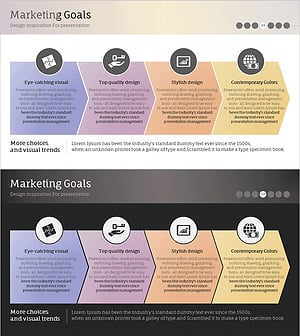
Marketing Achievement Goals for Brand Growth – Vision and Strategy
#Business Vision and Strategy #Marketing Plan and Strategy #Diagram
