



Case Studies and Examples of Closed Diagrams - Technology Inspiration
RM0900001_13
- Last Update 03/02/2025
- File Size 1.2MB
- # of Slides 2
- File Format PPTX
- Slide Ratio 16:9
- Color
Keywords
- #Content-Based Slides
- #Design-Based Slides
- #Technical Approach
- #Diagram
- #Implementation Case Studies
- #Research and Development
- #Cluster
- #Closed Cluster Diagram
- #16:9
- #closed cluster diagram PowerPoint
- #case studies slide template
- #3-item comparison diagram
- #cluster diagram slide design
- #how to create case study diagrams in PowerPoint
About the Product
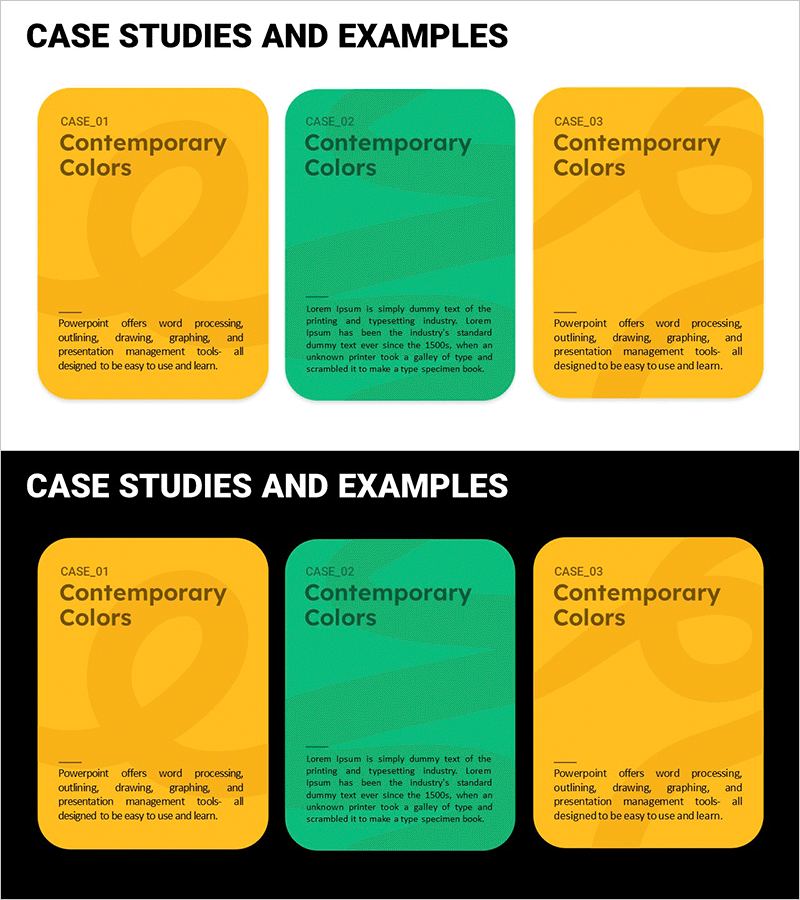
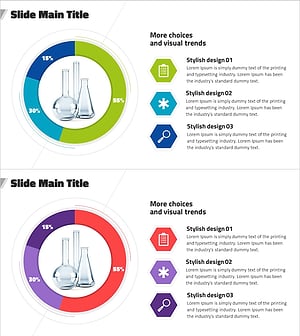
A closed cluster diagram PowerPoint slide designed to visualize case studies and examples with a three-card node layout in yellow and green tones. Each card node provides space for case name, description, and key findings, making it ideal for technology sectors, research and development, and project case analysis presentations. The two-slide set in 16:9 widescreen format enables direct comparison and intuitive information organization for complex data visualization.
Usage Points
-
Main Usage
Systematically compare and analyze case studies and examples in technology, research and development, and business projects. The three independent closed-form nodes present each case's characteristics, outcomes, and lessons in parallel, enabling audiences to clearly recognize differences and commonalities across cases.
-
How to Use
Enter case name, description text, and key points into each card node. Progress from left to right according to presentation flow, or arrange by importance level. Maintain the yellow-green background or customize with company brand colors to enhance visual consistency.
-
Recommended For
Technology leaders, R&D managers, project managers, consultants, and educators use this template for case analysis, success story sharing, and project comparison presentations. Suitable for technology seminars, research presentations, internal training, and client proposals.
-
Slide Structure
Two-slide set with three card-shaped closed nodes (left, center, right) per slide. Each node contains a case name label, description text area, and key content input space. Yellow-green dual-tone background strengthens visual distinction between nodes.
Related Products
-
Execution Strategy for New Drug Development Project Slide
#Business Strategy #Technical Approach #Diagram
-
Stylish Design-Based PowerPoint Template – A World of Limitless Possibilities
#Product/Service Introduction #Technical Approach #Product/Service Introduction
-
Experimental Analysis Graph – Insights through Data Visualization
#Technical Approach #Market and Competitor Analysis #Diagram
-
Experimental Configuration Content Circle Graph
#Product/Service Introduction #Technical Approach #Diagram
