



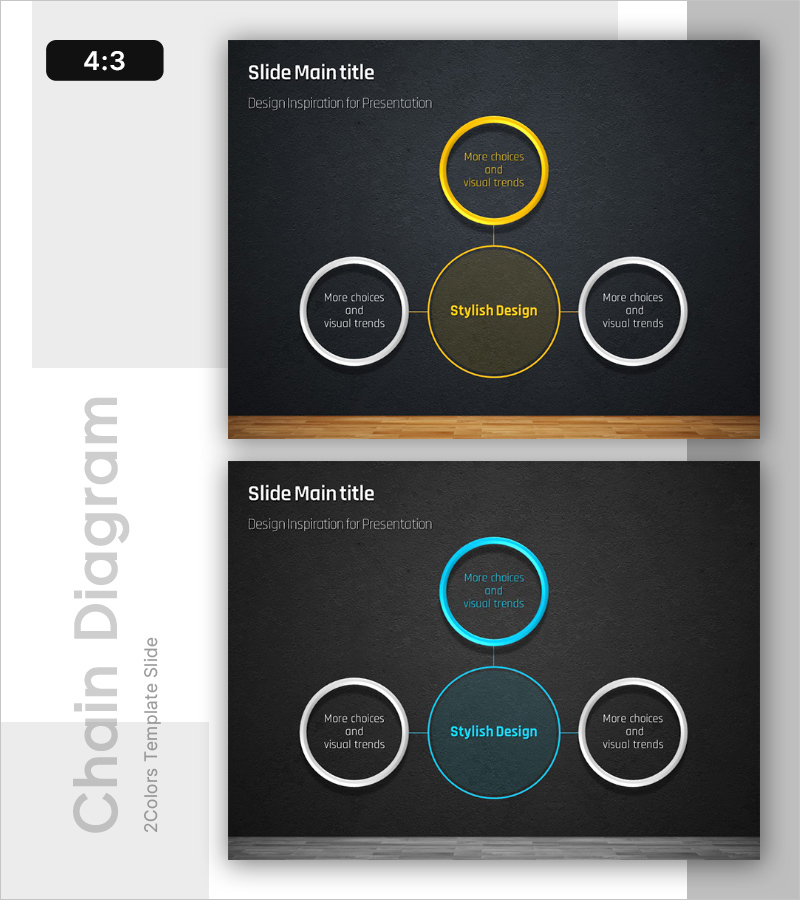
Chromosome Theme Wide PowerPoint Template – Stylish Diagram Composition
RB0100001_4
- Last Update 02/28/2025
- File Size 3.3MB
- # of Slides 2
- File Format PPTX
- Slide Ratio 4:3
- Color
Keywords
- #Content-Based Slides
- #Design-Based Slides
- #Technical Approach
- #Diagram
- #Service Architecture Diagram
- #System Architecture Diagram
- #Cluster
- #Chain Diagram
- #4:3
- #radial diagram PowerPoint
- #central connection diagram slide
- #5-node structure template
- #organizational chart PPT
- #system architecture diagram
- #PowerPoint diagram slide design
About the Product
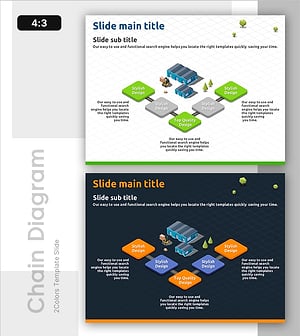
A radial diagram PowerPoint slide that expands from a central concept to four surrounding elements. This 2-slide set provides two color versions: yellow accent and cyan accent on a dark background. Circular nodes connected by lines clearly express hierarchical relationships, allowing you to input text for each node to visualize organizational structures, service architectures, system diagrams, and more. Available in 4:3 ratio PPTX format, fully editable and ready for presentations and planning documents.
Usage Points
-
Main Usage
Optimized for expressing relationships between central concepts and surrounding elements such as organizational structures, service architectures, system diagrams, and business processes. The radial layout intuitively conveys hierarchical information.
-
How to Use
Input title and description text into each circular node to create organizational charts, structure diagrams, or process maps. Use the yellow version for warm-toned presentations and the cyan version for technology and IT-focused presentations. Adjust colors and node sizes to control emphasis.
-
Recommended For
Recommended for company introductions requiring organizational structure explanations, technical presentations covering system architecture, proposals describing service composition, business plans visualizing business models, and operational plans defining team structures and roles.
-
Slide Structure
Central circular node (main concept) + four circular nodes at top, left, right, and bottom (detail items) + connecting lines from center to each node. Yellow version features olive background with yellow border on central node and white borders on surrounding nodes. Cyan version features dark background with cyan border on central node and white borders on surrounding nodes.
Related Products
-
Core Services Connection Diagram – Visualizing System and Service Compositions
#Technical Approach #Diagram #Service Architecture Diagram
-
Innovative Diagram for Food Ingredient Composition
#Technical Approach #Diagram #Service Architecture Diagram
-
Core Values Linked to the Central System
#Technical Approach #Diagram #Service Architecture Diagram
-
Linked Process Execution Diagram – Cluster and Service Composition
#Technical Approach #Diagram #Service Architecture Diagram
