




Social Network Main Business Structure
RM0700006_5
- Last Update 02/26/2025
- File Size 8MB
- # of Slides 2
- File Format PPTX
- Slide Ratio 16:9
- Color
Keywords
- #Content-Based Slides
- #Design-Based Slides
- #Company Introduction
- #Business Introduction
- #Diagram
- #Business Areas
- #Business Areas
- #Cluster
- #Spread
- #Closed Cluster Diagram
- #Centralized Diagram
- #16:9
- #radial diagram PowerPoint slide
- #center structure presentation
- #business field diagram
- #4-field diagram template
- #organizational structure PowerPoint
- #how to create radial diagram in PowerPoint
About the Product
A PowerPoint slide featuring a radial diagram with a central core concept connected to four surrounding field nodes in a symmetrical layout. Available in two color versions—red and blue—with each field containing three stylish design elements. Perfect for visualizing business divisions, organizational structures, product portfolios, and service offerings. Provided in 16:9 widescreen PPTX format with fully editable text and color options for customization.
Usage Points
-
Main Usage
Displays an organization's core business divisions or key functions radiating from a central hub. Each field includes three sub-items, creating a clear hierarchical information structure. Effectively communicates company overview, business strategy, and organizational hierarchy in executive presentations.
-
How to Use
Replace the central 'BUSINESS FIELD' text with your organization name or core concept. Edit the four field titles and descriptions to match your business divisions or functional areas. Select either the red or blue color version to align with your corporate brand identity.
-
Recommended For
Executive presentations, company overview decks, business strategy explanations, organizational structure introductions, product portfolio presentations, marketing planning documents, and investor pitch materials. Suitable for business, IT, finance, manufacturing, and service industry sectors.
-
Slide Structure
Central circular badge containing the core concept, with four circular field nodes positioned at cardinal directions (top, bottom, left, right). Each field node displays three stylish design items as text. Connecting lines link the center to each field, representing relationships. Three content section boxes are arranged at the bottom of the slide.
Related Products
-
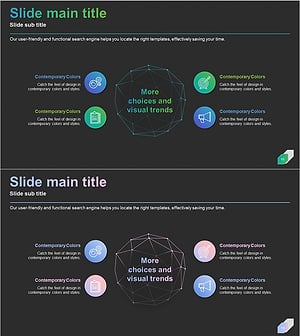
Domain Structure Diagram – Clear Visualization for Business Introduction
#Company Introduction #Business Introduction #Diagram
-
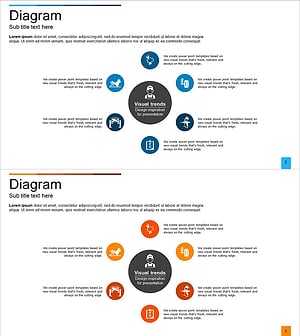
Automotive Maintenance Service Business Area – Cluster Diagram
#Company Introduction #Business Introduction #Diagram
-
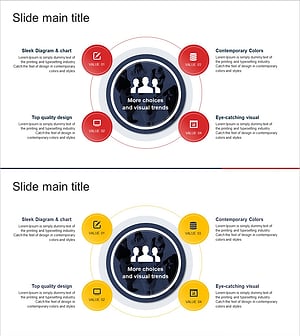
Financial Services Solutions Diagram – Highlighting Business Core and Values
#Company Introduction #Business Introduction #Diagram
-
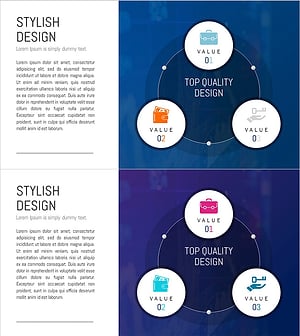
Financial Services Sector Diagram - Visualizing Business Values with Non-Central Diagram
#Company Introduction #Business Introduction #Diagram
