



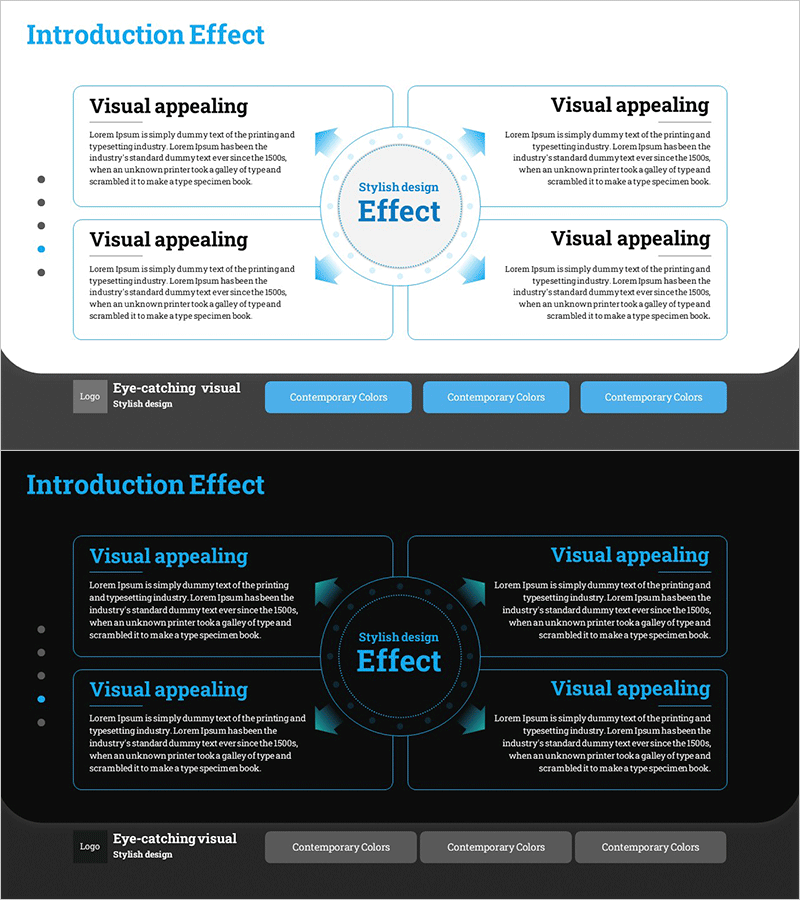
Expected Effect Diffusion Diagram – Visualizing Strategy and Vision
RM0700002_20
- Last Update 02/25/2025
- File Size 1MB
- # of Slides 2
- File Format PPTX
- Slide Ratio 16:9
- Color
Keywords
- #Content-Based Slides
- #Design-Based Slides
- #Business Introduction
- #Business Strategy
- #Diagram
- #Business Areas
- #Financial Outlook & Expected Impact
- #Cluster
- #Spread
- #Closed Cluster Diagram
- #Centralized Diagram
- #16:9
- #4-direction radial diagram PowerPoint
- #radial diagram slide template
- #central strategy visualization
- #how to create radial diagram in PowerPoint
- #business strategy diagram slide download
About the Product
A radial diagram PowerPoint slide with four directional branches extending from a central core element. This design effectively visualizes business strategies, expected outcomes, organizational goals, and vision statements by placing the key concept at the center and connecting four supporting elements in cardinal directions. The slide features a light background with blue arrows and text boxes that clearly convey information flow. Two slide layouts are provided—one with a bright background and one with a dark background—allowing you to match your presentation environment and corporate branding. Each directional section includes ample space for detailed descriptions, making it ideal for comprehensive business presentations. Fully editable and ready to use immediately.
Usage Points
-
Main Usage
Designed to place an organization's core strategy or expected outcome at the center and connect four supporting execution elements in a radial pattern, enabling stakeholders to grasp the entire structure at a glance. Applicable to business strategy presentations, organizational goal alignment, product value propositions, marketing strategy frameworks, and strategic initiative communications.
-
How to Use
Enter the core topic in the central circular text box and add supporting items and descriptions in the four directional rectangular boxes. Blue arrows connecting the center to each direction create a clear information flow. Background color, arrow color, and text size are fully customizable to match your brand guidelines.
-
Recommended For
Ideal for strategy presentations, business plan briefings, organizational restructuring announcements, product launch strategy presentations, marketing planning meetings, executive reports, investor pitches, and any scenario requiring clear communication of core concepts and supporting execution elements.
-
Slide Structure
Two-slide layout. Each slide features one central circular core element with four rectangular text boxes positioned in cardinal directions (top, bottom, left, right). Four blue arrows extend from the center to each directional box. Includes both light-background and dark-background versions for flexible use.
Related Products
-
Domain Structure Diagram – Clear Visualization for Business Introduction
#Company Introduction #Business Introduction #Diagram
-
Core Competency Diagram – Emphasizing Business Strategy and Vision
#Business Introduction #Business Vision and Strategy #Diagram
-
Rounding Box Diffusion Diagram – Business Vision and Strategy
#Business Introduction #Business Vision and Strategy #Diagram
-
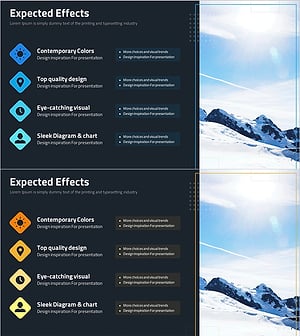
Business Expected Effects Introduction Slide - Practical Business Impact
#Business Introduction #Business Strategy #Diagram
