




Business Area Circular Connection Diagram – Connecting Business Strategies
RM0500009_5
- Last Update 02/22/2025
- File Size 0.5MB
- # of Slides 2
- File Format PPTX
- Slide Ratio 16:9
- Color
Keywords
- #Content-Based Slides
- #Design-Based Slides
- #Company Introduction
- #Business Introduction
- #Diagram
- #Business Areas
- #Business Areas
- #Spread
- #Radial Diagram
- #16:9
- #radial diagram PowerPoint
- #connection diagram slide template
- #business strategy visualization
- #4-node diagram
- #hub-and-spoke PowerPoint slide
About the Product
A radial connection diagram PowerPoint slide that extends from a central core concept to four directional nodes. Available in two color versions—blue and green—each node features an icon and text input area for customization. Ideal for visualizing business areas, value propositions, strategic elements, and their relationships to a central concept. Delivered as a 16:9 widescreen 2-slide PPTX file with fully editable elements for immediate use in presentations.
Usage Points
-
Main Usage
Visualize the relationship between a central concept and surrounding elements using a radial structure, enabling audiences to grasp the entire framework at a glance. Commonly used in company presentations, strategy briefings, and business overviews to emphasize the connectivity between core messages and supporting details.
-
How to Use
Enter your core concept (e.g., company vision, business objective) in the central circle. Add supporting strategies or business areas to the four surrounding nodes. Customize node icons to match your content, and adjust text and background colors to emphasize key points. Choose between blue or green color versions based on your presentation theme and tone.
-
Recommended For
Executives, strategy managers, marketing planners, and business development professionals explaining business strategies, organizational structures, product portfolios, or market expansion plans. Suitable for company presentations, business plans, investor pitch decks, and strategic reports where hub-and-spoke visualization is needed.
-
Slide Structure
Two-slide set featuring a central large circle (for core concept input) with four surrounding nodes positioned at cardinal directions. Each node contains a circular icon placeholder and text area. Connection lines converge from nodes to center in a radial pattern. One slide in blue, one in green, both fully customizable.
Related Products
-
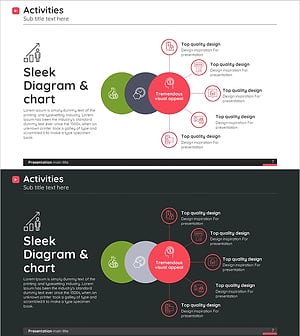
Diagram Introducing Business Activity Areas – Visualizing Business Areas
#Company Introduction #Business Introduction #Diagram
-
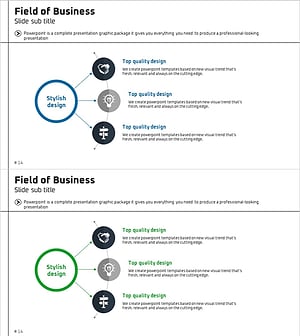
Business Area Diffusion Diagram – Directions for Business Development
#Company Introduction #Business Introduction #Diagram
-
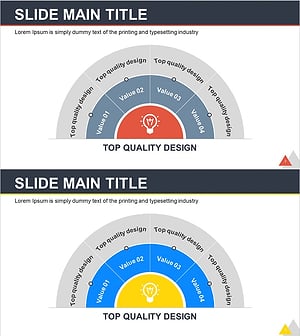
Idea Space Diagram for Visualizing Business Areas – Creativity and Innovation
#Company Introduction #Business Introduction #Diagram
-
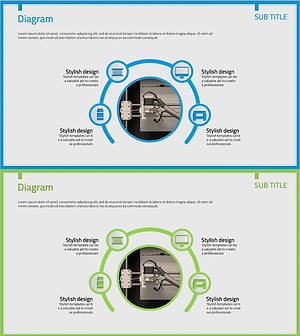
3D Printing Business Area Diagram – Innovative Business Introduction
#Company Introduction #Business Introduction #Diagram
