



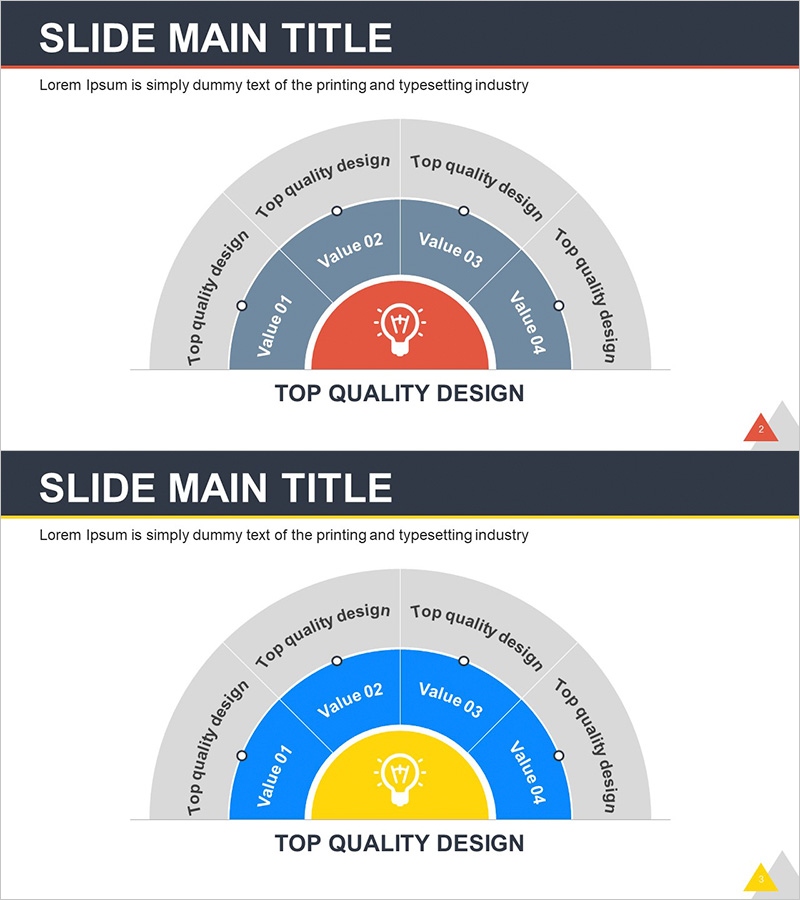
Idea Space Diagram for Visualizing Business Areas – Creativity and Innovation
RJ0300070_11
- Last Update 07/08/2025
- File Size 0.1MB
- # of Slides 2
- File Format PPTX
- Slide Ratio 16:9
- Color
Keywords
- #Content-Based Slides
- #Design-Based Slides
- #Company Introduction
- #Business Introduction
- #Diagram
- #Business Areas
- #Business Areas
- #Spread
- #Radial Diagram
- #16:9
- #radial diagram PowerPoint
- #idea space diagram slide
- #central expansion diagram
- #business area visualization PPT
- #how to create radial diagram in PowerPoint
About the Product
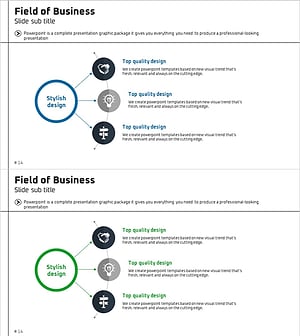
A radial diagram PowerPoint slide where five items expand outward from a central concept. Featuring a red and blue two-tone color scheme with a semicircular layout, this slide effectively visualizes business areas, creativity elements, and innovation points. The 2-slide set is ready for immediate use in various presentation contexts, and text can be customized to apply to organizational strategy, product features, marketing positioning, and more. Optimized for 16:9 widescreen format in PPTX.
Usage Points
-
Main Usage
The radial structure clearly expresses multiple items derived from a central concept, effectively communicating business area analysis, organizational capabilities, product features, and marketing strategy through center-to-periphery relationships. Red and blue two-tone colors and semicircular layout enhance visual impact.
-
How to Use
Use in company profile presentations for business area sections, product introduction decks for core feature explanations, and strategy presentations for organizational capability analysis. Customize the central text and five item labels to fit various topics including organizational structure, marketing positioning, and innovation elements.
-
Recommended For
Recommended for executives and planning teams developing business strategy, marketing and sales teams explaining product features, HR and consulting teams analyzing organizational capabilities, and startups and R&D departments emphasizing creativity and innovation.
-
Slide Structure
2-slide set. Each slide features a radial diagram with a central circular icon (lightbulb shape) and five items arranged in a semicircle. The first slide uses red center with blue periphery; the second offers blue center with yellow periphery for design variation. Each item includes text input areas and labels for customization.
Related Products
-
Business Area Circular Connection Diagram – Connecting Business Strategies
#Company Introduction #Business Introduction #Diagram
-
Business Exploration Area Diagram – Visualizing Business Fields and Opportunities
#Company Introduction #Business Introduction #Diagram
-
Diagram of Gaming Device Types – Business Vision and Diversity
#Company Introduction #Business Introduction #Diagram
-
Business Area Diffusion Diagram – Directions for Business Development
#Company Introduction #Business Introduction #Diagram
