



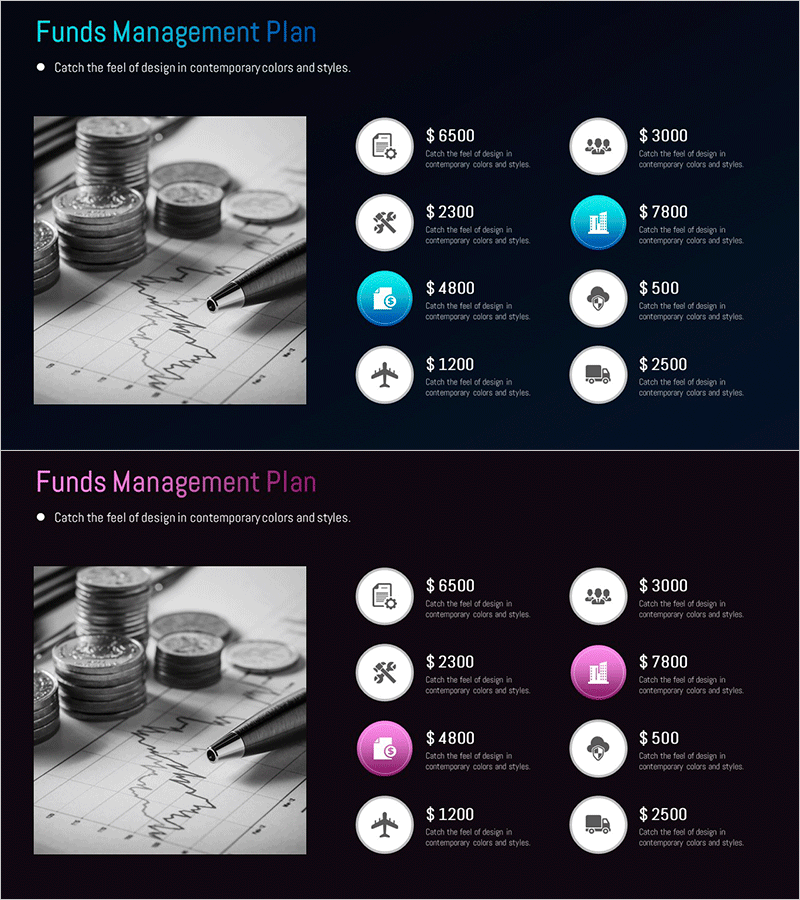
Item-by-item Budget Diagram – Enhance Efficiency in Financial Planning
RM0500005_28
- Last Update 02/21/2025
- File Size 0.6MB
- # of Slides 2
- File Format PPTX
- Slide Ratio 16:9
- Color
Keywords
About the Product
A comprehensive 8-item cluster diagram PowerPoint slide designed to visualize budget allocation and financial planning at a glance. The diagram features a central hub connected to eight surrounding nodes, creating a radial structure that clearly shows the relationship and proportion of each budget category. Two color variations with cyan and magenta accents on a dark background provide flexibility for different presentation contexts and corporate branding. The 16:9 widescreen format includes 2 fully editable slides where all text, icons, and shapes can be customized to input actual budget data and adapt to your specific financial presentation needs.
Usage Points
-
Main Usage
Ideal for presenting budget allocation and financial planning in corporate settings. This diagram transforms complex financial data into an intuitive visual format, making it perfect for investor presentations, executive briefings, departmental budget meetings, and strategic financial planning sessions where clear budget structure communication is essential.
-
How to Use
Enter your main budget categories (e.g., payroll, marketing, operations) in the central node, then populate the 8 surrounding nodes with detailed budget items and amounts. Adjust node sizes and colors to reflect budget proportions, and use connecting lines and arrows to emphasize relationships between budget categories and dependencies.
-
Recommended For
CFOs, financial managers, executives, and investor relations professionals presenting financial plans and budget strategies. Particularly effective for annual budget presentations, new business proposals, investor pitch decks, financial performance reports, and strategic planning sessions where budget structure clarity is critical.
-
Slide Structure
Central hub design with one primary node connected to 8 surrounding nodes in a radial cluster layout. Each node contains an icon placeholder and editable text area. Connection lines extend from the center to each outer node, establishing clear hierarchical relationships. Two color schemes (cyan and magenta accents) are provided for theme flexibility.
Related Products
-
Modern Graph Slide Template for Data Visualization
#Financial Plans and Performance #Diagram #Graph
-
Budget Diagram by Item – Visual Representation of Budget Planning
#Financial Plans and Performance #Diagram #Capital Requirements
-
Estimated Budget Breakdown – Financial Planning and Budget Management
#Financial Plans and Performance #Diagram #Capital Requirements
-
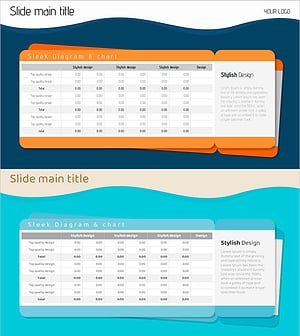
Ticket Illustration Table – Visualizing Budget Planning
#Financial Plans and Performance #Diagram #Capital Requirements
