



Business Area PC Mockup Diagram – Optimized for Market Analysis
RM0400006_11
- Last Update 02/16/2025
- File Size 1.6MB
- # of Slides 2
- File Format PPTX
- Slide Ratio 16:9
- Color
Keywords
- #Content-Based Slides
- #Design-Based Slides
- #Company Introduction
- #Market and Competitor Analysis
- #Diagram
- #Other
- #Business Areas
- #Customer Analysis
- #Spread
- #Centralized Diagram
- #Mockup
- #16:9
- #PC mockup diagram PowerPoint
- #business segmentation slide template
- #customer analysis PowerPoint
- #market analysis mockup slide
- #business area diagram presentation
About the Product
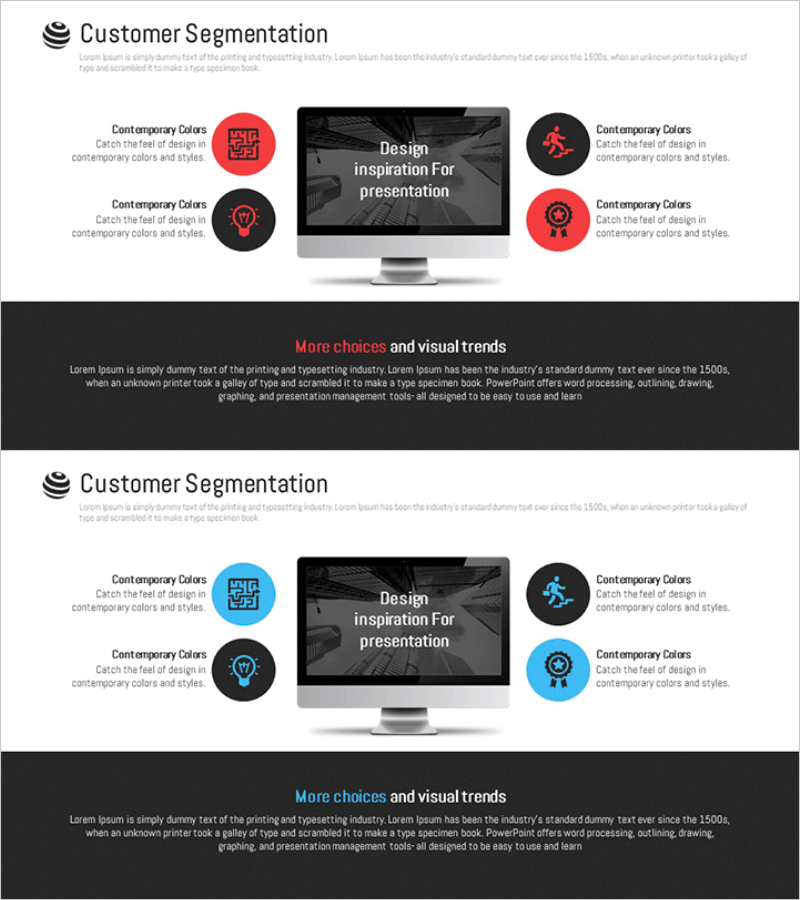
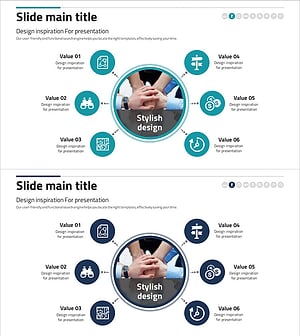
A PC mockup diagram PowerPoint slide designed for business area analysis and customer segmentation presentations. The design features a black monitor screen with centered text reading 'Design Inspiration For presentation,' flanked by four circular icons in red and black arranged symmetrically on both sides. Each icon is labeled 'Contemporary Colors' for visual emphasis. This 16:9 ratio, 2-slide template is ready to use for market analysis, customer segmentation, and business strategy presentations.
Usage Points
-
Main Usage
Visualize business area analysis, customer segmentation, and market positioning through a PC screen mockup. The centered content area and symmetrically arranged icons clarify information hierarchy and enable side-by-side comparison of customer groups, market opportunities, and business strategies.
-
How to Use
Slide 1 emphasizes primary customer segments using red icons; Slide 2 adds secondary classifications with mixed red and black icons. Insert customer characteristics, market size, and business opportunities in the text areas next to each icon to create comparative analysis visuals.
-
Recommended For
Marketing managers, business strategists, consultants, and investor relations professionals presenting customer segmentation strategies, market analysis results, and business expansion plans. Ideal for digital product and service introductions where PC mockup format enhances user experience communication.
-
Slide Structure
2-slide layout with black monitor mockup background. Each slide centers a text content area on the screen, with 4 circular icons (2 left, 2 right) in red or black arranged symmetrically. 'Contemporary Colors' labels and description text fields beside each icon allow customization for customer segment and market classification data.
Related Products
-
Sleep Effect Diagram – Centralized Data Visualization
#Company Introduction #Market and Competitor Analysis #Diagram
-
Customer Segmentation Analysis Diagram – In-Depth Customer Insights
#Company Introduction #Market and Competitor Analysis #Diagram
-
Cooperative Partner Business Areas Diagram
#Company Introduction #Business Introduction #Diagram
-
Financial Services Sector Diagram – Business Introduction and Vision
#Company Introduction #Business Introduction #Diagram
