



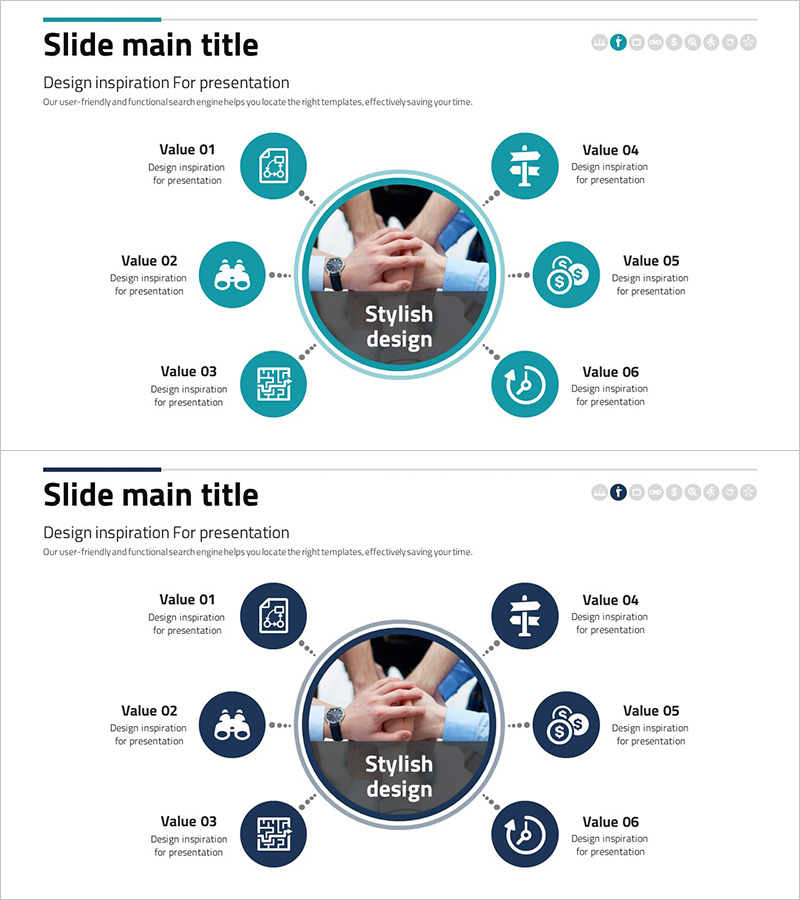
Financial Services Sector Diagram – Business Introduction and Vision
RJ0300075_12
- Last Update 05/09/2025
- File Size 1MB
- # of Slides 2
- File Format PPTX
- Slide Ratio 16:9
- Color
Keywords
- #Content-Based Slides
- #Design-Based Slides
- #Company Introduction
- #Business Introduction
- #Diagram
- #Business Areas
- #Business Areas
- #Spread
- #Centralized Diagram
- #16:9
- #radial diagram PowerPoint
- #center diagram slide template
- #business sector diagram
- #6-item radial chart
- #how to create radial diagram in PowerPoint
About the Product
A radial diagram PowerPoint slide with six items arranged around a central focal point, connected by dotted lines. Features teal and navy circular icons representing different business sectors or functions. Ideal for business introduction, vision statement, and sector analysis presentations. Includes two color variations (teal and navy) for flexible presentation styling. Each item has an icon placeholder and text area for immediate customization and use.
Usage Points
-
Main Usage
Visualizes core business concepts, organizational functions, or strategic pillars radiating from a central hub. Commonly used for business portfolio presentations, service area overviews, organizational role distribution, and strategic business model explanations in finance, consulting, and corporate sectors.
-
How to Use
Enter your core concept (company name, vision, or key value) in the central circle. Add business items, functions, or roles to the six surrounding icon circles with corresponding text. Customize icons to match each sector, and switch between teal and navy color slides to suit your presentation tone.
-
Recommended For
Executive presentations, marketing and strategy teams, financial services and consulting firms, business portfolio introductions, investor pitch decks, organizational structure explanations, and new business launch presentations.
-
Slide Structure
Two-slide set. Slide 1: Teal-colored radial diagram with central circle and six surrounding circles connected by dotted lines. Slide 2: Navy-colored version with identical layout. Each circle includes icon and text input areas. 16:9 widescreen format, fully editable.
Related Products
-
Mobile Security Service Diagram
#Company Introduction #Business Introduction #Diagram
-
Vaccine Diffusion Diagram – Business Introduction and Diffusion Strategy
#Company Introduction #Business Introduction #Diagram
-
Card Payment Service Area Diagram – Business Sector Introduction
#Company Introduction #Business Introduction #Diagram
-
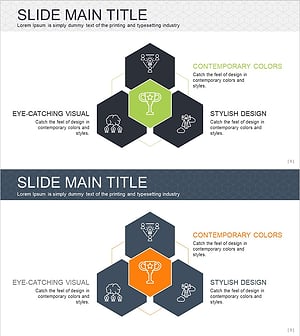
Hexagonal Diffusion Diagram for Business Area Visualization
#Company Introduction #Business Introduction #Diagram
