



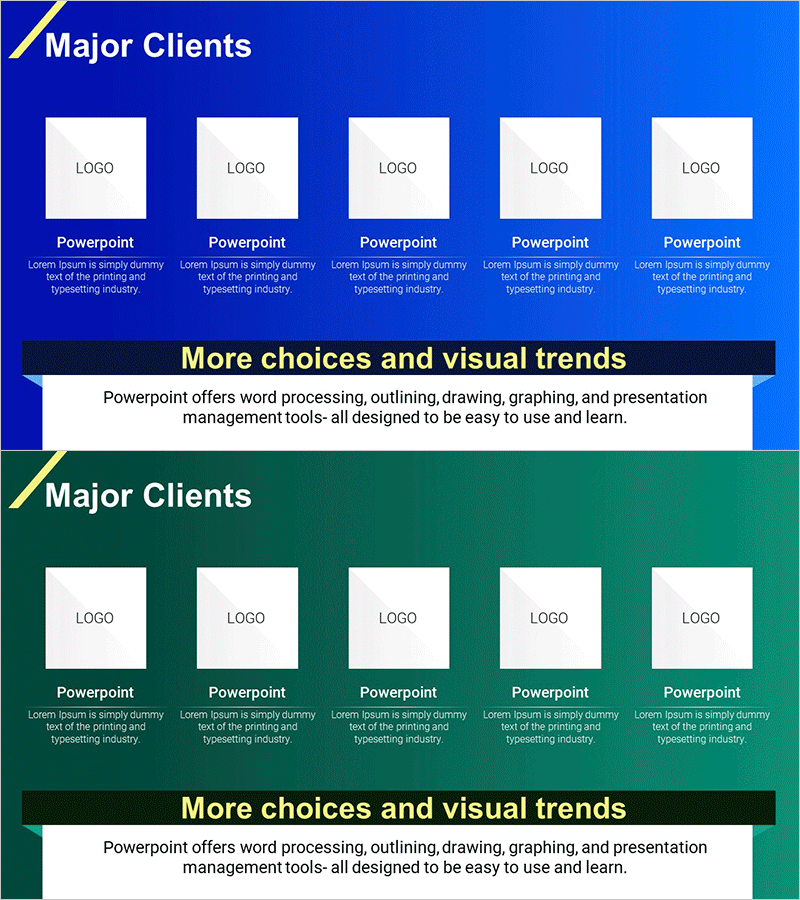
Diagram Introducing Major Trading Companies – Effective Cluster Visualization
RM0300023_18
- Last Update 02/13/2025
- File Size 0.4MB
- # of Slides 2
- File Format PPTX
- Slide Ratio 16:9
- Color
Keywords
- #Content-Based Slides
- #Design-Based Slides
- #Company Introduction
- #Product/Service Introduction
- #Diagram
- #Customers and Partners
- #Features
- #Cluster
- #Closed Cluster Diagram
- #16:9
- #cluster diagram PowerPoint
- #closed diagram slide template
- #company introduction slide
- #business partner visualization
- #logo layout PPT
About the Product
A closed cluster diagram PowerPoint slide designed to showcase major trading companies and key partners. Five logo boxes are symmetrically arranged around a central title area, with dedicated text fields below each logo for company descriptions. Two color options—blue and green backgrounds—are provided to match your presentation theme and corporate identity. This slide template is ideal for company introductions, product presentations, and investor pitch decks where you need to highlight key business relationships. Fully editable PPTX format enables quick customization for any business context.
Usage Points
-
Main Usage
Effectively present major trading companies, business partners, and collaborators in a single visual layout. The center-focused arrangement emphasizes core messaging while maintaining balanced composition across five key items.
-
How to Use
Insert company logos into each box and add company names and brief descriptions in the text fields below. Choose between blue or green background to align with your presentation style. Place this slide in the company introduction section or partner overview segment of your deck.
-
Recommended For
Marketing teams, sales departments, and executives preparing company introductions, product presentations, investment pitches, and business proposals. Ideal for any presentation where you need to highlight current business relationships and strengthen corporate credibility.
-
Slide Structure
Two-slide template featuring one blue-background slide and one green-background slide. Each slide contains a title area at the top, five horizontally-arranged logo boxes in the center, and editable text fields below each logo for descriptions. All elements are fully customizable.
Related Products
-
List of Major Clients – Introduction of Customers and Partners
#Company Introduction #Product/Service Introduction #Diagram
-
List of Major Partner Brands – Cluster Slide for Strengthening Partnerships
#Company Introduction #Product/Service Introduction #Diagram
-
Introduction to Mobile App Service Characteristics – Innovation and User Experience
#Product/Service Introduction #Technical Approach #Diagram
-
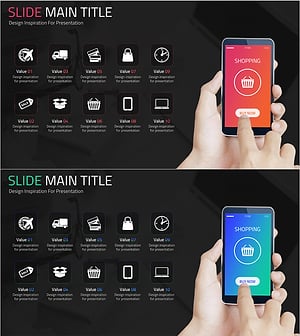
Online Shopping Mall Composition Diagram – Data Visualization
#Product/Service Introduction #Diagram #Other
