



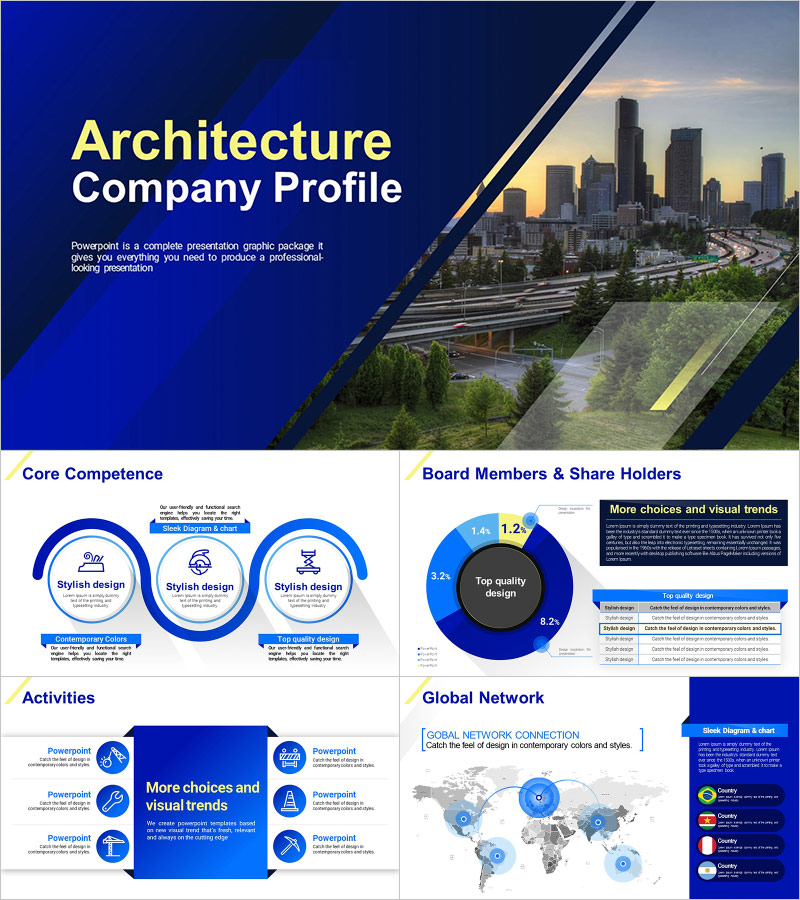
Architecture Company Profile Template – Modern and Elegant Design
M0300023
- Last Update 06/30/2025
- File Size 141.5MB
- # of Slides 26
- File Format PPTX
- Slide Ratio 16:9
- Color
Slide Preview






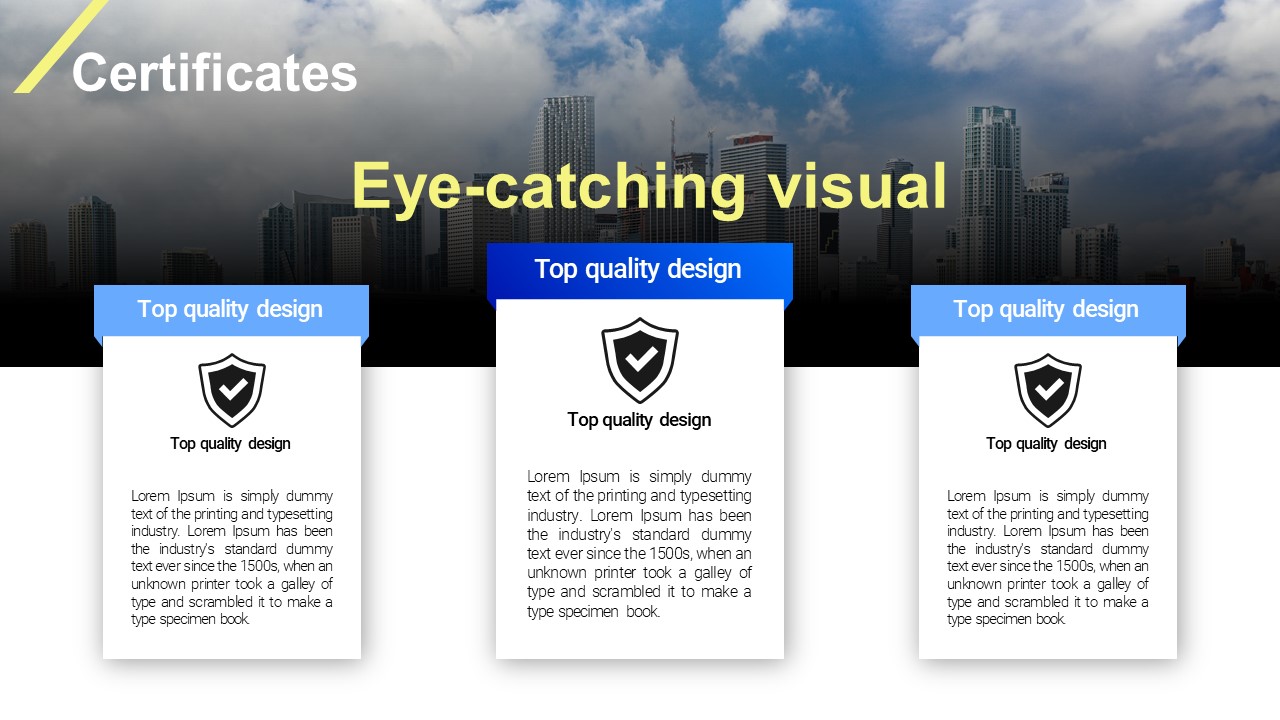

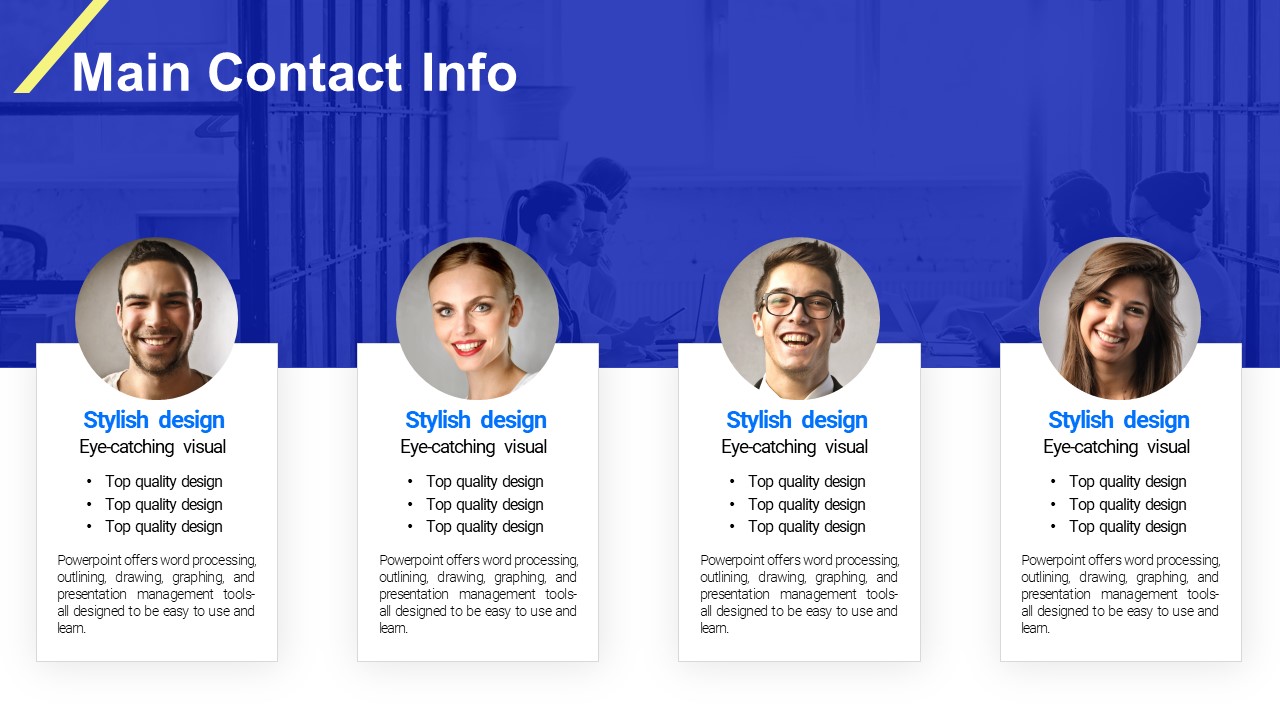
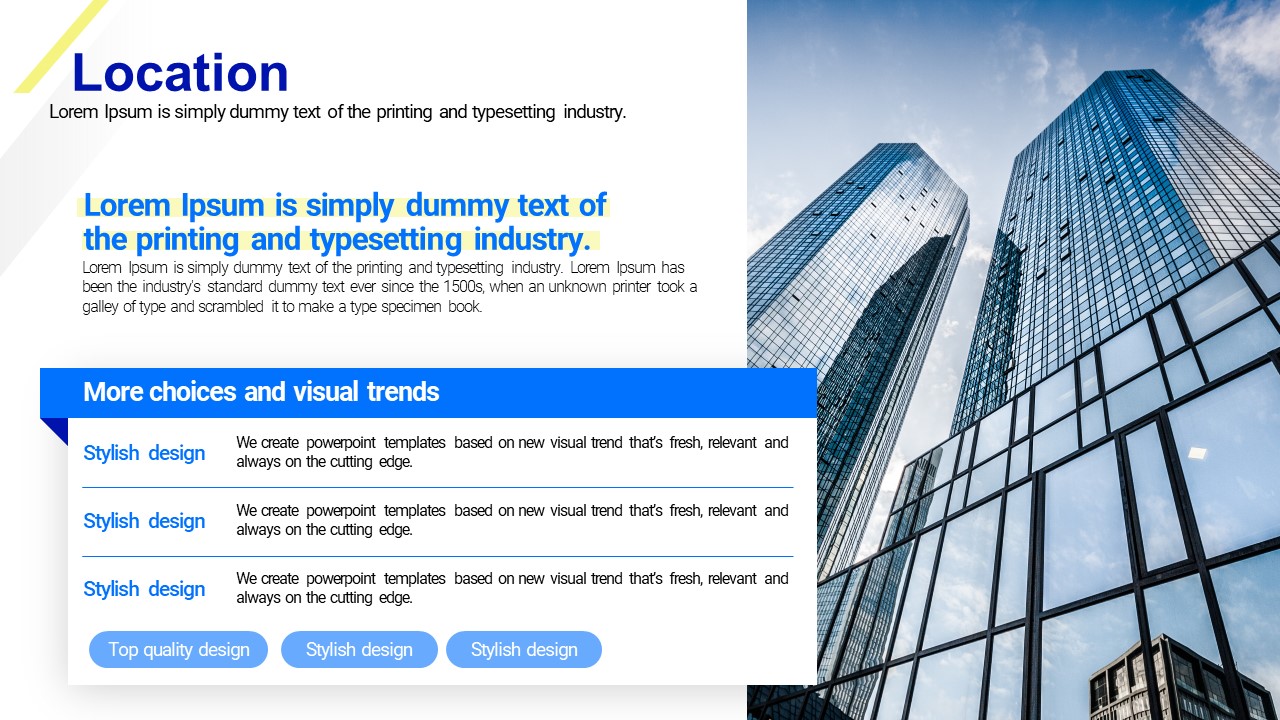

Keywords
About the Product
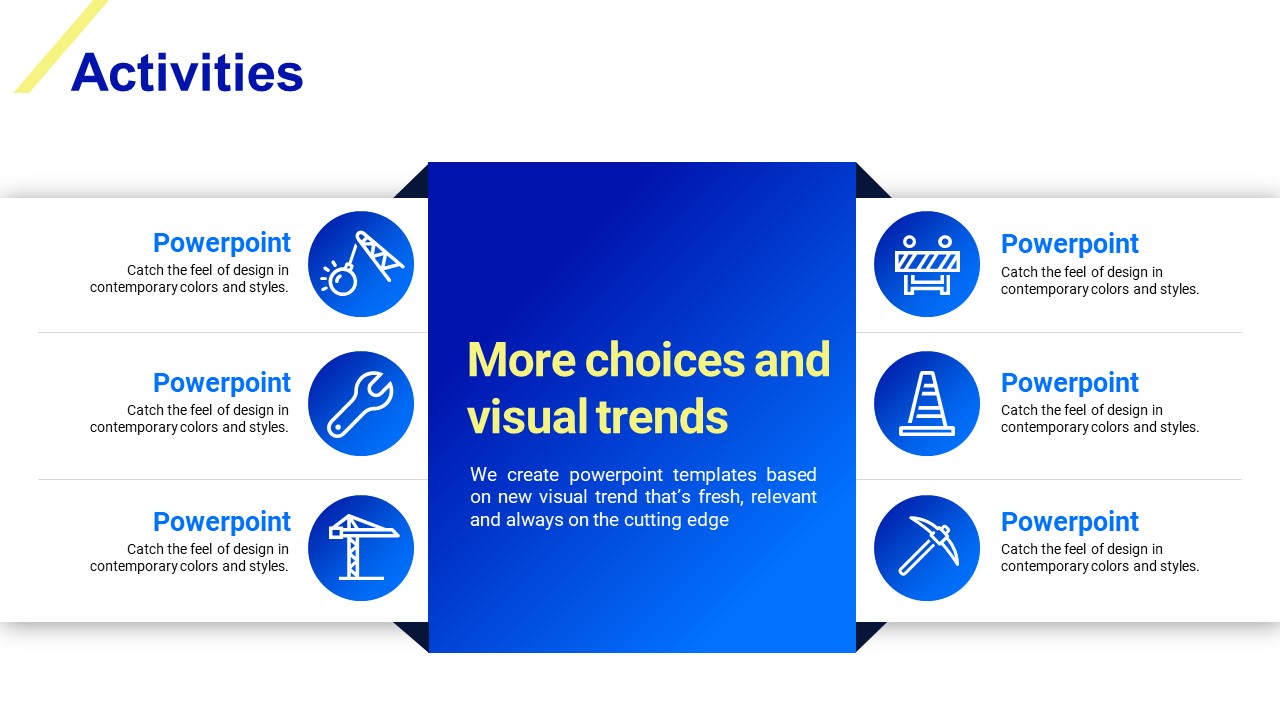
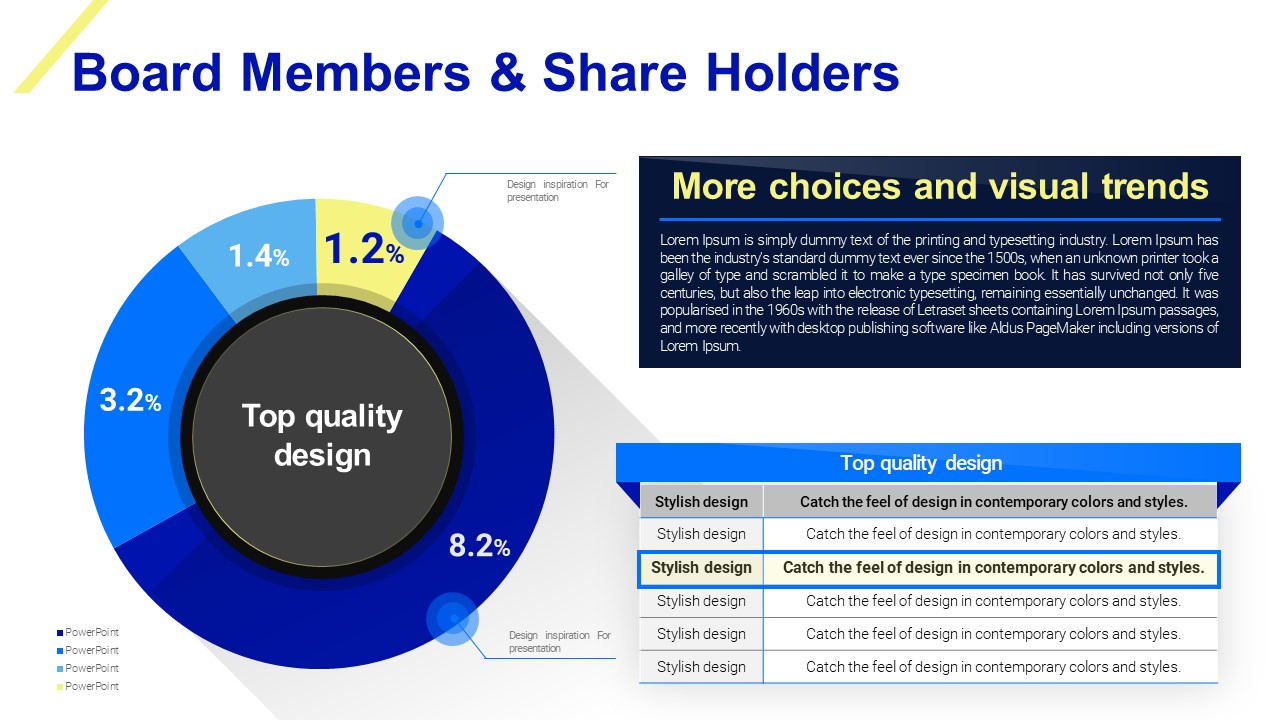
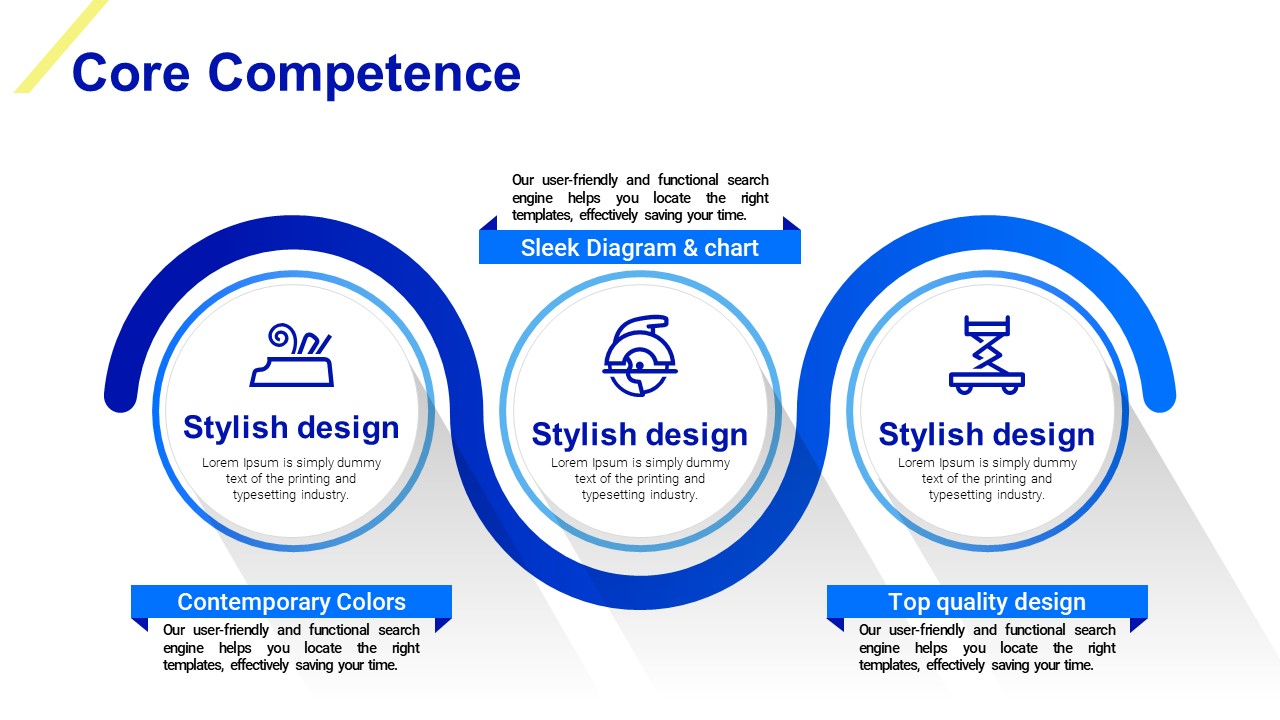
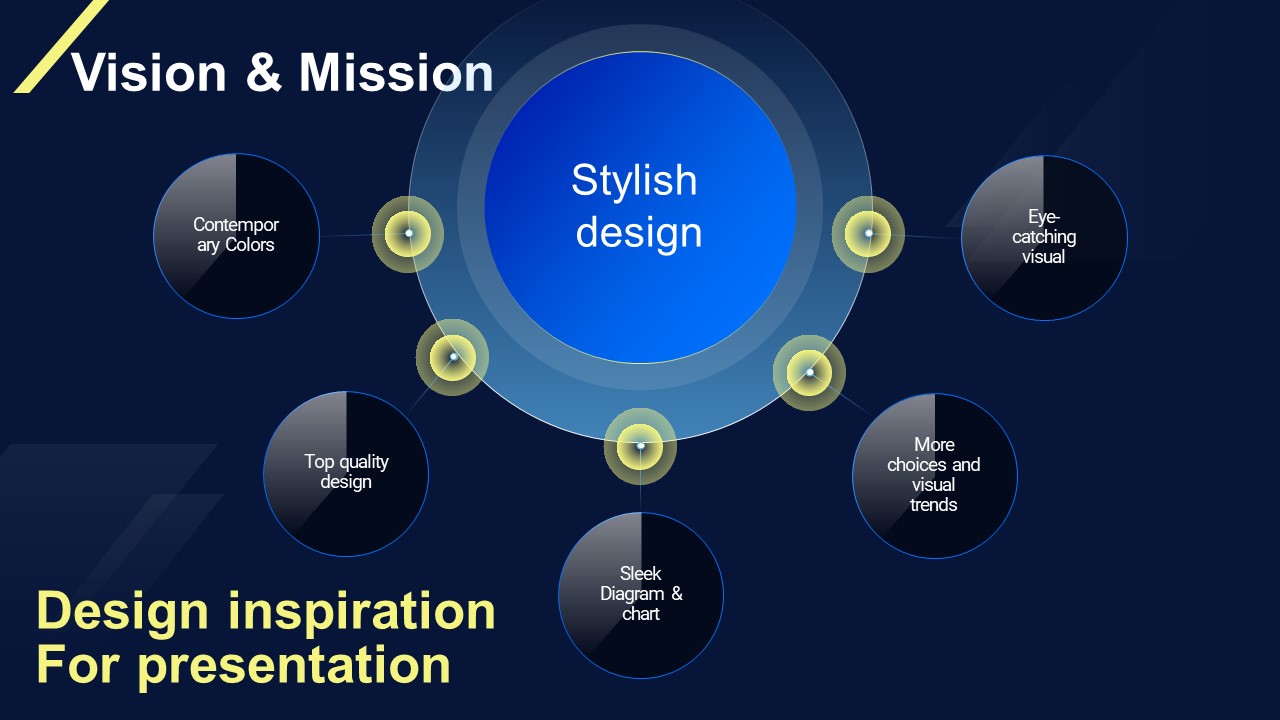
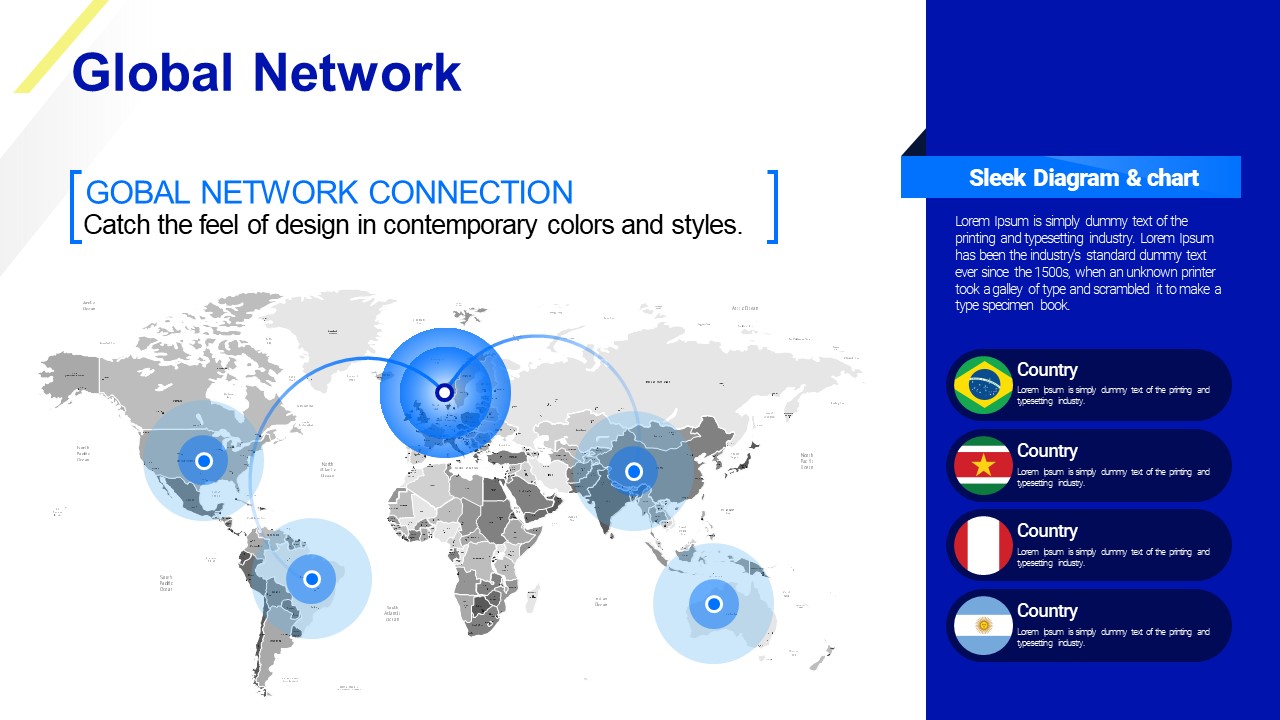
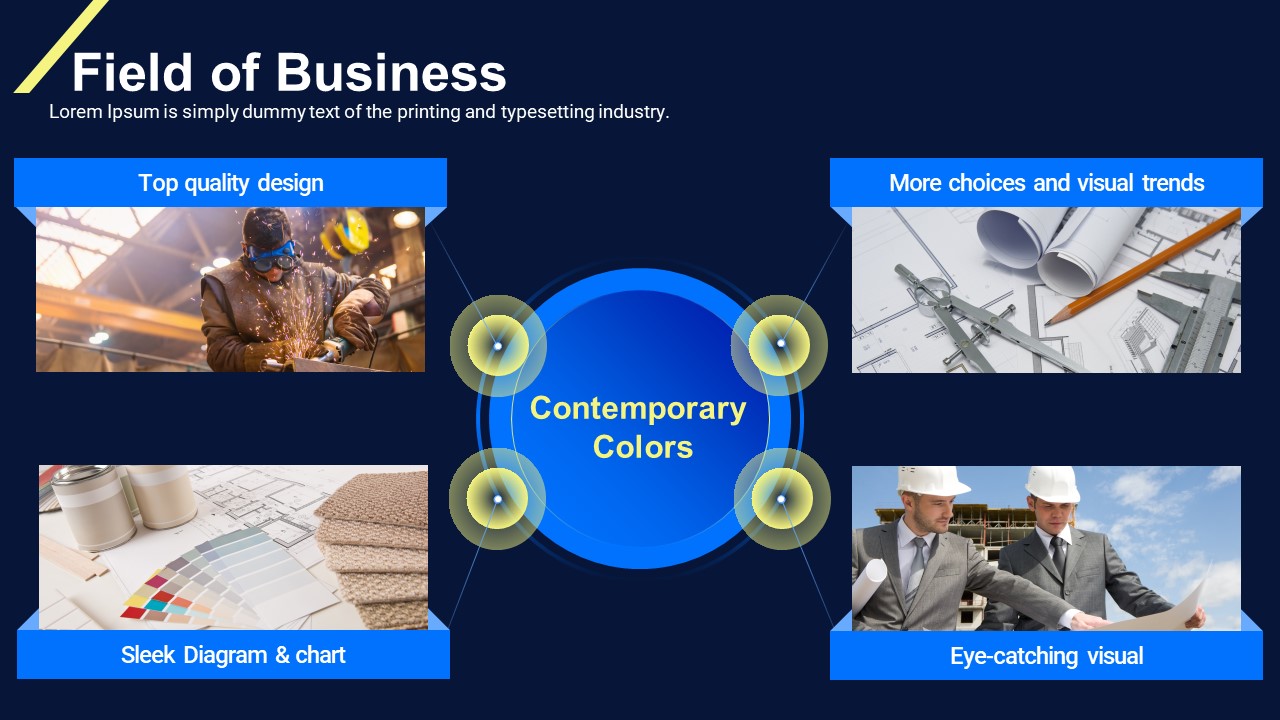
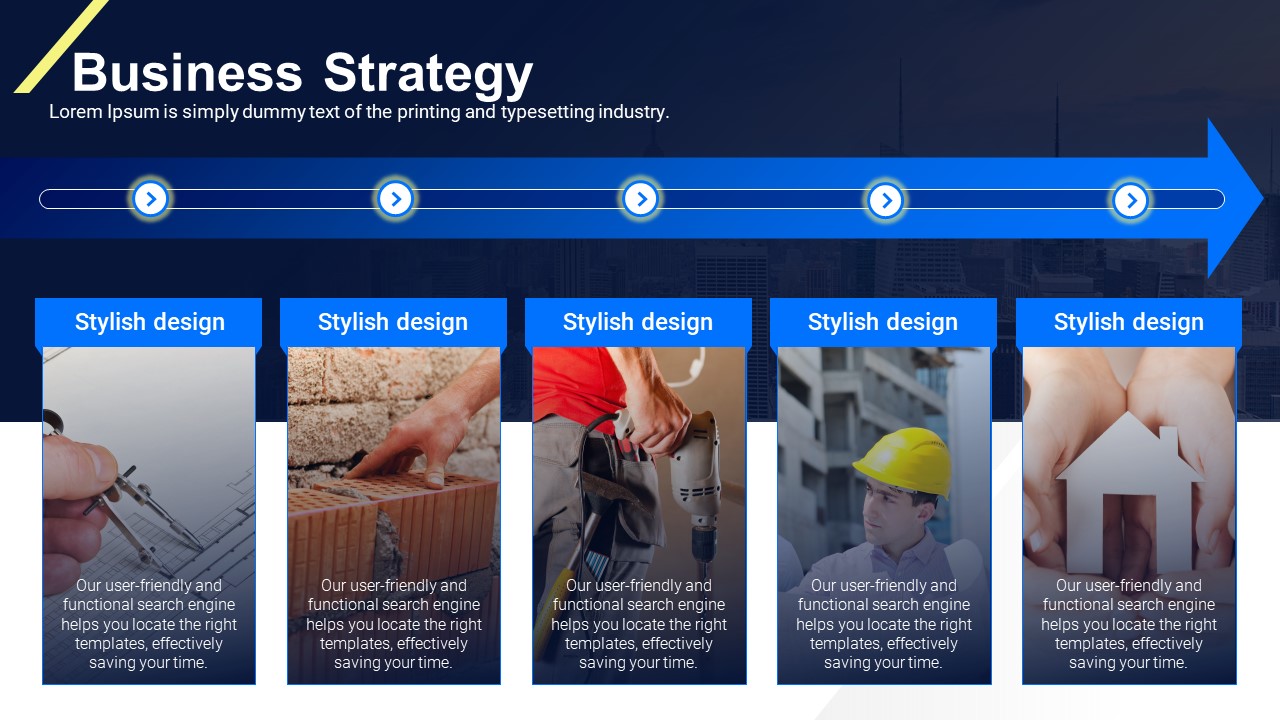
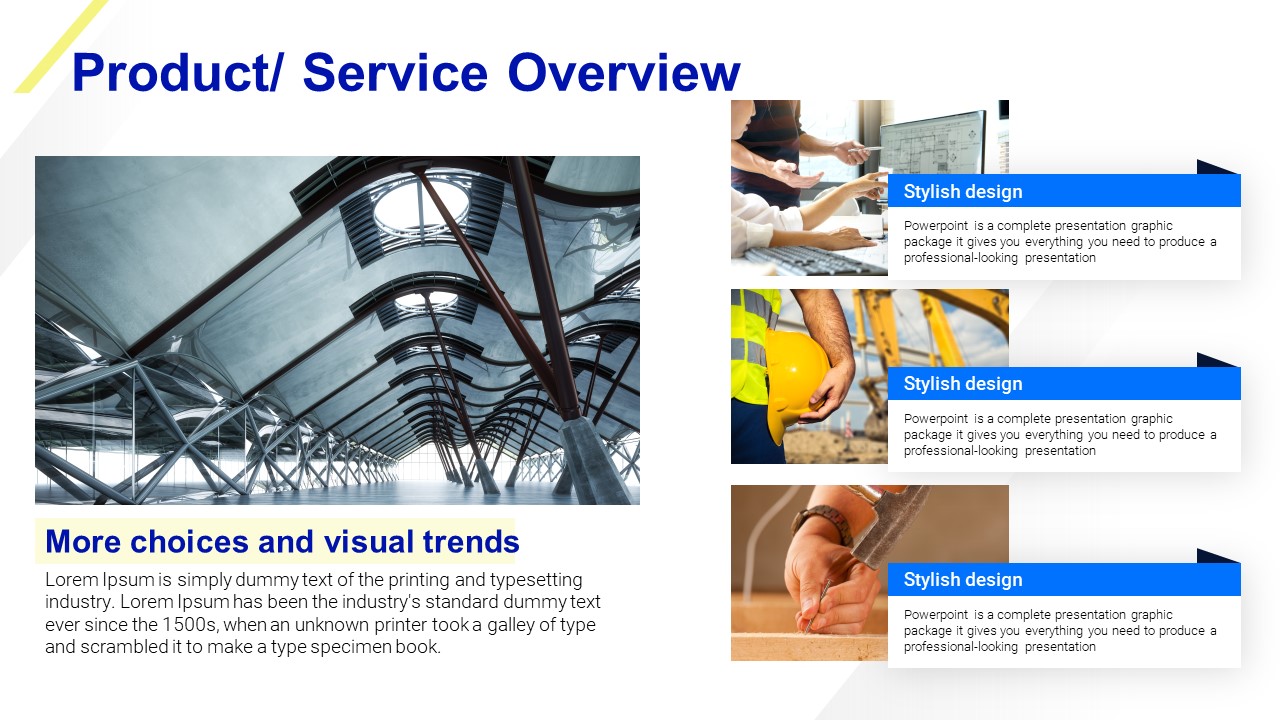
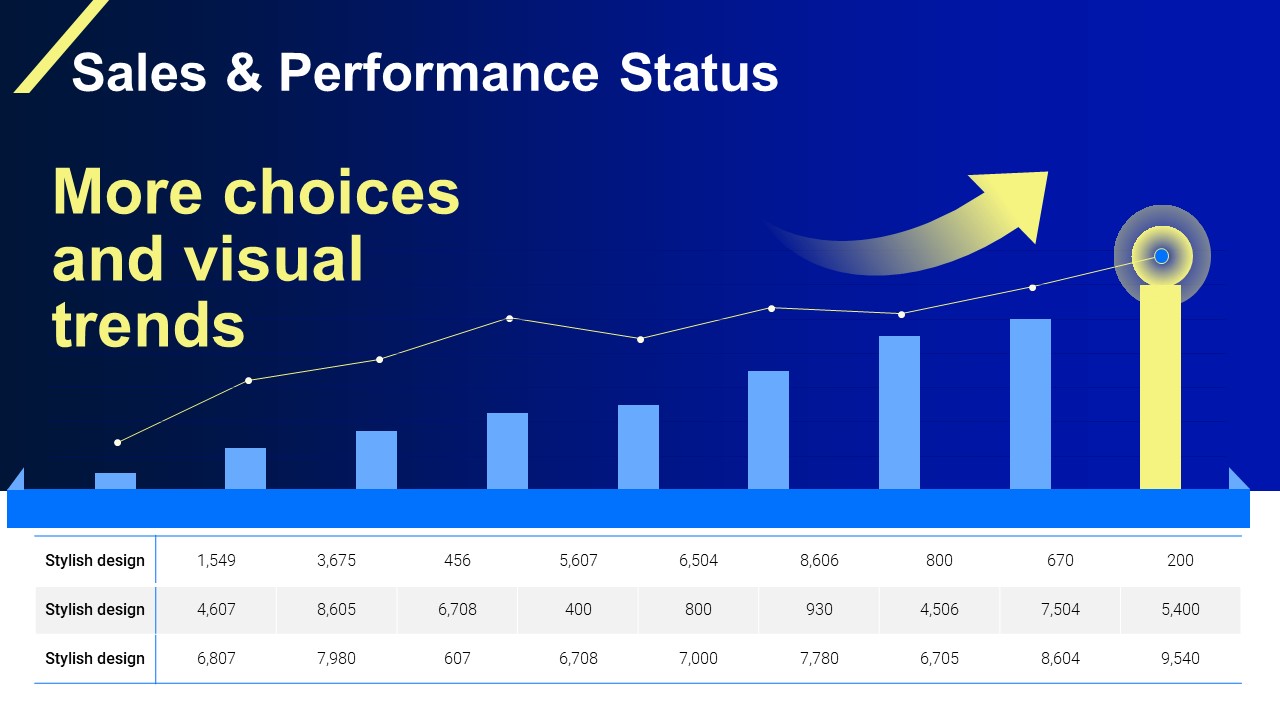
This PowerPoint template is purpose-built for architecture and construction firms presenting their company profile to investors, clients, and partners. The 26-slide deck features a dark navy background with royal blue accents and yellow-gold highlights, delivering a bold and professional visual identity. Key slides include a Core Competence section with a three-column icon layout, a Board Members & Shareholders slide with a donut pie chart and comparison table, an Activities section with an icon-based list, a Global Network slide with a world map and country flag list, and a Vision & Mission slide using a central bubble diagram. The complete standard structure means you only need to replace the content — no redesign required. Fully editable in PowerPoint as a PPTX file, this presentation template is ready to use immediately after download.
Usage Points
-
Main Usage
Designed for architecture and construction companies to professionally present their capabilities, shareholder structure, global presence, and corporate vision to investors, clients, and business partners.
-
How to Use
Replace the placeholder content in each slide section — Core Competence, Shareholders, Activities, Global Network, and Vision & Mission — with your company's actual data. Update the donut chart figures and world map markers to reflect your real network.
-
Recommended For
Ideal for IR managers, business development teams, and marketing staff at construction firms, architecture studios, and infrastructure companies who need a polished company profile presentation quickly.
-
Slide Structure
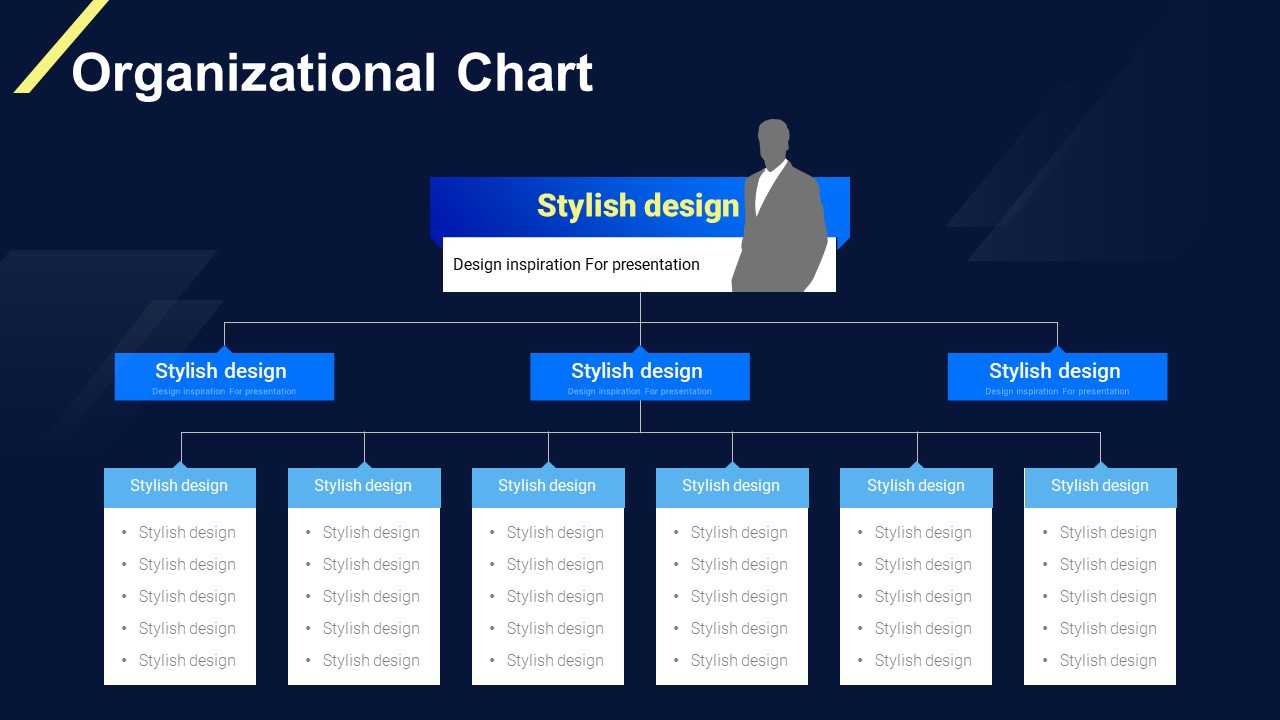
26 slides total: Cover → Core Competence (3-column icon layout) → Board Members & Shareholders (donut pie chart + comparison table) → Activities (icon list) → Global Network (world map + country flag list) → Vision & Mission (central bubble diagram) → supporting body slides and closing
Related Products
-
Global Company Profile Template – Modern and Simple Design
#Company Profile
-
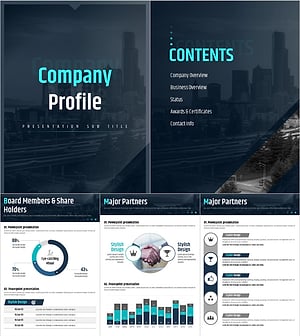
Company Profile Presentation Template – Professional and Clean Design
#Company Profile
-
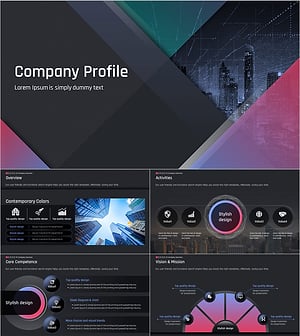
Dark Company Profile Template – Stylish Design with Bold Colors
#Company Profile
-

Biotech Company Profile Deck Template | The 15-Slide Investor-First IR Framework That Gets Read to the End
#Company Profile
