



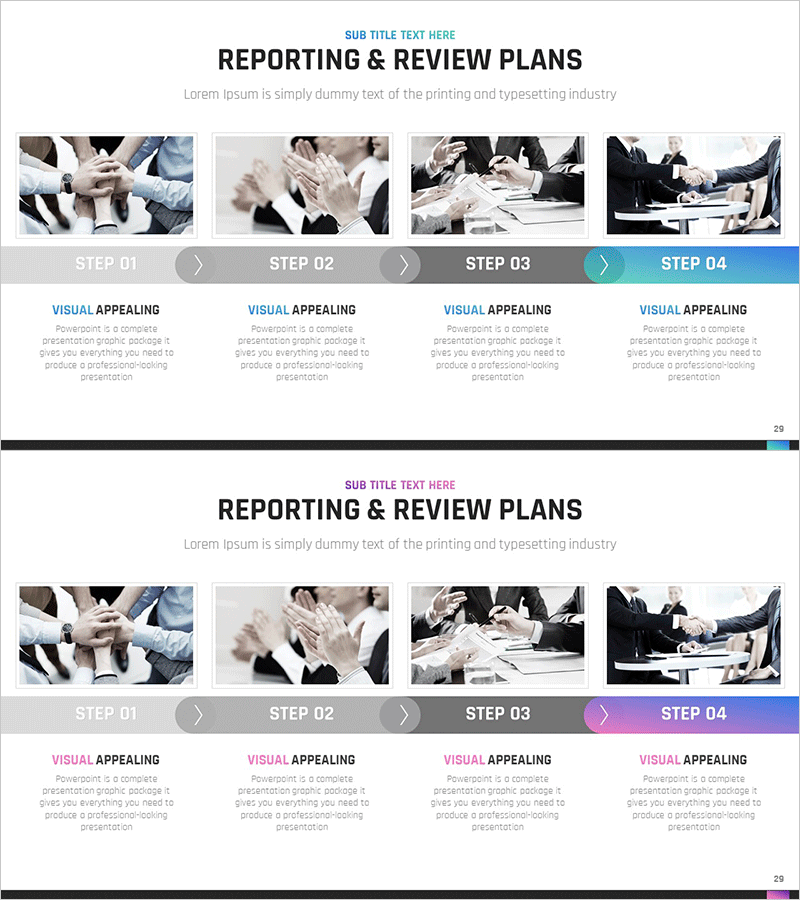
Reporting & Review Procedure – Emphasizing Step-by-Step Efficiency
RM0200010_28
- Last Update 02/04/2025
- File Size 14.4MB
- # of Slides 2
- File Format PPTX
- Slide Ratio 16:9
- Color
Keywords
About the Product
A PowerPoint slide that visualizes the reporting and review procedure as a 4-step linear flow diagram. Each step is paired with execution images and text descriptions to clearly convey the sequential progression of the process. The gray-toned step indicators and teal accent arrows intuitively express the direction of progress, making it immediately applicable to various business presentations including project status reporting, team review meetings, and operational efficiency discussions. The 16:9 widescreen format with 2-slide composition effectively emphasizes step-by-step efficiency and process clarity.
Usage Points
-
Main Usage
Visualizes the 4-step reporting and review procedure sequentially to clearly communicate each step's role and progression direction to team members. Enhances understanding and emphasizes procedural efficiency in business status reporting, project progress updates, and periodic review meetings.
-
How to Use
Customize by entering step names and description text above the execution images for each stage according to your organization's reporting and review process. Maintain the arrow direction and color scheme while replacing only text and images to repurpose the slide for various business procedure explanations.
-
Recommended For
Ideal for project managers, team leaders, and executives presenting monthly or quarterly progress updates. Also suitable for new employee training, process improvement proposals, quality management procedure explanations, and all presentations sharing organizational standard procedures.
-
Slide Structure
Slide 1: Title area + 4 step boxes (arranged left to right) + execution images for each step + step names and description text. Slide 2: Same layout for additional procedures or detailed explanations. Gray-toned step indicators and teal arrows emphasize progression direction.
Related Products
-
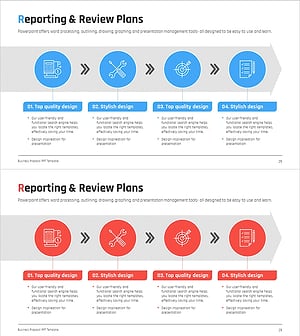
Business Report Linear Diagram – Clear Execution Plan Delivery
#Business Management #Diagram #Execution Plan
-
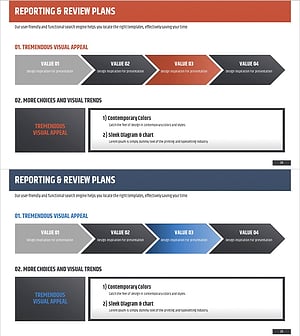
Performance Plan Linear Diagram – Understanding the Business Management Flow
#Business Management #Diagram #Execution Plan
-
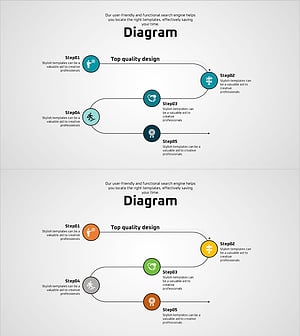
Planning and Process Diagrams – Blue, Orange, Green
#Business Management #Operational Plan #Diagram
-
Export Business Differentiation Strategy Presentation Slide
#Product/Service Introduction #Business Management #Diagram
