



Service Configuration Step-by-Step Schedule Plan – Innovative Approach
RM0200005_20
- Last Update 02/02/2025
- File Size 0.3MB
- # of Slides 2
- File Format PPTX
- Slide Ratio 16:9
- Color
Keywords
- #Content-Based Slides
- #Design-Based Slides
- #Business Strategy
- #Technical Approach
- #Diagram
- #Step-by-Step Schedule Plan
- #Service Components
- #Cluster
- #Chain Diagram
- #16:9
- #5-step diagram PowerPoint
- #service configuration slide template
- #process flow diagram
- #step-by-step schedule PowerPoint
- #multicolor icon diagram slide
About the Product
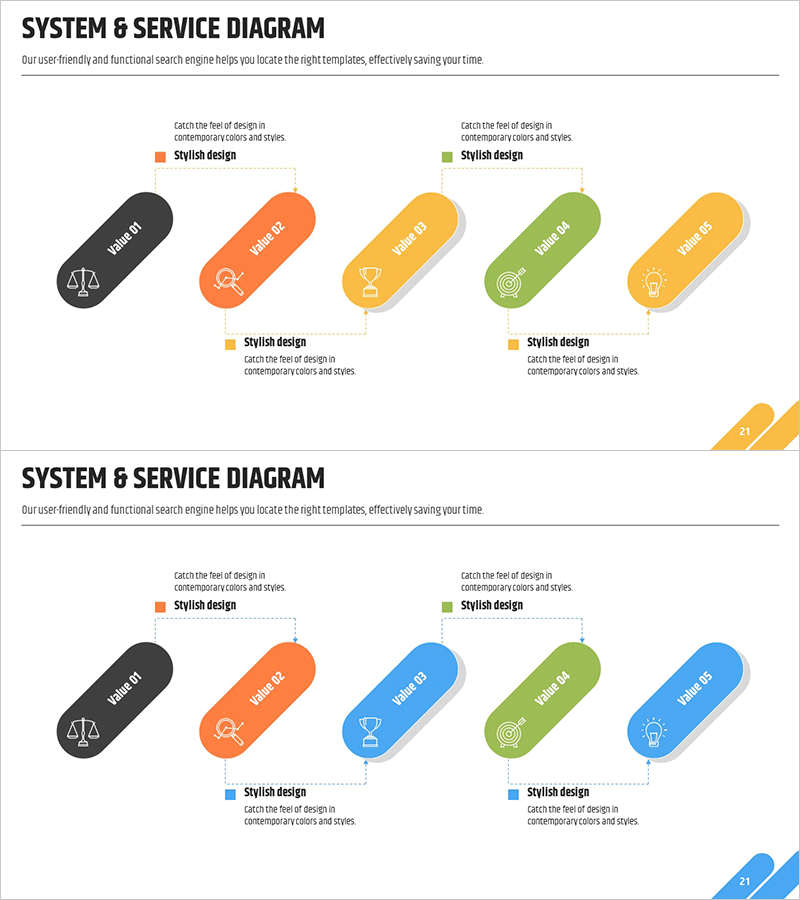
A 5-step process diagram PowerPoint slide that visualizes service configuration and step-by-step scheduling. Multicolor capsule-shaped nodes in black, orange, yellow, green, and blue feature icons that represent each phase's function intuitively. The horizontal node layout clearly communicates workflow progression, while dotted connectors and descriptive text emphasize relationships between stages. This presentation slide is ready to use for business strategy rollouts, technology department introductions, and service roadmap presentations.
Usage Points
-
Main Usage
Optimized to visually explain a 5-phase service or project structure. Each stage's objective, role, and deliverable are expressed through icons and text, enhancing audience comprehension. Ideal for communicating business strategy rollouts, technology roadmaps, service development processes, and phased project progress.
-
How to Use
Edit the text and icons in each capsule node to match your stage names and responsibilities. Add explanations or timelines to the dotted connectors to strengthen relationships between phases. Retain the color scheme or adjust to corporate brand colors for a cohesive presentation.
-
Recommended For
Business planning teams, technology leaders, project managers, consultants, and marketing professionals presenting strategy and progress updates. Suitable for investor presentations, internal meetings, client pitches, training seminars, and other professional presentation contexts requiring credible visual communication.
-
Slide Structure
Two-slide set with identical layouts. Each slide features 5 capsule-shaped nodes arranged horizontally, with space for icons and phase names in each node. Slide 1 uses orange, yellow, and green tones; Slide 2 offers black, orange, blue, green, and yellow variations for design flexibility.
Related Products
-
Staircase Schedule Diagram – Business Strategy and Marketing Goals
#Business Strategy #Marketing Plan and Strategy #Diagram
-
Instrument Components Connection Diagram – Visualizing Service Composition
#Product/Service Introduction #Technical Approach #Diagram
-
Connection Diagram and Highlighted Areas – Effective Service Introduction
#Product/Service Introduction #Operational Plan #Technical Approach
-
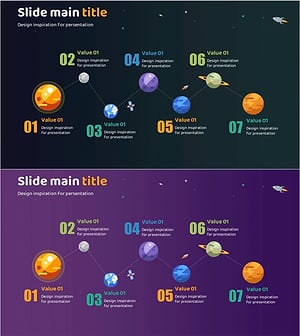
Planet Illustration Plan Diagram – Connecting Vision and Steps with Cluster
#Business Vision and Strategy #Business Strategy #Diagram
