



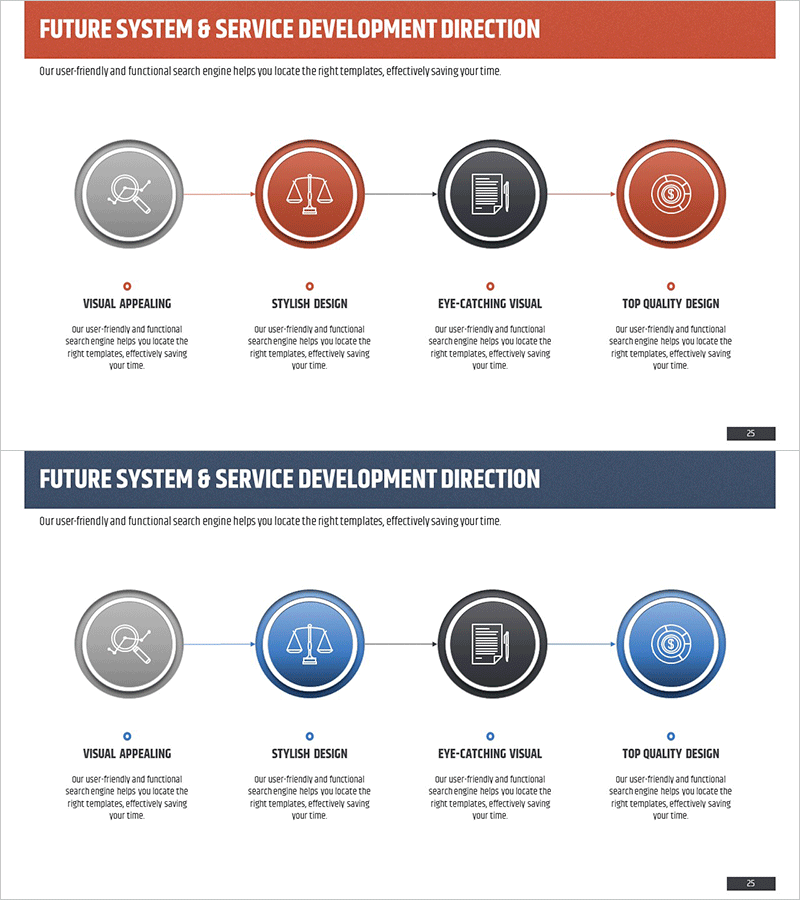
Service Development Sequence Diagram – Strategic Success Through Stepwise Approach
RM0200003_24
- Last Update 02/01/2025
- File Size 2.8MB
- # of Slides 2
- File Format PPTX
- Slide Ratio 16:9
- Color
Keywords
- #Content-Based Slides
- #Design-Based Slides
- #Business Strategy
- #Technical Approach
- #Diagram
- #Step-by-Step Schedule Plan
- #Service Development Plan
- #Flow
- #Linear Flow
- #16:9
- #linear diagram PowerPoint
- #4-step process slide
- #service development PowerPoint template
- #stepwise flowchart slide
- #diagram PowerPoint slide design
About the Product
A PowerPoint slide template that visualizes the service development process as a 4-step linear flow diagram. Each stage is represented by a circular icon connected with directional arrows, clearly showing sequential progression. The design uses a multi-color scheme (gray, coral red, dark navy, and coral red) to emphasize each step, with descriptive text areas below each node for detailed information input. Two color variations (coral red accent and blue accent) are provided to match different presentation contexts. The 16:9 widescreen format with 2 slides enables immediate editing and deployment.
Usage Points
-
Main Usage
Optimized for communicating service development and business execution processes through visual step-by-step representation. The 4-stage sequential layout works across all business contexts requiring linear flow visualization, including strategy formulation, execution, validation, and improvement cycles.
-
How to Use
Replace the circular node icons and text with your own stage names, then input detailed descriptions in the text areas below each node. Select the color variation (coral red or blue accent) that matches your presentation tone. Arrow connectors clearly indicate causal relationships between stages.
-
Recommended For
Ideal for business strategy, technology, and marketing team process presentations. Suitable for new service launches, system development, organizational restructuring, and other phased initiatives in executive reports, investor presentations, and internal training materials.
-
Slide Structure
Four circular nodes (approximately 80px diameter) arranged horizontally in a line and connected by directional arrows. Text input areas (approximately 120px × 80px) positioned below each node for stage names and descriptions. Two-slide layout provides color variation options.
Related Products
-
Service Development Stage-by-Stage Schedule Plan – Efficient Business Strategy
#Business Strategy #Technical Approach #Diagram
-
Business Process STEP 5 Diagram – Efficient Operational Planning
#Business Strategy #Operational Plan #Diagram
-
Science Experiment Promotion Plan Linear Diagram
#Business Strategy #Business Management #Diagram
-
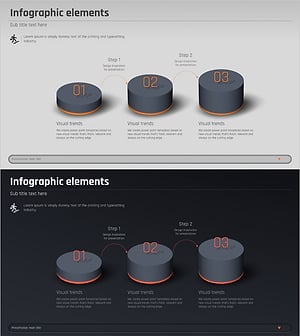
3D Diagram of the 3-Step Process
#Business Strategy #Operational Plan #Diagram
