



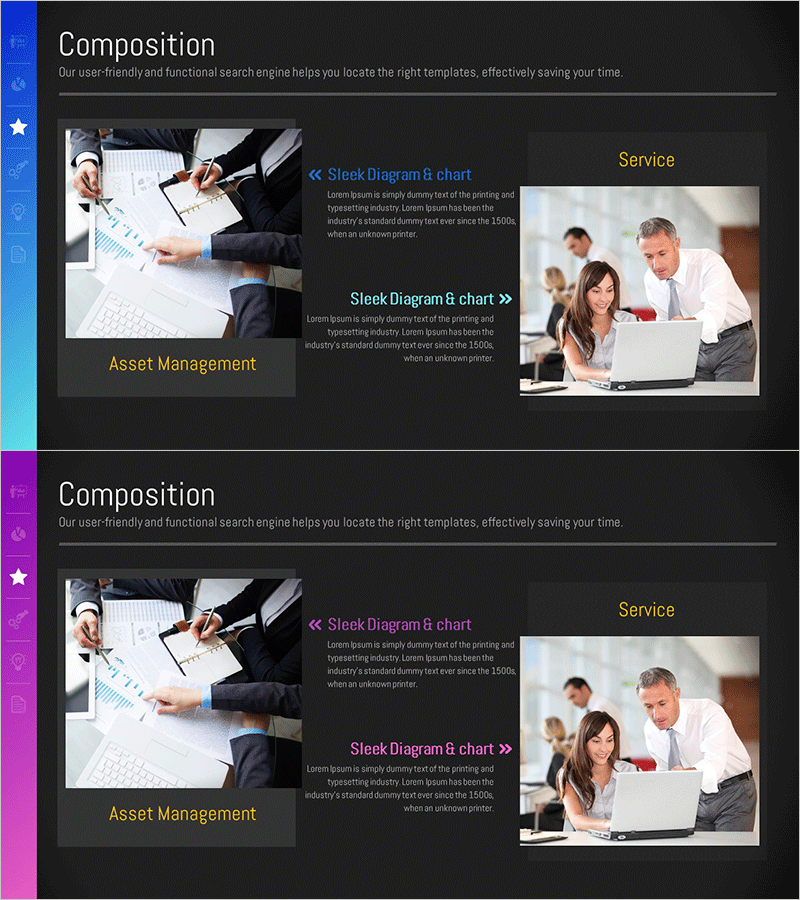
Introducing the Business Asset Management Program - Effective Utilization
RM0100017_17
- Last Update 01/30/2025
- File Size 3.1MB
- # of Slides 2
- File Format PPTX
- Slide Ratio 16:9
- Color
Keywords
About the Product
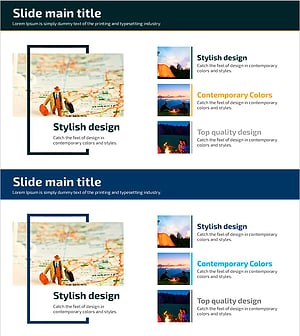
A professional PowerPoint slide designed to introduce your business asset management program with clarity and impact. The slide features a dark background with a two-column layout: left side for program-related imagery and right side for descriptive text. This layout effectively separates visual content from information, allowing you to showcase real-world application photos or program visuals on the left while presenting program name, key features, and benefits on the right. The 16:9 widescreen format ensures compatibility with modern presentation environments. Fully editable text boxes, colors, and image placement enable seamless integration into corporate presentations, product launches, and program briefings. Ideal for investor pitches, partner proposals, and stakeholder communications.
Usage Points
-
Main Usage
Present your asset management program or business solution to investors, partners, and stakeholders with a structured, professional layout. The slide effectively communicates program objectives, key features, and implementation benefits, supporting decision-making and demonstrating program value.
-
How to Use
Insert program-related imagery or real-world application photos in the left column. Add program name, key description, and main features in the right text area. Customize title, subtitle, and body text to match your corporate branding. Adjust background colors and accent colors to align with your presentation theme.
-
Recommended For
Ideal for executives, finance teams, and IT departments presenting asset management solutions. Perfect for investor presentations, partner collaboration proposals, employee training sessions, and program adoption review meetings where clear communication of program functionality and ROI is essential.
-
Slide Structure
Two-slide set with consistent two-column design. First slide introduces program overview with left image and right text (2-3 lines). Second slide details service offerings with left image and right text (3-4 lines). Each slide includes editable title, subtitle, and body text areas with designated image placement zones. Dark background and accent colors create visual hierarchy and information separation.
Related Products
-
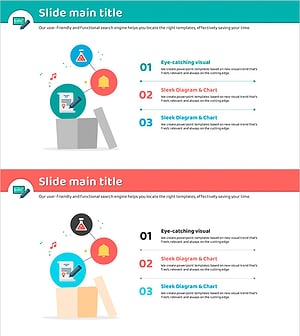
Introduction to the Core Features of the Thinking Template – Intuitive and Captivating Visuals
#Product/Service Introduction #Composition #Program Introduction
-
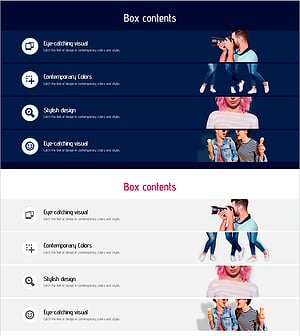
Photo Correction Service Slide – Modern Design
#Product/Service Introduction #Diagram #Composition
-
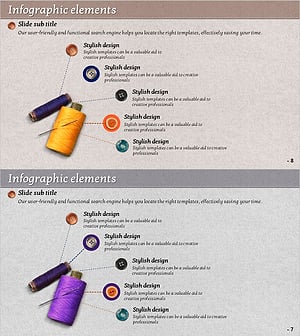
Thread and Button Infographic – Cute Design Introduction
#Product/Service Introduction #Diagram #Composition
-
Campground Introduction Slide – Modern Design Vibes
#Product/Service Introduction #Composition #Program Introduction
