



Photo Correction Service Slide – Modern Design
RJ0800049_19
- Last Update 08/14/2025
- File Size 0.8MB
- # of Slides 2
- File Format PPTX
- Slide Ratio 16:9
- Color
Keywords
- #Content-Based Slides
- #Design-Based Slides
- #Product/Service Introduction
- #Diagram
- #Composition
- #Program Introduction
- #Cluster
- #Closed Cluster Diagram
- #16:9
- #photo correction service PowerPoint
- #service introduction slide
- #icon layout presentation
- #4-item comparison slide
- #dark background presentation template
About the Product
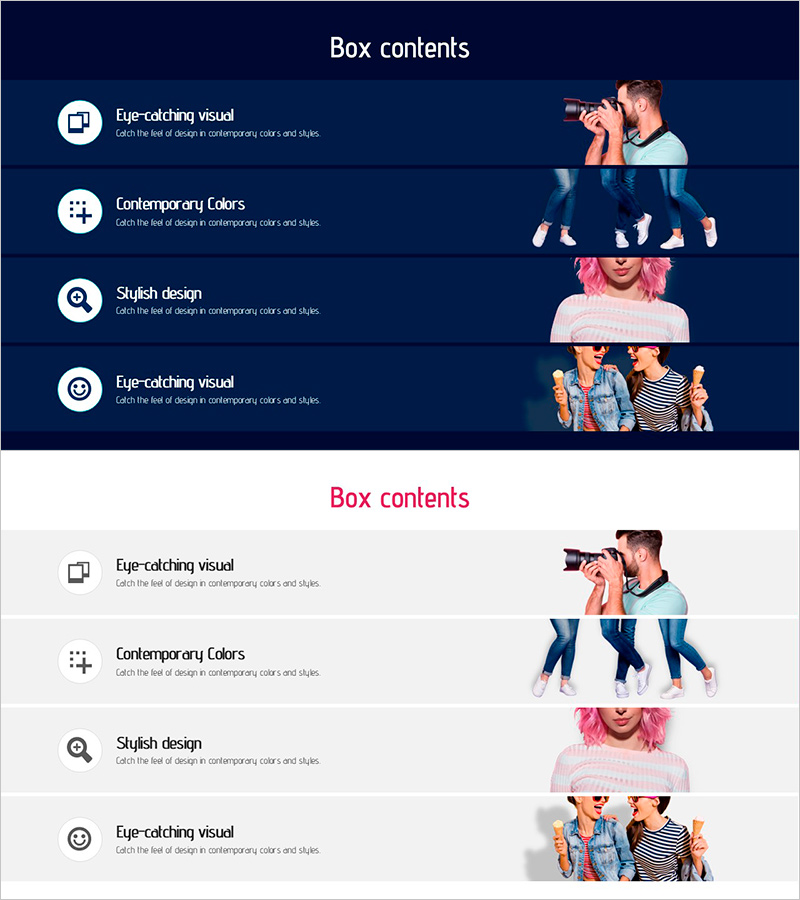
A 2-slide PowerPoint presentation designed to showcase photo correction services. The deck features a dark navy background with white typography and colorful icons arranged in a structured layout. The first slide presents four key service features (eye-catching visuals, contemporary colors, stylish design, and visual appeal) with corresponding icons, while the second slide displays actual photo correction examples through before-and-after images. This presentation template is ready to use in service introduction sections and can be fully customized with editable text and icon elements to match your brand identity.
Usage Points
-
Main Usage
Effectively communicate the four core features and benefits of your photo correction service to your audience. The icon-based layout enhances visual comprehension while simultaneously establishing the professionalism and credibility of your service offering.
-
How to Use
Use the first slide to introduce your four key service features with corresponding icons, then add actual correction examples or client testimonials on the second slide. Customize the text and icons to match your specific service offerings, making it ideal for B2B sales presentations, client pitches, and service demonstration meetings.
-
Recommended For
Photo editing service providers, image correction studios, online photo editing platforms, marketing teams presenting service offerings, digital marketing agencies, and creative companies showcasing portfolio work. Suitable for client presentations and business development meetings.
-
Slide Structure
Two-slide layout. The first slide displays four circular icons (camera, color palette, magnifying glass, smiling face) arranged horizontally on a dark navy background with descriptive text beneath each icon. The second slide presents four photo correction examples in a grid format, effectively demonstrating before-and-after transformation results.
Related Products
-
Program Introduction Diagram - Efficiency and Functionality at a Glance
#Product/Service Introduction #Diagram #Composition
-
Introduction to Medical Program Slide – Building Trust with Experts
#Product/Service Introduction #Diagram #Composition
-
Diagram Slide Introducing Interior Design Cases
#Product/Service Introduction #Diagram #Composition
-
Effective Information Delivery with Striped Text Box
#Product/Service Introduction #Diagram #Text Box
