



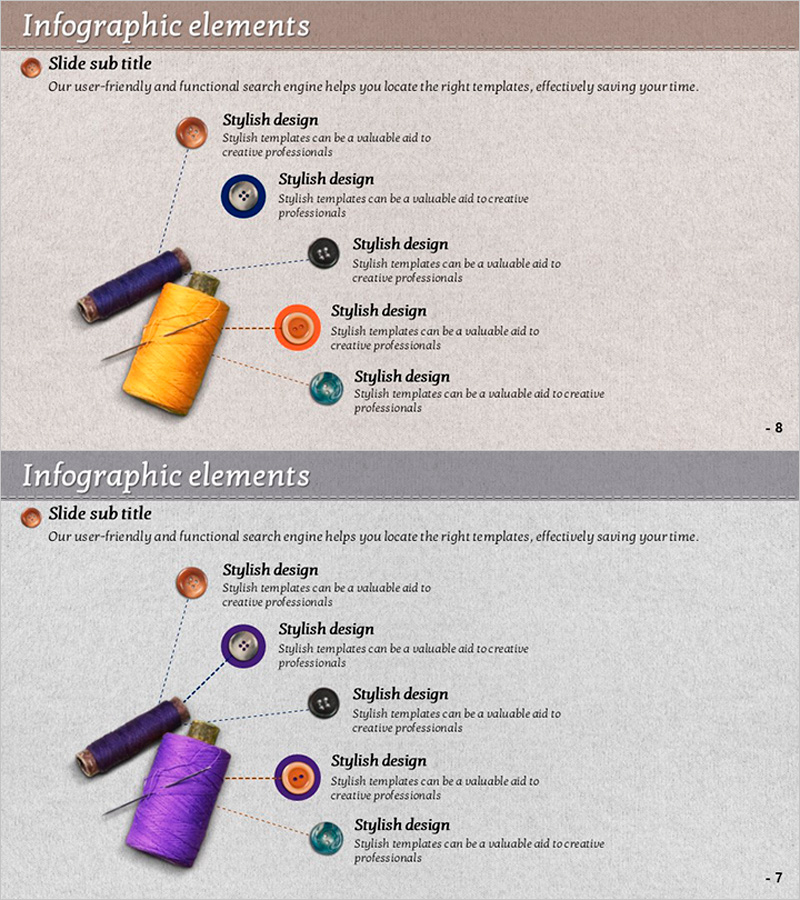
Thread and Button Infographic – Cute Design Introduction
RJ0600059_7
- Last Update 07/06/2025
- File Size 4.3MB
- # of Slides 2
- File Format PPTX
- Slide Ratio 16:9
- Color
Keywords
About the Product
A radial diagram PowerPoint slide that branches out from a central thread and button image into five key elements. This design uses a relatable craft theme to explain product components, service features, organizational roles, or strategic pillars with visual clarity. Five circular icons in brown, orange, black, blue, and teal are connected via dotted lines, with ample text space for each item. Perfect for product presentations, marketing decks, and business introductions. Two-slide version provides color variations to match your document style.
Usage Points
-
Main Usage
Visualize core product components, service features, or organizational roles radiating from a central concept. The five-node structure makes it ideal for presenting product introductions, service breakdowns, team structures, marketing pillars, or strategic initiatives in a single, cohesive visual.
-
How to Use
Replace the central thread and button image with your company logo or core concept. Edit the text in each of the five circular icons to match your key points. The dotted connection lines remain consistent, ensuring visual harmony. Adjust icon colors if needed to align with your brand palette.
-
Recommended For
Product managers, marketing professionals, and business development teams explaining product composition and value propositions. Also suitable for executive presentations on organizational structure, team responsibilities, project phases, or strategic frameworks requiring five-element visualization.
-
Slide Structure
Two-slide set with identical layouts but different color schemes. Slide 1 features brown, orange, black, blue, and teal circular nodes radiating from the central image via dotted lines. Slide 2 offers an alternative color arrangement. Both slides use 16:9 widescreen format with spacious text areas for each node, ensuring readability and professional appearance.
Related Products
-
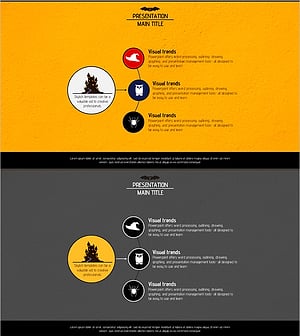
Diagram Slide for Introducing Event Program
#Product/Service Introduction #Diagram #Composition
-
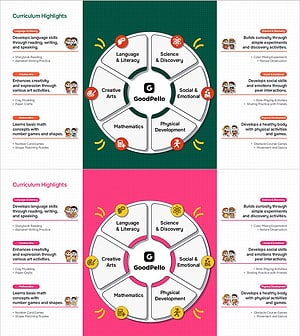
Key Curriculum Overview for Preschool Programs
#Product/Service Introduction #Diagram #Composition
-
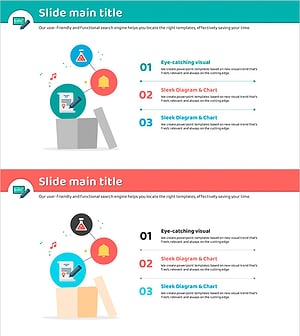
Introduction to the Core Features of the Thinking Template – Intuitive and Captivating Visuals
#Product/Service Introduction #Composition #Program Introduction
-
Slide to Effectively Present Research Analysis Results
#Product/Service Introduction #Composition #Program Introduction
