



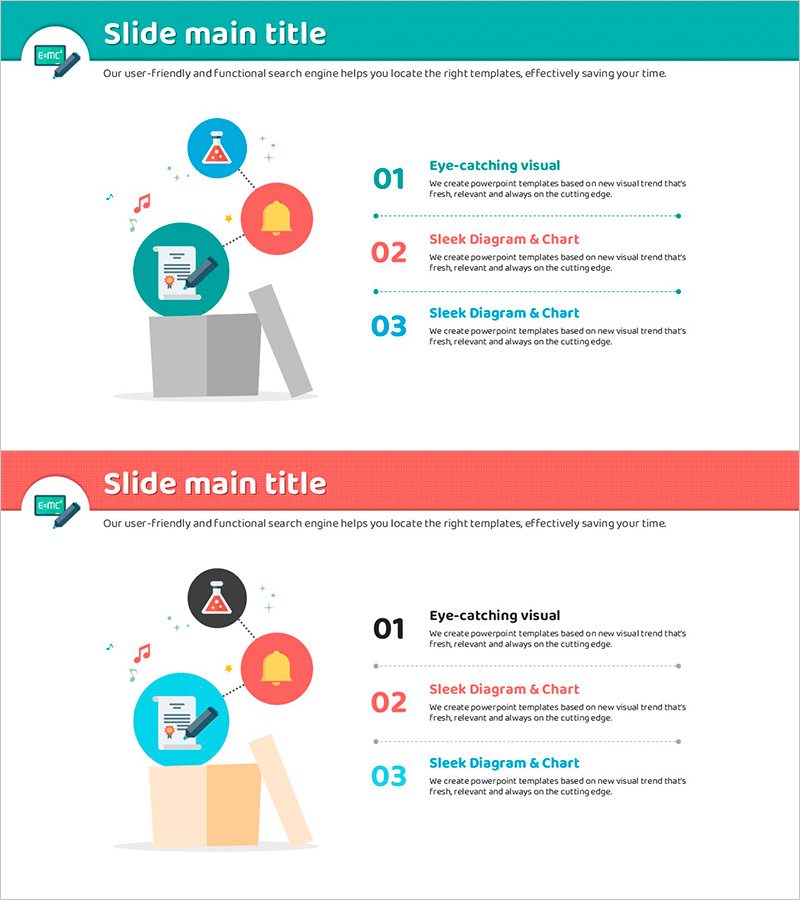
Introduction to the Core Features of the Thinking Template – Intuitive and Captivating Visuals
RJ0500025_4
- Last Update 06/13/2025
- File Size 0.4MB
- # of Slides 2
- File Format PPTX
- Slide Ratio 16:9
- Color
Keywords
About the Product
A 2-slide PowerPoint presentation designed to explain your program or service's core features with intuitive visuals. Features three key functions arranged in a parallel structure using turquoise, coral, and blue circular icons with numbered text boxes. The left side displays an illustrated character with music, chart, and document icons representing diverse program capabilities, while the right side presents feature titles and descriptions in a comparison-style layout. Provided in 16:9 widescreen format, ready for immediate use in presentations, pitch decks, and slide materials.
Usage Points
-
Main Usage
Ideal for product launch announcements or corporate presentations where you need to clearly communicate core features. The three-function parallel structure enables audiences to instantly grasp each feature's distinction and value proposition.
-
How to Use
Enter your program name in the title area and add feature names and descriptions in each numbered text box. Icons can be customized to match your program's characteristics, and color tones can be adjusted to align with brand identity. Use in product introduction decks, business plans, and marketing presentations.
-
Recommended For
Recommended for new product launches, service introduction presentations, investor pitch decks, client proposals, and internal training materials. Particularly valuable for technical teams, marketing departments, and sales teams explaining product features.
-
Slide Structure
Two-slide composition with header area (turquoise and coral backgrounds) and content section. Left side features an illustration with three icons; right side displays three numbered text boxes. Total of seven text input areas: one title, three feature titles, and three feature descriptions arranged in left-right symmetrical layout.
Related Products
-
Preschool Parent Engagement System Overview – The Importance of Communication
#Product/Service Introduction #Diagram #Other
-
EV Charging Facility Operation Plan – Introduction to Installation Components
#Product/Service Introduction #Diagram #Composition
-
Diagram Slide Introducing Interior Design Cases
#Product/Service Introduction #Diagram #Composition
-
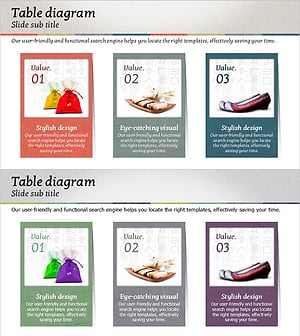
Introduction to Korean Traditional Items – A Colorful Aesthetic
#Product/Service Introduction #Diagram #Composition
