



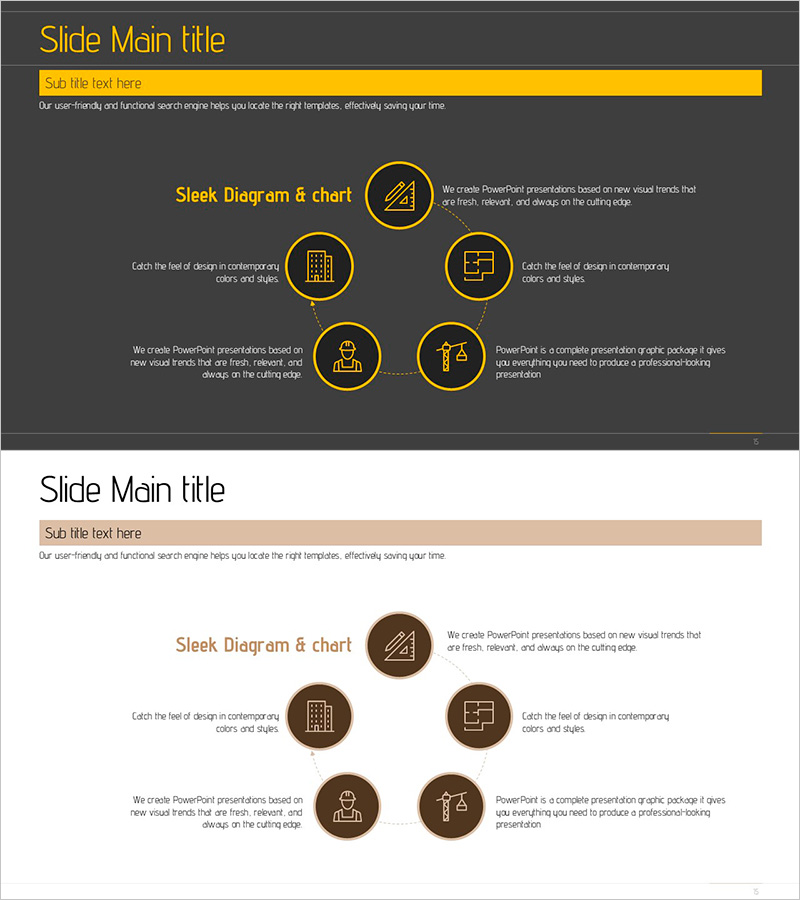
Construction Project Flow System – Slide for Efficient Project Management
RJ0900004_14
- Last Update 08/29/2025
- File Size 0.4MB
- # of Slides 2
- File Format PPTX
- Slide Ratio 16:9
- Color
Keywords
- #Content-Based Slides
- #Design-Based Slides
- #Technical Approach
- #Marketing Plan and Strategy
- #Diagram
- #Service Implementation Plan
- #Marketing Objectives
- #Flow
- #Spread
- #Linear Flow
- #Decentralized Diagram
- #16:9
- #radial diagram PowerPoint
- #construction project flow slide
- #6-node diagram template
- #project management diagram
- #construction workflow PPT
- #PowerPoint diagram slide design
About the Product
A 6-node radial diagram PowerPoint slide that visualizes construction project workflows and management structures. The design features a central hub with six directional nodes extending outward, ideal for representing project phases, technical domains, marketing strategies, and resource allocation in a single view. Gold-outlined circular nodes on a dark gray background create high contrast for professional presentations. Each node contains editable text fields and icons representing different project aspects. Fully customizable for construction, engineering, and architectural firms. 16:9 widescreen format, 2 slides.
Usage Points
-
Main Usage
Visualizes multi-layered construction project workflows by radiating six key elements from a central concept. Simultaneously displays project management, technical requirements, marketing strategy, resource allocation, budget, and timeline in an organized, easy-to-understand format for stakeholders.
-
How to Use
Customize each node's icon and text to match your project phases, business units, or responsibility areas. Enter the project name or core concept in the central circle, then populate the six outer nodes with specific details. During presentation, guide the audience from center outward to explain how all elements connect to the core project objective.
-
Recommended For
Ideal for construction companies, engineering firms, and architectural teams presenting project kickoffs, progress reports, and technical proposals. Project managers, construction supervisors, technical leads, and marketing teams can use this to explain complex project structures clearly and concisely.
-
Slide Structure
Two-slide set. First slide features dark gray background with central circular node and six outer circular nodes outlined in gold, each containing an icon (construction, building, personnel, technology, marketing, management). Second slide uses light beige background with the same structure in brown tones. All nodes are fully editable text areas with icon placeholders.
Related Products
-
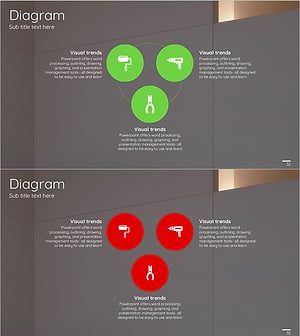
Tool Icons and Diffusion Diagrams – Visualizing Technical Processes
#Operational Plan #Technical Approach #Diagram
-
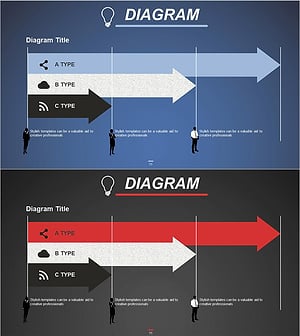
Field-Specific Goal Planning Diagram – Efficient Business Strategy Implementation
#Business Strategy #Marketing Plan and Strategy #Diagram
-
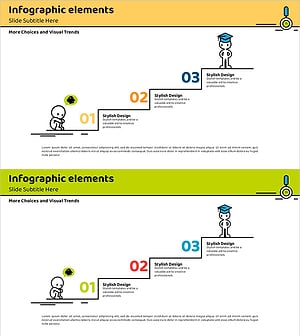
Step-by-Step Instructional Text for Marketing Strategy Visualization – Practical Approach
#Business Strategy #Marketing Plan and Strategy #Diagram
-
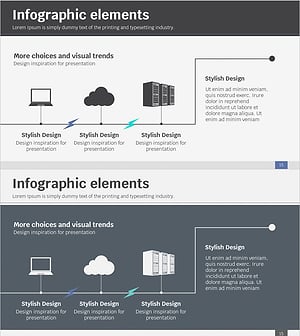
Service Implementation and Configuration Diagram – Visualizing Technical Flow
#Technical Approach #Diagram #Service Implementation Plan
