



Program Features Introduction Diagram – Effective Service Delivery
RM0100003_15
- Last Update 01/25/2025
- File Size 2.5MB
- # of Slides 2
- File Format PPTX
- Slide Ratio 16:9
- Color
Keywords
- #Content-Based Slides
- #Design-Based Slides
- #Product/Service Introduction
- #Diagram
- #Features
- #Program Introduction
- #Cluster
- #Closed Cluster Diagram
- #16:9
- #closed-form diagram PowerPoint
- #4-item feature diagram slide
- #program features presentation template
- #characteristic comparison diagram
- #how to create feature diagram in PowerPoint
About the Product
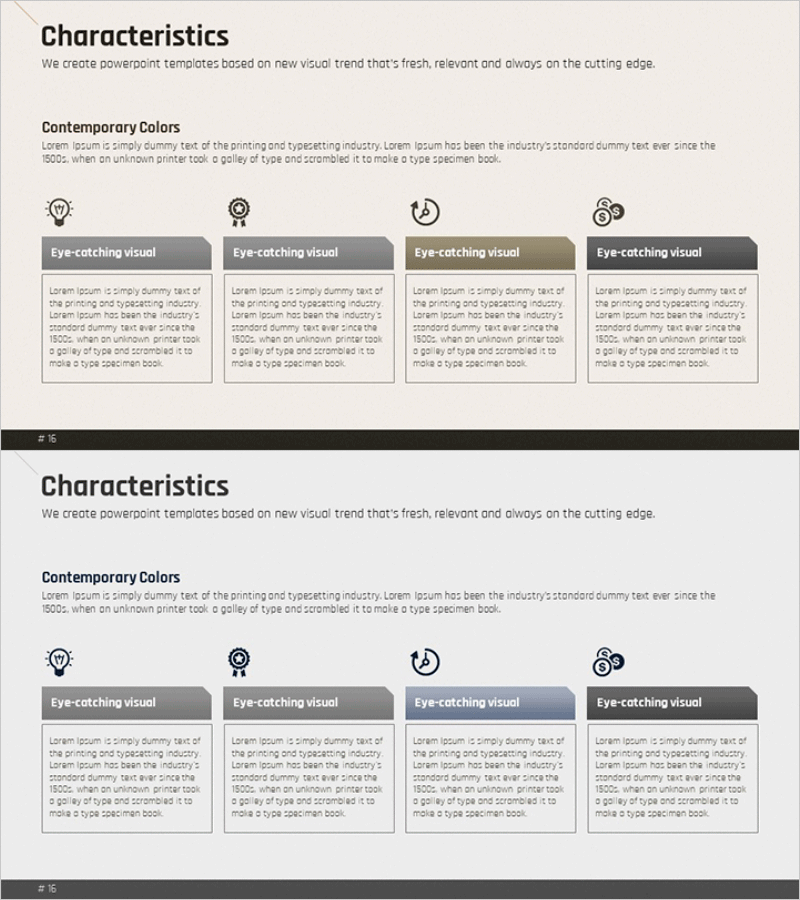
A closed-form diagram PowerPoint slide that visualizes four key features or characteristics of a program, service, or product. Each item features a symbol icon, a header label, and a content area for detailed description. The design uses a beige background with gray headers and light cream-colored content zones, creating clear visual separation between items. This 2-slide presentation template is ready to use for program introductions, service overviews, and feature comparisons in business presentations.
Usage Points
-
Main Usage
Presents four distinct features or characteristics of a program, service, or product in a structured, easy-to-understand format. The closed-form layout ensures each item is visually independent while maintaining overall coherence, allowing audiences to grasp the complete feature set at a glance.
-
How to Use
Enter feature names in the header text boxes and add detailed descriptions in the content areas below. Customize icons to match your program characteristics or adjust colors as needed. Ideal for product launch presentations, service improvement briefings, capability overviews, and educational program descriptions.
-
Recommended For
Product launch announcements, service feature explanations, program capability presentations, organizational competency introductions, educational program overviews. Suitable for marketing teams, product managers, sales professionals, and training coordinators presenting feature-based value propositions.
-
Slide Structure
2-slide template with 4 closed-form compartments per slide. Each compartment contains a symbol icon at the top, a gray-background header for the feature name, and a light cream-colored text area for detailed description. Unified beige background ensures professional appearance and consistent readability throughout.
Related Products
-
Introduction of Main Product Features – Visualizing Product Functions with Diagrams
#Product/Service Introduction #Diagram #Features
-
Media Market Trends – Effective Program Introduction
#Product/Service Introduction #Diagram #Features
-
Cluster Diagram Slide Visualizing Technical Characteristics
#Product/Service Introduction #Diagram #Other
-
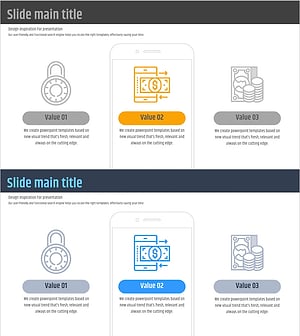
Diagram Slide Visualizing Characteristics of the Fintech System
#Product/Service Introduction #Diagram #Features
