



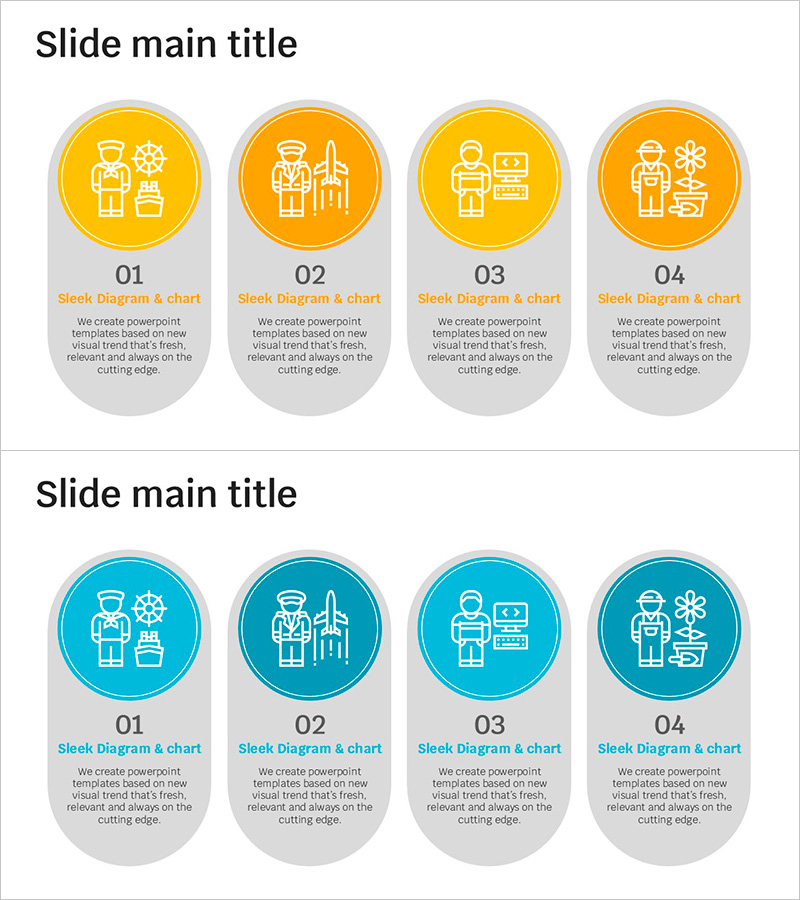
Technical Competency Closed Diagram – Business Overview and Technology Status
RJ0500032_10
- Last Update 08/27/2025
- File Size 0.2MB
- # of Slides 2
- File Format PPTX
- Slide Ratio 16:9
- Color
Keywords
- #Content-Based Slides
- #Design-Based Slides
- #Business Introduction
- #Operational Plan
- #Diagram
- #Technological Status
- #Production and Technology Development Strategy
- #Cluster
- #Closed Cluster Diagram
- #16:9
- #closed diagram PowerPoint
- #technical competency presentation
- #4-node diagram slide
- #organizational structure PPT
- #technology status PowerPoint template
About the Product
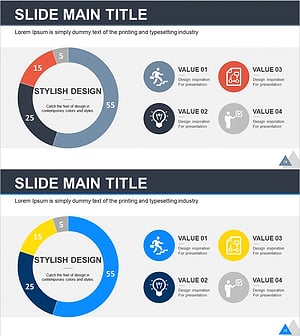
A 4-node closed diagram PowerPoint slide that connects technical competency with business overview. Circular icon nodes link to a central text area, enabling simultaneous representation of technology, business, operations, and strategy teams. Two color versions are provided: warm yellow-orange tones and cool blue tones. Each node accommodates icons and text input to visualize organizational capabilities, technology stacks, and operational processes. Delivered in 16:9 ratio across 2 slides, ready for immediate use in presentations, business plans, and technology status reports.
Usage Points
-
Main Usage
Expresses interconnected relationships among four departments or competency areas such as technology, business, operations, and strategy teams. Place core messaging in the central text area and input each team's role, technology, and objectives into the four nodes to communicate integrated technical status.
-
How to Use
Customize the icon and text in each circular node to match your organizational structure, technology stack, or operational roles. Enter the core topic (e.g., Technical Competency, Organizational Structure, Operational Process) in the central text box and adjust connecting arrow directions as needed. Modify color tones (yellow or blue) to align with corporate branding.
-
Recommended For
Technology managers, business planners, and operations directors use this when explaining organizational capabilities, technology status, and inter-departmental collaboration structures. Ideal for business plans, technology reports, organizational overview slides, and strategy presentations where emphasizing multi-area interconnectedness is critical.
-
Slide Structure
2-slide set. Each slide features a central text area with four circular nodes positioned at top, bottom, left, and right, connected to the center by linking lines. Each node contains icon and text input areas. Slide 1 uses warm yellow-orange tones; Slide 2 uses cool blue tones for color differentiation.
Related Products
-
Industrial Tool Silhouettes and Text Box – Business Operations Plan
#Business Introduction #Operational Plan #Diagram
-
Product Characteristics and Analysis Slide – Analytical Business Presentation
#Business Introduction #Operational Plan #Diagram
-
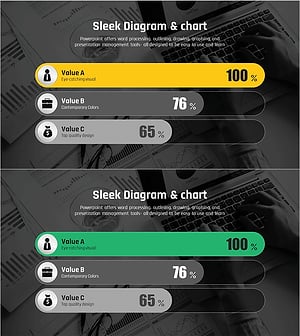
Comparative Analysis Graph of Work Progress Status – Visual Data Insights
#Product/Service Introduction #Business Introduction #Diagram
-
Business Idea Development Analysis Circle Graph
#Business Introduction #Market and Competitor Analysis #Diagram
