



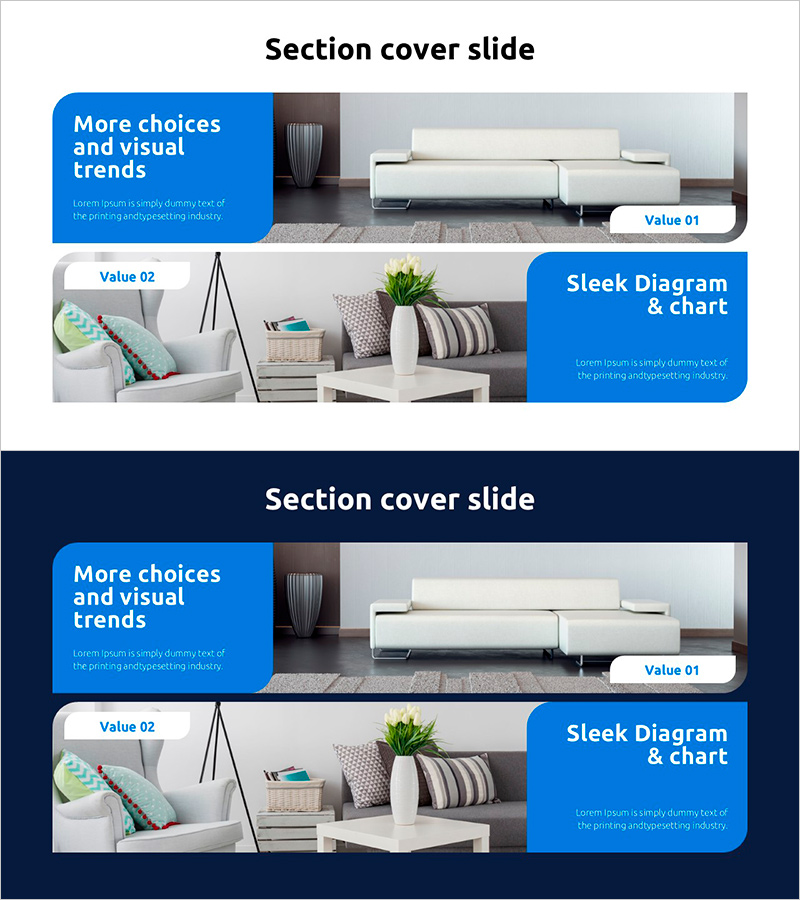
Interior Diagram Slide – Depicting Two Styles
RJ0900030_4
- Last Update 08/25/2025
- File Size 0.9MB
- # of Slides 2
- File Format PPTX
- Slide Ratio 16:9
- Color
Keywords
- #Content-Based Slides
- #Design-Based Slides
- #Product/Service Introduction
- #Diagram
- #Product/Service Introduction
- #Program Introduction
- #Cluster
- #Closed Cluster Diagram
- #16:9
- #interior diagram PowerPoint
- #space comparison slide
- #interior design presentation template
- #two-style diagram
- #interior PowerPoint slide design
About the Product
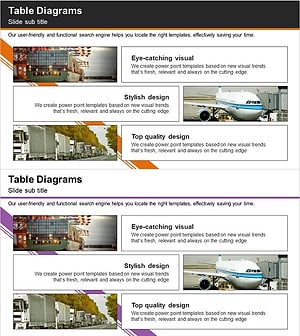
A PowerPoint slide set that visually compares two interior design styles side by side. The layout features a light background with blue accent boxes, placing interior space images on the left and key messaging on the right. Composed of 2 slides in 16:9 aspect ratio, this presentation template is ready to use for interior design proposals, space planning presentations, and renovation project showcases. Fully editable in PowerPoint, allowing you to customize colors, text, and images to match any interior concept or design direction.
Usage Points
-
Main Usage
Designed to present two interior styles, options, or before-and-after comparisons at a glance. Effectively showcases living rooms, bedrooms, kitchens, and other spaces with distinct style characteristics, advantages, and target audiences clearly differentiated.
-
How to Use
Insert interior photography into the left image area and add style names, descriptions, pricing, and features into the right blue accent boxes. Adjust text size, color, and background to match your brand identity, then use as your presentation material for client meetings or project pitches.
-
Recommended For
Interior designers, architects, real estate agents, construction managers, and home styling professionals presenting space options to clients. Ideal for renovation proposals, interior design portfolios, space planning presentations, and showroom demonstrations.
-
Slide Structure
Two-slide layout with each slide divided into left 50% image area (living room, bedroom, furniture arrangement photos) and right 50% text area (featuring blue accent boxes). Section title at top and Value labels on the right clearly contrast two interior design styles.
Related Products
-
Application Service Introduction Slide – Innovative Visual Template
#Product/Service Introduction #Diagram #Other
-
A Tourist Attraction Record Photo – Capturing Stylish Design
#Product/Service Introduction #Diagram #Product/Service Introduction
-
Hexagon Theme Program Service Overview
#Product/Service Introduction #Diagram #Product/Service Introduction
-
Introduction to Trade Business Transportation – Cluster Diagram
#Product/Service Introduction #Diagram #Product/Service Introduction
