



Hexagon Theme Program Service Overview
RM0300009_15
- Last Update 02/09/2025
- File Size 10.5MB
- # of Slides 2
- File Format PPTX
- Slide Ratio 16:9
- Color
Keywords
- #Content-Based Slides
- #Design-Based Slides
- #Product/Service Introduction
- #Diagram
- #Product/Service Introduction
- #Program Introduction
- #Cluster
- #Closed Cluster Diagram
- #16:9
- #hexagon diagram PowerPoint
- #cluster diagram slide
- #service overview presentation
- #5-node diagram template
- #program introduction PPT
- #relationship diagram PowerPoint slide
About the Product
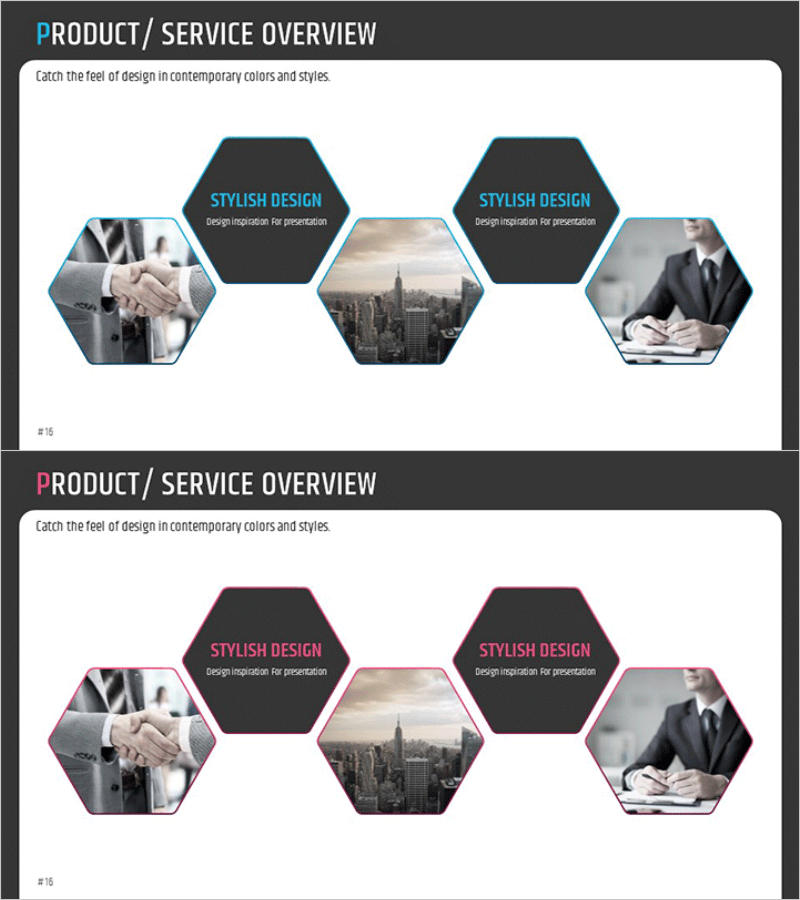
A professional hexagon cluster diagram PowerPoint slide designed to present business services and programs. Five hexagon nodes are arranged around a central concept, visually representing the interconnected relationships between related elements. Two color variations are provided—one with blue borders and one with pink borders—allowing you to match your presentation tone. Each hexagon accommodates both images and text, making it ideal for showcasing service features, program components, organizational structures, and more. This 16:9 widescreen 2-slide set is ready to edit and use immediately for your business presentations.
Usage Points
-
Main Usage
Visualize the core concept of a service or program and the interconnected relationships between related elements. The radial structure extending from a central point to five surrounding nodes effectively communicates organizational structures, business ecosystems, product portfolios, and service lineups with clarity and impact.
-
How to Use
Enter service names, program titles, or department names in each hexagon node and insert relevant images or icons in the designated image areas. Use the blue-bordered version for corporate presentations requiring trust and professionalism, and the pink-bordered version for startup or marketing presentations emphasizing creativity and innovation.
-
Recommended For
Executive strategy presentations, new service launch events, organizational restructuring briefings, business partnership proposals, marketing team campaign structure explanations, consulting firm solution introductions, educational institution program guides, and corporate communication initiatives.
-
Slide Structure
Two-slide set featuring a radial cluster layout with one central hexagon and four surrounding hexagons totaling five nodes per slide. The first slide displays blue borders while the second features pink borders for design flexibility. Each hexagon is divided into an image area and text input area, ensuring clear information hierarchy and professional presentation.
Related Products
-
Introduction to Artificial Intelligence Robot Business Services – Innovative Solutions
#Product/Service Introduction #Diagram #Product/Service Introduction
-
Introduction to Trade Business Transportation – Cluster Diagram
#Product/Service Introduction #Diagram #Product/Service Introduction
-
Cluster Diagram Slide for VR Education Kids Program
#Product/Service Introduction #Diagram #Product/Service Introduction
-
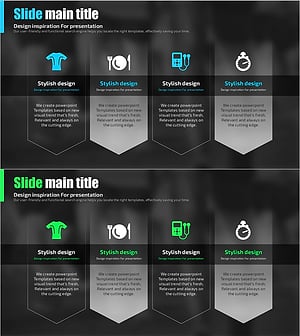
Daily Diagrams with Exercise – Healthy Lifestyle
#Product/Service Introduction #Diagram #Product/Service Introduction
