



Program Introduction Diagram - Efficiency and Functionality at a Glance
RJ0300042_32
- Last Update 04/29/2025
- File Size 0.8MB
- # of Slides 2
- File Format PPTX
- Slide Ratio 16:9
- Color
Keywords
- #Content-Based Slides
- #Design-Based Slides
- #Product/Service Introduction
- #Diagram
- #Composition
- #Program Introduction
- #Cluster
- #Closed Cluster Diagram
- #16:9
- #cluster diagram PowerPoint
- #closed-form diagram slide template
- #program introduction slide
- #feature comparison diagram
- #4-element connection PPT
- #program overview PowerPoint template
- #how to create cluster diagram in PowerPoint
About the Product
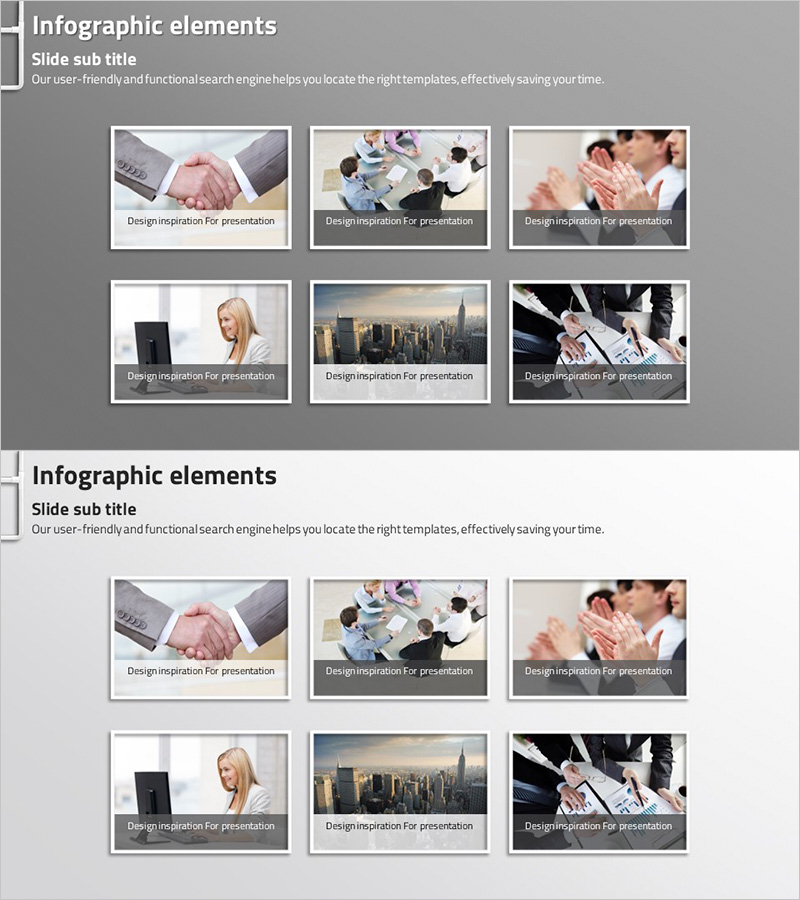
A closed-form cluster diagram PowerPoint slide optimized for program introduction and functionality explanation. The design features a central core concept surrounded by four related elements arranged in a circular pattern, enabling viewers to compare program features, efficiency, and key characteristics at a glance. The slide layout combines gray background with white-framed image boxes and text areas in balanced proportions, making it immediately applicable to presentations, product introductions, business plans, and corporate documents. Provided as a 2-slide PPTX file in 16:9 widescreen format with fully editable elements, allowing customization to match your specific content and branding requirements.
Usage Points
-
Main Usage
This slide is designed to structure and present a program's core features and characteristics through four central elements, simplifying complex information and clarifying relationships. Ideal for product launches, service explanations, and project overviews where visual hierarchy and relational clarity are essential.
-
How to Use
Enter the program name or core concept in the central node, then populate the four directional text boxes with key features, efficiency metrics, characteristics, or competitive advantages. Insert representative photos or icons in the image areas to enhance visual impact and reinforce each element's significance.
-
Recommended For
Recommended for software and app introductions by IT companies, product feature explanations by manufacturers, service structure presentations by consulting firms, and business model pitches by startups. Effectively communicates multifaceted program value to executives, investors, and clients in high-stakes presentations.
-
Slide Structure
2-slide composition: the first slide serves as a title slide with heading and subtitle areas; the second features a centered closed-form cluster diagram. The diagram comprises one central circular node with four directional image boxes and text areas (top, bottom, left, right), all unified by circular connecting lines for cohesive visual flow.
Related Products
-
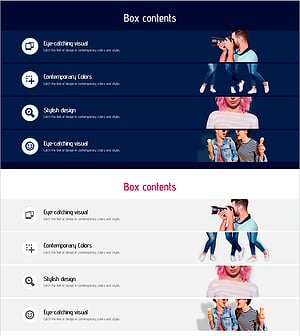
Photo Correction Service Slide – Modern Design
#Product/Service Introduction #Diagram #Composition
-
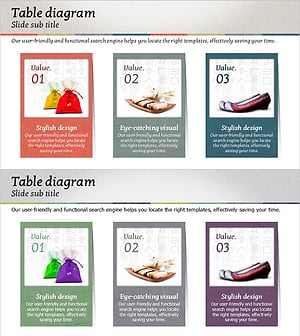
Introduction to Korean Traditional Items – A Colorful Aesthetic
#Product/Service Introduction #Diagram #Composition
-
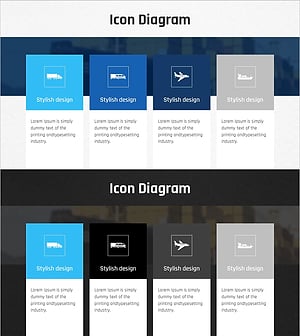
Transportation Service Mode Pill Shape Connection Diagram
#Product/Service Introduction #Diagram #Composition
-
Program Introduction Diagram Slide – A Template with Visual Appeal
#Product/Service Introduction #Diagram #Composition
