



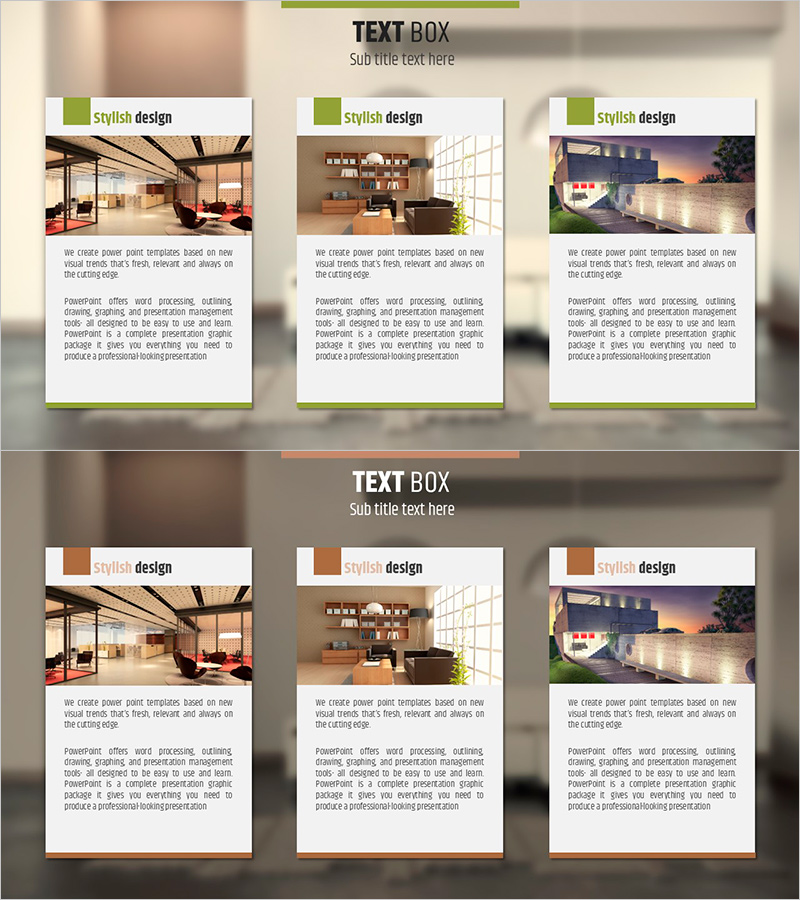
Diagram Slide Introducing Interior Design Cases
RJ0900012_18
- Last Update 08/19/2025
- File Size 4.9MB
- # of Slides 2
- File Format PPTX
- Slide Ratio 16:9
- Color
Keywords
- #Content-Based Slides
- #Design-Based Slides
- #Product/Service Introduction
- #Diagram
- #Composition
- #Program Introduction
- #Cluster
- #Closed Cluster Diagram
- #16:9
- #closed cluster diagram PowerPoint
- #interior design case slide
- #3-section diagram template
- #how to create cluster diagram in PowerPoint
- #design case presentation slide
- #interior portfolio PowerPoint template
About the Product
A closed-form cluster diagram PowerPoint slide designed to visually organize interior design cases and project portfolios. Available in two color schemes—green accent and warm brown tones—allowing you to place actual interior space images in each section with accompanying text descriptions. Formatted in 16:9 widescreen ratio with 2 slides, this presentation template is ready to use for product showcases, service introductions, case studies, and design presentations. Each box is independently editable, with full control over colors, text, and image placement.
Usage Points
-
Main Usage
Ideal for interior design portfolios, architectural firm presentations, construction case studies, space design project showcases, and client proposals. Each section accommodates project images with descriptive text, enabling clear and organized case presentation.
-
How to Use
Insert interior design images and project details into the three closed-form boxes. Select either the green or brown color scheme to match your brand identity, then adjust text and image sizes to finalize your presentation.
-
Recommended For
Interior design firms, architectural offices, real estate developers, interior construction companies, space design consultants, and design studios presenting portfolios, client proposals, and business pitches.
-
Slide Structure
2-slide set. Each slide features 3 closed-form boxes with title area at the top, image placement zones, and text input spaces within each box. Two design variations provided: green accent version and warm brown tone version.
Related Products
-
Introduction to Medical Program Slide – Building Trust with Experts
#Product/Service Introduction #Diagram #Composition
-
Transportation Service Mode Pill Shape Connection Diagram
#Product/Service Introduction #Diagram #Composition
-
Introduction to Korean Traditional Items – A Colorful Aesthetic
#Product/Service Introduction #Diagram #Composition
-
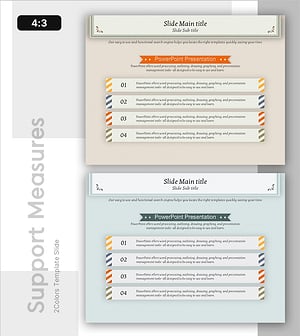
Effective Information Delivery with Striped Text Box
#Product/Service Introduction #Diagram #Text Box
