



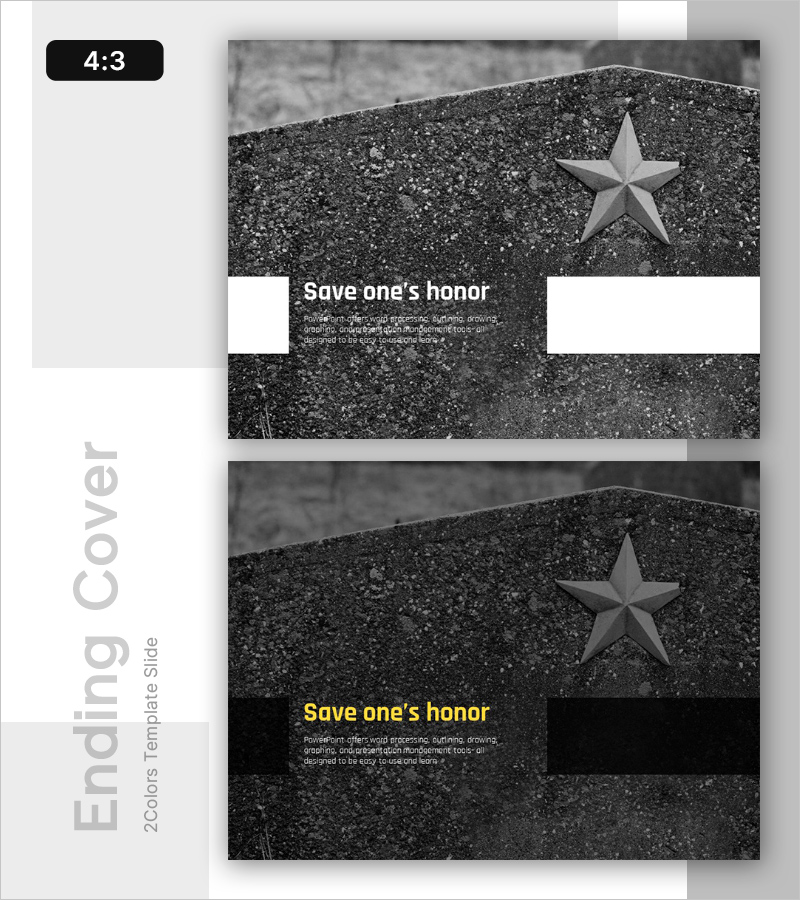
Honor Template Ending Cover – Strong Closure Impression
RL0100085_5
- Last Update 01/23/2025
- File Size 2.3MB
- # of Slides 2
- File Format PPTX
- Slide Ratio 4:3
- Color
Keywords
About the Product
A professional PowerPoint slide designed to conclude presentations that emphasize corporate values and ethics. The black and white textured background combined with a three-dimensional star motif conveys both credibility and prestige. This 2-slide set includes a title slide and a detailed description slide, formatted in 4:3 aspect ratio for universal compatibility. Clearly defined text input areas allow you to easily add corporate messages, slogans, and supporting statements. Ideal for concluding company introductions, business reports, and ethics-focused presentations with a powerful final impression.
Usage Points
-
Main Usage
Concludes presentations with professionalism while emphasizing corporate ethics, values, and honor. The black and white textured background paired with a three-dimensional star motif delivers both credibility and prestige, leaving a lasting impression on your audience.
-
How to Use
Add your key message or slogan to the title slide, then insert supporting statements or closing remarks on the detailed description slide. Place this ending cover at the conclusion of company introductions, business reports, or ethics presentations to create a memorable final impact.
-
Recommended For
Corporate executives, PR professionals, consultants, and educators delivering formal presentations. Particularly suited for presentations on corporate values, ethical management, corporate social responsibility, and vision statements.
-
Slide Structure
Two-slide set with the first slide featuring two title areas (left and right) and a central text zone, while the second slide contains a title area and body text section. Formatted in 4:3 aspect ratio for universal compatibility with clearly defined text input areas for easy editing.
Related Products
-
Choice Template Intro – Clear Decision Making
#Emotional Messages
-
Future Outlook Analysis Graph – Visualizing Market Trends and Opportunities
#Emotional Messages
-
Broken Line Comparison Analysis Graph – Visualizing Market Competitiveness
#Emotional Messages
-
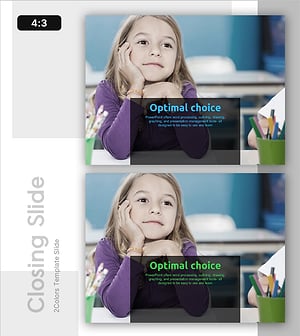
Choice Template Ending Cover – Powerful Conclusion
#Emotional Messages
