



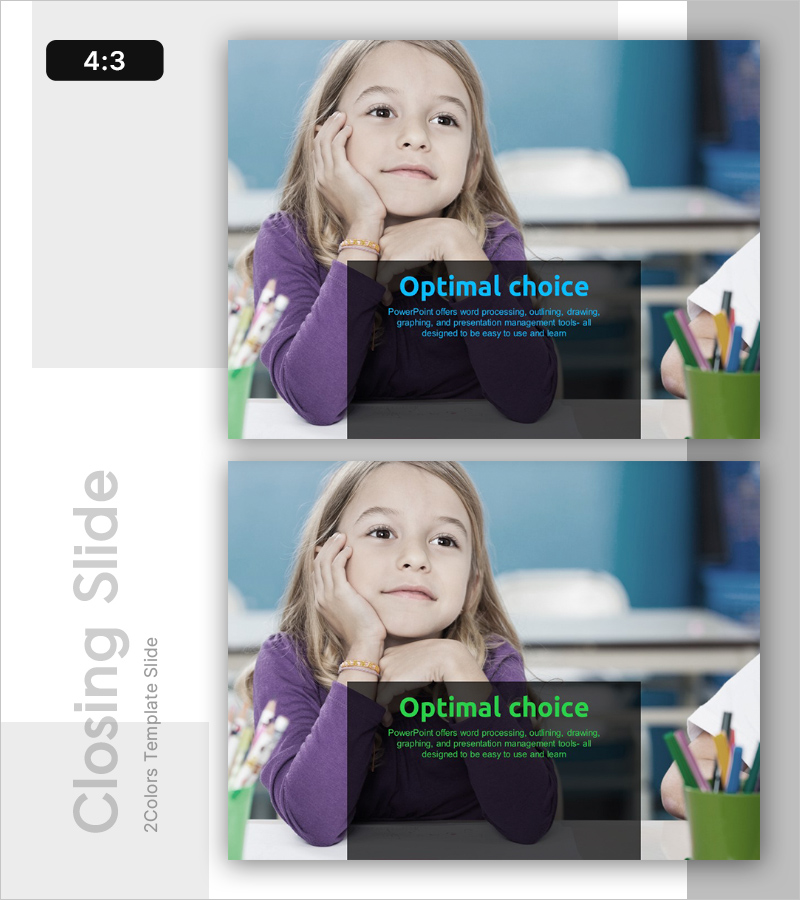
Choice Template Ending Cover – Powerful Conclusion
RL0100032_5
- Last Update 01/20/2025
- File Size 2MB
- # of Slides 2
- File Format PPTX
- Slide Ratio 4:3
- Color
Keywords
About the Product
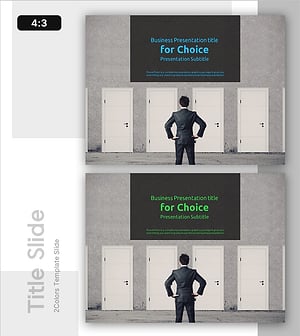
A striking ending cover PowerPoint slide designed to conclude your presentation with impact. This slide template features a bold two-color scheme combining teal and green, with bright cyan text displayed on a semi-transparent black box for maximum contrast and readability. The left side provides ample space for inserting corporate images, product photos, or team pictures to reinforce brand identity. The 4:3 aspect ratio with 2-slide composition makes it immediately ready for deployment across various presentation scenarios and business contexts.
Usage Points
-
Main Usage
This ending cover slide delivers a memorable final impression by combining teal and green colors with high contrast against a dark background. The semi-transparent black text box ensures message clarity while the color scheme captures audience attention during the presentation's closing moment. Ideal for corporate presentations, product launches, investor pitches, and business proposals requiring a strong concluding visual.
-
How to Use
Insert your company logo, product image, or team photo in the left image area to strengthen brand recognition. Add your key closing message, thank you statement, or contact information in the text box on the right. Use this slide as your final frame to leave a lasting impression on your audience and reinforce your presentation's core message.
-
Recommended For
Executive presentations, investor pitch decks, product launch announcements, marketing strategy presentations, conference closing remarks, educational seminar conclusions, and corporate training sessions. Suitable for C-level executives, marketing professionals, business development teams, and presentation specialists across all industries.
-
Slide Structure
The 2-slide set provides two identical ending cover layouts for flexibility. Each slide contains two functional areas: a left image zone for inserting photos or logos, and a right text box for entering titles and closing messages. This dual-area design maintains visual consistency while allowing customization of content for different presentation contexts.
Related Products
-
Learn the Truth - Attractive Business Presentation Template
#Emotional Messages
-
Crossroads of Choice – Presenting Business Strategy and Marketing Direction
#Emotional Messages
-
Future Outlook Analysis Graph – Visualizing Market Trends and Opportunities
#Emotional Messages
-
Choice Template Cover – The Beginning of Professionalism and Possibility
#Emotional Messages
