



Blue Green Table Analysis – Visualizing Financial Plans
RJ0800024_20
- Last Update 08/06/2025
- File Size 0.9MB
- # of Slides 2
- File Format PPTX
- Slide Ratio 16:9
- Color
Keywords
About the Product
A 2-slide PowerPoint presentation designed to compare financial plans and performance at a glance. Featuring a blue and green dual-tone background with gray header rows and bright data cells, this table layout clearly visualizes numerical information. Each slide provides a 3-section × 6-column input area for expressing various financial data such as ROI, budgets, and financial metrics in an organized format. Created in 16:9 widescreen ratio optimized for modern presentation environments, delivered as an editable PPTX file ready for immediate use.
Usage Points
-
Main Usage
A slide designed for financial reports, investor presentations, and business plans to clearly communicate numerical information such as budgets, ROI, and financial metrics in table format. The blue-green dual-tone color scheme conveys both credibility and stability, while the organized data structure effectively presents decision-making evidence.
-
How to Use
Input financial figures into each table cell to represent budget vs. actual performance, quarterly results, ROI comparisons, and more. Enter item names in the header row and numerical values in data rows to automatically create an organized financial analysis table. The 2-slide format allows sequential explanation of multiple financial indicators.
-
Recommended For
CFOs, finance managers, and executives presenting financial status to investors, boards, and employees. Particularly suited for balance sheets, income statements, cash flow statements, budget planning, and financial ratio analysis. Widely used in startup investor pitches, corporate earnings presentations, and financial strategy meetings.
-
Slide Structure
Each slide consists of a title area and a 3-row × 6-column data table. The header row displays item names with a gray background, while data rows feature blue-green dual-tone backgrounds for numerical input. The 2-slide format accommodates up to 36 data points, with each cell independently editable for customization.
Related Products
-
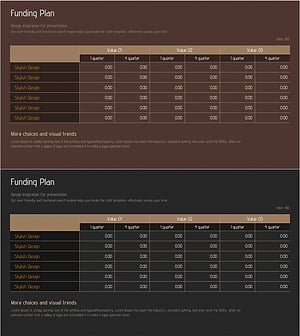
Corporate Investment and Financing Profit Statement – Efficient Funding Plan
#Financial Plans and Performance #Diagram #Capital Requirements
-
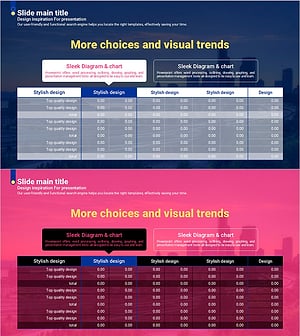
Curved Theme Purple Template Diagram – Key to Financial Planning
#Financial Plans and Performance #Diagram #Capital Requirements
-
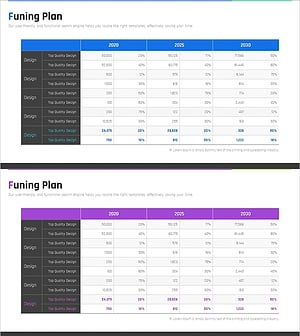
Chart of Funding Structure Analysis by Year – Optimized for Financial Planning
#Financial Plans and Performance #Diagram #Capital Requirements
-
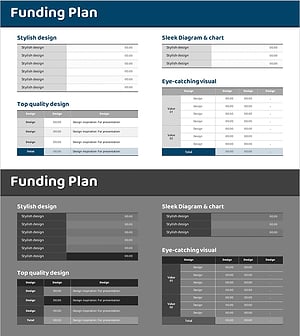
Funding Plan Table for Financial Planning Slide
#Financial Plans and Performance #Diagram #Capital Requirements
