



Running Face Graph – Market Analysis and Technology Introduction
RJ0800021_7
- Last Update 08/05/2025
- File Size 0.2MB
- # of Slides 2
- File Format PPTX
- Slide Ratio 16:9
- Color
Keywords
- #Content-Based Slides
- #Design-Based Slides
- #Technical Approach
- #Market and Competitor Analysis
- #Graph
- #Other
- #Future Development Roadmap
- #Customer Analysis
- #16:9
- #running face graph PowerPoint
- #area chart slide design
- #market analysis graph PPT
- #customer analysis chart slide
- #comparative data visualization PowerPoint
About the Product
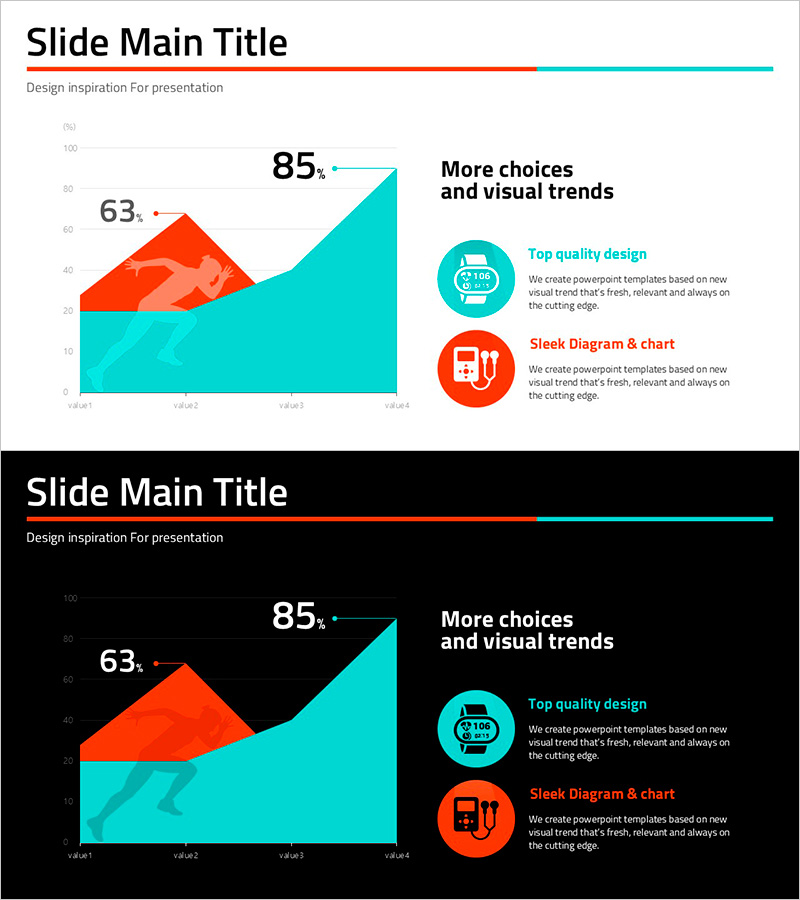
A running face graph PowerPoint slide designed for market analysis and technology introduction presentations. This dual-color area chart uses orange and cyan to create visual contrast, making data trends and comparisons immediately clear. The 2-slide 16:9 widescreen format integrates seamlessly into business presentations, reports, and proposals. Two circular icon callouts accompany text input areas to emphasize key messages, while the layout is optimized for customer analysis, market overview, and competitive benchmarking. The stacked area visualization allows viewers to grasp both individual and cumulative data patterns at a glance.
Usage Points
-
Main Usage
Visualizes quantitative data across two series—such as market share, customer segments, or performance metrics—using a stacked area chart format. The intersection points and labeled values highlight critical inflection points, enabling clear presentation of business insights and strategic decisions.
-
How to Use
Ideal for investor pitch decks, quarterly business reviews, and marketing strategy presentations. Assign existing metrics to the orange area and target or competitor data to the cyan area for immediate comparative analysis. The dual-color scheme ensures data differentiation without additional visual complexity.
-
Recommended For
Executives, marketing teams, sales professionals, and management consultants who rely on data-driven decision-making. Particularly effective for quarterly performance reviews, market entry strategies, and customer segmentation analysis presentations.
-
Slide Structure
Layout features a title area at the top, a central stacked area chart with Y-axis values and four X-axis categories, and two right-aligned text boxes with circular icon badges. Three editable text zones allow flexible content customization while maintaining visual hierarchy and data clarity.
Related Products
-
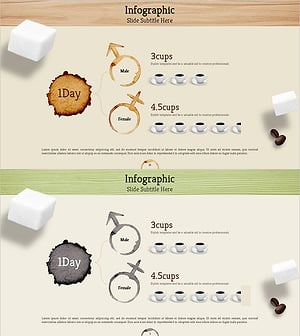
Coffee Consumption Survey by Gender – Visual Data Infographic
#Market and Competitor Analysis #Financial Plans and Performance #Diagram
-
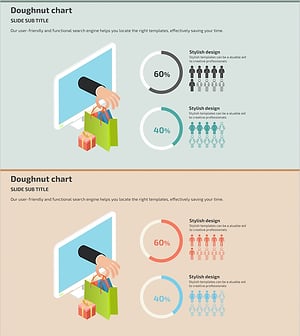
Shopping Mall User Gender Ratio Analysis Chart
#Market and Competitor Analysis #Graph #Other
-
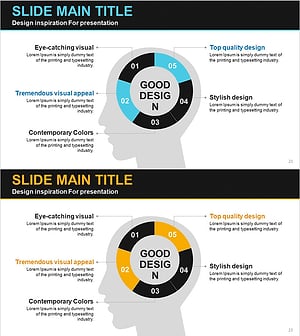
Silhouette Diagram & Circle Donut Graph – Visual Tool for Customer Analysis
#Product/Service Introduction #Market and Competitor Analysis #Graph
-
Children Detail Analysis Chart – Customer Insights and Success Stories
#Market and Competitor Analysis #Customer Success Stories #Graph
