



Pre-travel Preparation Presentation Slide – Cluster Diagram Format
RJ0600100_18
- Last Update 07/18/2025
- File Size 1.5MB
- # of Slides 2
- File Format PPTX
- Slide Ratio 16:9
- Color
Keywords
- #Content-Based Slides
- #Design-Based Slides
- #Business Introduction
- #Technical Approach
- #Diagram
- #Other
- #Technological Status
- #Service Components
- #Cluster
- #Closed Cluster Diagram
- #16:9
- #cluster diagram PowerPoint
- #travel preparation presentation
- #radial diagram slide
- #how to create cluster diagram in PowerPoint
- #travel planning slide template
About the Product
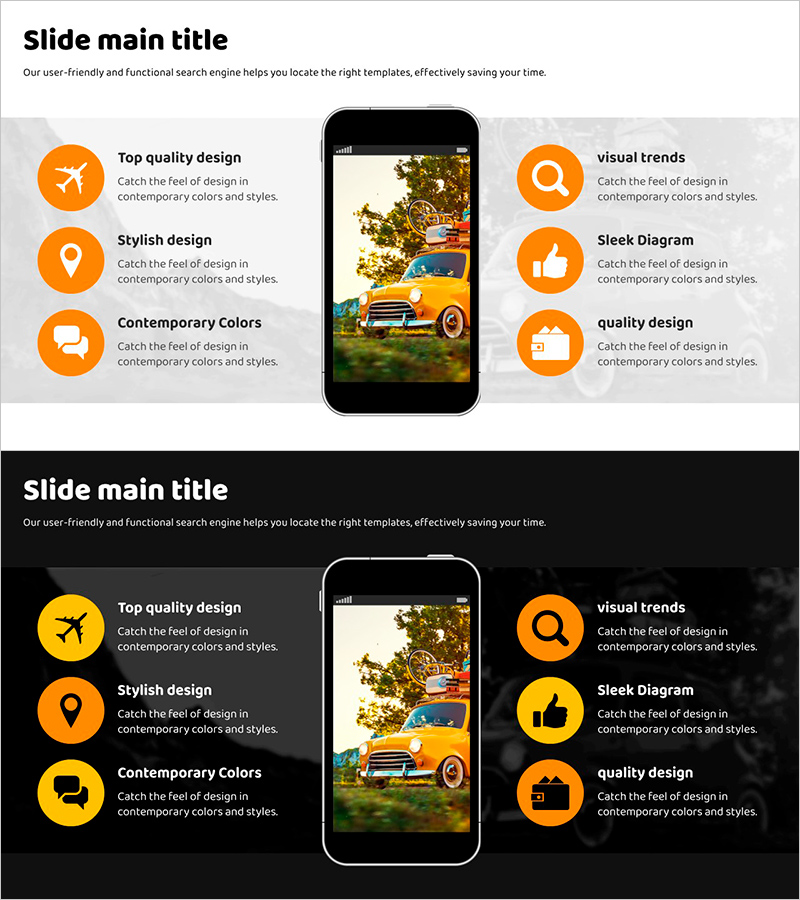
A PowerPoint slide that visualizes the travel preparation process using a radial cluster diagram format. Six preparation items (destination selection, budget planning, accommodation booking, flight reservation, packing, travel itinerary) radiate outward from a central smartphone mockup icon. Orange circular icons with a black background create clear visual distinction for each element, making it effective for presentations explaining complex preparation steps. The 2-slide set includes both light and dark background versions, allowing adaptation to various presentation environments and ensuring visibility in different lighting conditions.
Usage Points
-
Main Usage
Presents multiple travel preparation elements radiating from a central theme, enabling audiences to grasp the full scope of preparation activities at a glance. Ideal for travel agency briefings, travel planning workshops, tourism board presentations, and educational travel coordination sessions.
-
How to Use
Click the central smartphone icon to input your main travel preparation theme, then edit the six surrounding item labels with specific preparation details. Customize icon colors and background to match your organization's brand identity. Both light and dark versions allow selection based on presentation venue and audience preferences.
-
Recommended For
Travel agency marketing managers, tour guides, travel bloggers, school trip coordinators, event planners, and project managers. Applicable to any scenario requiring visualization of multiple items radiating from a central concept, including project management, event planning, and multi-item comparisons.
-
Slide Structure
Two-slide set with light gray background version featuring six orange circular icons arranged radially around a central smartphone mockup, and a dark background version with the same structure showing connection lines and arrows between nodes. Each node includes editable text areas for customization and information input.
Related Products
-
Introducing 5 Key Features – Stylish Design
#Business Introduction #Technical Approach #Diagram
-
Medical Research Progress Diagram – Innovation and Development
#Product/Service Introduction #Business Introduction #Diagram
-
VR Service Configuration Contents – Structured and Stylish Design
#Product/Service Introduction #Technical Approach #Diagram
-
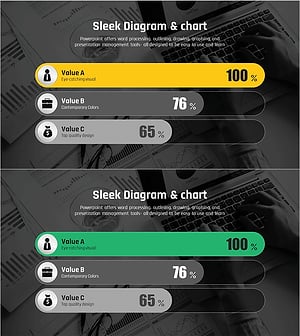
Comparative Analysis Graph of Work Progress Status – Visual Data Insights
#Product/Service Introduction #Business Introduction #Diagram
