



Detailed Plan Diffusion Diagram – Business Strategy and Direction
RJ0600086_26
- Last Update 07/13/2025
- File Size 0.2MB
- # of Slides 2
- File Format PPTX
- Slide Ratio 16:9
- Color
Keywords
- #Content-Based Slides
- #Design-Based Slides
- #Business Introduction
- #Business Vision and Strategy
- #Diagram
- #Business Overview
- #Core Competencies
- #Cluster
- #Spread
- #Chain Diagram
- #Centralized Diagram
- #16:9
- #radial diagram PowerPoint
- #diffusion diagram slide
- #central node diagram
- #strategy visualization PPT
- #how to create radial diagram in PowerPoint
About the Product
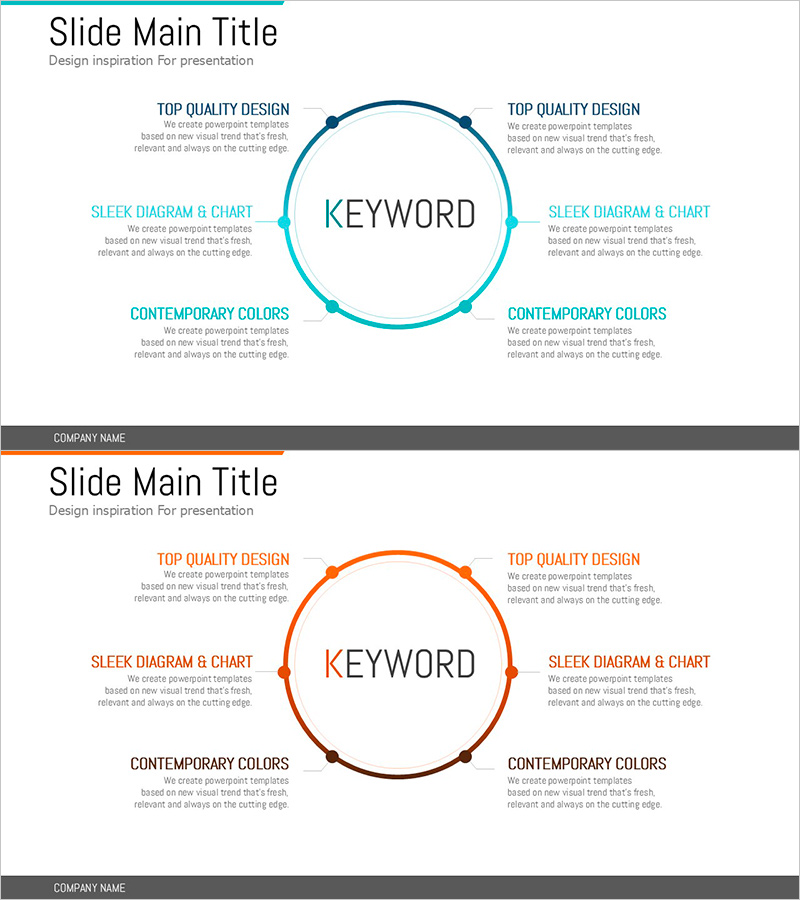
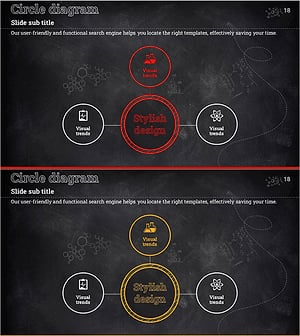
A PowerPoint slide featuring a radial diffusion structure with a central keyword and six surrounding nodes arranged in a circular pattern. Available in two color versions—teal and orange—with circular shapes and connecting lines. This diagram is optimized for visualizing relationships where a central concept expands into peripheral elements, such as business strategy, core competencies, and implementation directions. Ideal for presentations and planning documents that require clear strategic communication.
Usage Points
-
Main Usage
Visualizes relationships where a core concept or strategy expands into related sub-elements. Effectively communicates business strategy direction, core competency components, and implementation plan details through a center-to-periphery structure, enhancing audience comprehension.
-
How to Use
Enter the core keyword in the central circular shape and add sub-items to the six surrounding nodes. Customize text and colors to match your organization's brand identity. Adjust the number of nodes to fit your content requirements. Suitable for business briefings, strategy presentations, planning reports, and various presentation scenarios.
-
Recommended For
Ideal for executives, planning teams, marketing departments, and strategy managers explaining business direction and key strategies. Perfect for investor presentations, employee training, client proposals, internal reports, and any presentation requiring visual communication of strategic concepts.
-
Slide Structure
Central circular shape representing the core keyword, with six circular nodes positioned in cardinal and diagonal directions. Each node connects to the center via straight lines, with text input areas surrounding each node. Two color versions (teal and orange) are provided for flexibility in matching presentation themes and atmospheres.
Related Products
-
Visualizing Marketing Strategies with Triangular Diffusive Connecting Elements
#Business Vision and Strategy #Marketing Plan and Strategy #Diagram
-
Traffic Accident Analysis Diagram – Risk Management Strategy
#Business Introduction #Risk Management and Regulatory Compliance #Diagram
-
Connection Infographic Diagram – Business Overview and Revenue Model
#Business Introduction #Diagram #Business Overview
-
Science Experiment Core Goals Diagram – Strategic Business Design
#Business Introduction #Business Vision and Strategy #Diagram
