



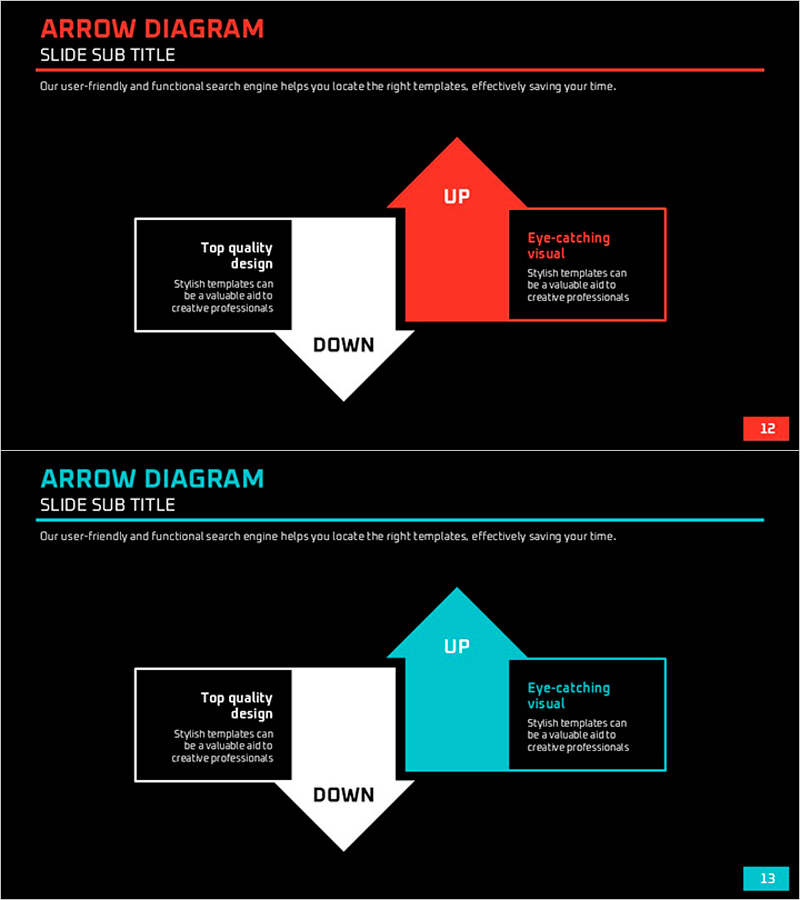
Up-Down Flow Diagram – Visualizing Business Strategy
RJ0600065_12
- Last Update 07/07/2025
- File Size 0.1MB
- # of Slides 2
- File Format PPTX
- Slide Ratio 16:9
- Color
Keywords
About the Product
A directional up-down arrow diagram PowerPoint slide that clearly expresses upward and downward movements in business contexts. Provided in two color versions—red and cyan—with a symmetrical structure centered on a diamond node. The left and right text boxes enable simultaneous explanation of contrasting concepts or scenarios, making it ideal for business strategy presentations, decision-making processes, and performance analysis. Composed of 2 slides in 16:9 widescreen format, ready for immediate editing and customization.
Usage Points
-
Main Usage
Optimized for visually comparing two contrasting concepts such as growth versus decline, positive versus negative, or strengths versus weaknesses. The central diamond node symbolizes a decision point or turning point, while the opposing arrows clearly distinguish the outcomes or impacts of each direction.
-
How to Use
Use in business strategy presentations to explain growth opportunities alongside risk factors, or in decision-making processes to compare pros and cons of different options. Enter one concept (e.g., strengths, opportunities) in the left text box and the contrasting concept (e.g., weaknesses, threats) in the right box to present balanced analysis.
-
Recommended For
Recommended for executive and strategy team business direction presentations, marketing team opportunity-threat analysis, finance team profitability-loss comparisons, and project team go-no-go decision presentations. Effective in consulting reports, quarterly performance reviews, and new business proposals.
-
Slide Structure
Composed of 2 slides. Each slide features a central diamond node with a red or cyan arrow pointing upward and a white arrow pointing downward. Text boxes are symmetrically positioned on the left and right sides. Title and descriptive text areas are clearly separated for easy customization.
Related Products
-

Global Key Clients Slide – Introduction to Clients and Partners
#Company Introduction #Diagram #Manpower
-
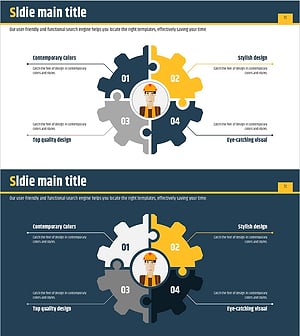
Diffusion Diagram of the Facility System
#Technical Approach #Diagram #Service Components
-
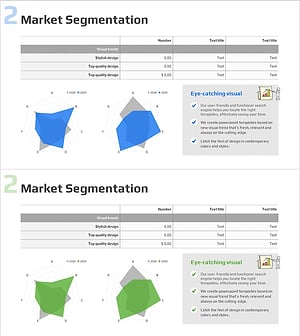
Market Segmentation Analysis Radial Graph – Reliable Data Visualization
#Business Introduction #Market and Competitor Analysis #Diagram
-
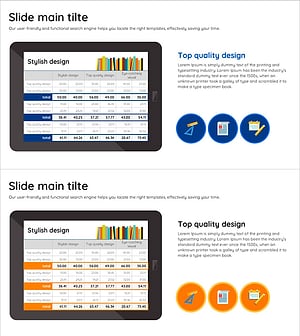
Visualizing Market Analysis and Performance with Reading Learning Table Charts
#Market and Competitor Analysis #Financial Plans and Performance #Diagram
