



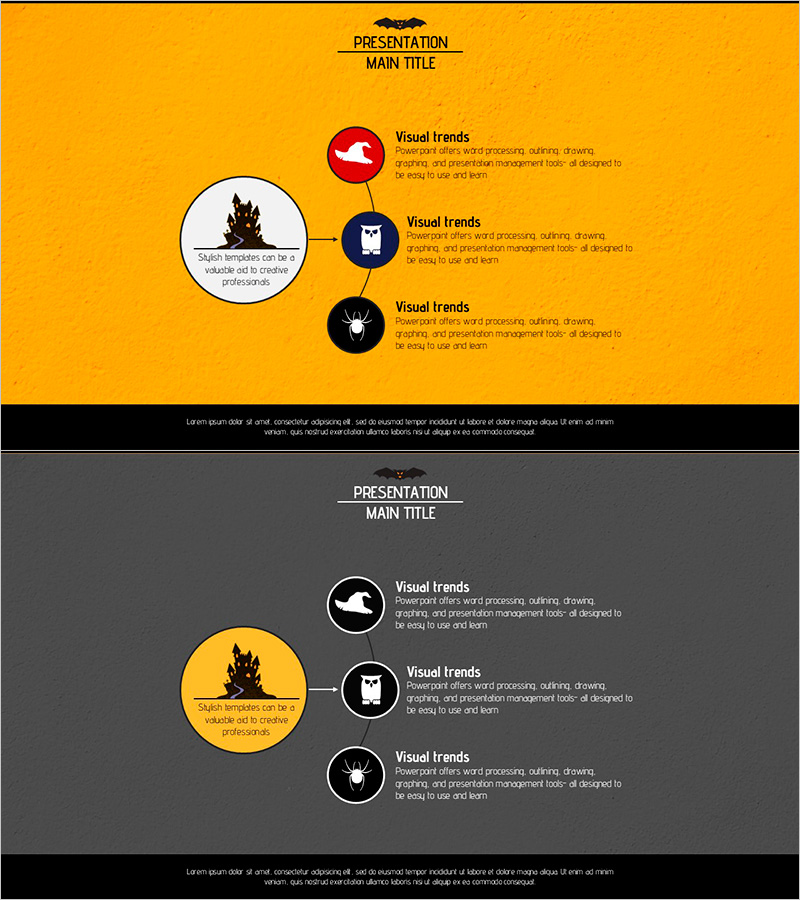
Diagram Slide for Introducing Event Program
RJ0600039_31
- Last Update 07/01/2025
- File Size 2.7MB
- # of Slides 2
- File Format PPTX
- Slide Ratio 16:9
- Color
Keywords
About the Product
A radial expansion diagram PowerPoint slide featuring a central circular node connected to three surrounding circular icon nodes. The design uses an orange background with white, red, and black circular nodes to create clear visual hierarchy. This slide template is ideal for visualizing information that radiates from a core concept to supporting elements, such as event program highlights, product features, or strategic initiatives. The 2-slide set includes both orange and gray background versions with fully editable text and icon elements.
Usage Points
-
Main Usage
Visualizes information structures that expand from a central concept to supporting details. Effectively communicates event program sections, product feature hierarchies, organizational vision statements, and strategic initiatives that branch from core themes.
-
How to Use
Enter your main topic in the central circular node. Add supporting details to the three surrounding nodes, customizing icons and text to match your presentation context. Adjust node colors and background as needed for brand consistency.
-
Recommended For
Event and conference program presentations, product feature overviews, marketing strategy discussions, organizational vision sharing, educational seminar content, executive reports, investor presentations, and team meeting materials.
-
Slide Structure
Comprises one large central circular node with text input area and three smaller circular nodes with icon and text placeholders positioned to the right. Includes 2 slide variations with orange and gray backgrounds in 16:9 aspect ratio.
Related Products
-
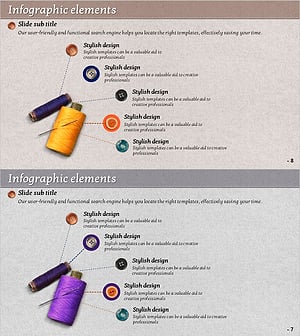
Thread and Button Infographic – Cute Design Introduction
#Product/Service Introduction #Diagram #Composition
-

Mobile Network Introduction and Configuration – Visual Appeal and Design
#Product/Service Introduction #Diagram #Other
-
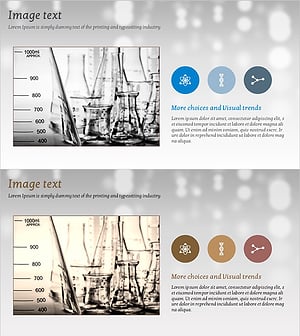
Slide to Effectively Present Research Analysis Results
#Product/Service Introduction #Composition #Program Introduction
-
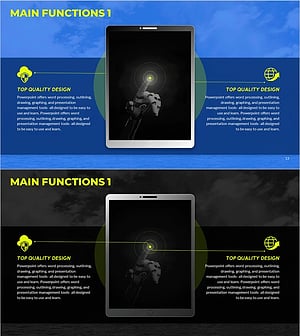
Product/Service Introduction PowerPoint Template – Visually Captivating Design
#Product/Service Introduction #Diagram #Other
