



Eco Friendly Checkerboard Diagram – Harmony of Business and Environment
RJ0600029_11
- Last Update 06/28/2025
- File Size 0.4MB
- # of Slides 2
- File Format PPTX
- Slide Ratio 16:9
- Color
Keywords
- #Content-Based Slides
- #Design-Based Slides
- #Company Introduction
- #Product/Service Introduction
- #Diagram
- #Business Areas
- #Program Introduction
- #Cluster
- #Closed Cluster Diagram
- #16:9
- #cluster diagram PowerPoint
- #4-section diagram slide
- #business concept diagram
- #icon diagram PowerPoint template
- #business presentation slide design
About the Product
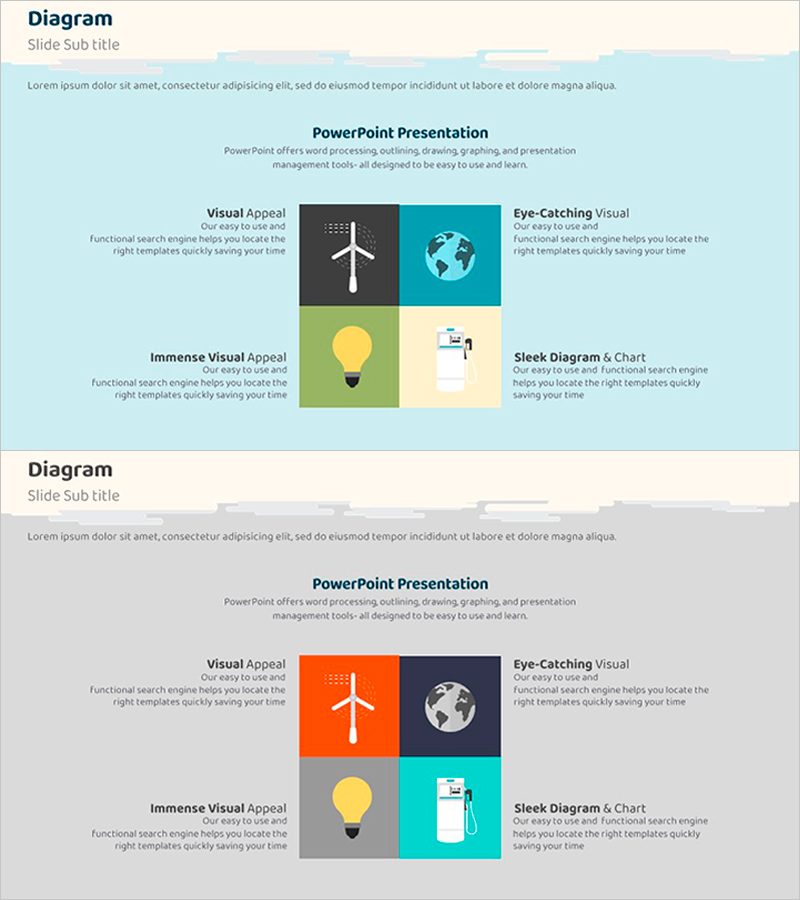
A cluster diagram PowerPoint slide that visualizes business concepts across four distinct sections, each featuring a unique icon (airplane, globe, lightbulb, document) to enhance visual comprehension. The design uses contrasting colors—light blue, orange, yellow, and teal—to differentiate each quadrant, making information hierarchy immediately clear. This 2-slide presentation template is ready to use for explaining marketing strategies, business operations, organizational roles, or strategic initiatives in corporate presentations.
Usage Points
-
Main Usage
Effectively communicate four interconnected business elements—such as market appeal, global perspective, innovation, and execution—or departmental functions (marketing, strategy, operations, results) in a single, visually balanced layout.
-
How to Use
Insert your text into each quadrant section and customize the icons or colors to match your presentation theme. Drag and drop into business reports, proposals, or strategy decks to transform complex multi-faceted concepts into clear, digestible visual information.
-
Recommended For
Ideal for executives, marketing teams, strategic planners, and project managers presenting organizational strategies, business directions, departmental roles, or project scopes. Particularly effective when addressing diverse stakeholders who need a balanced, multi-perspective view.
-
Slide Structure
2-slide template with each slide divided into 4 equal-sized rectangular sections. Each section features a distinct color (blue, orange, yellow, teal) and corresponding icon. Clear text input areas enable easy customization and information addition.
Related Products
-
List of Business Projects – Information Delivery and Visualization
#Company Introduction #Product/Service Introduction #Diagram
-
Description of SNS Business Area – Effective Business Model Cluster
#Company Introduction #Product/Service Introduction #Diagram
-
AI Business Area Diagram – AI and Technology Trends
#Company Introduction #Product/Service Introduction #Diagram
-
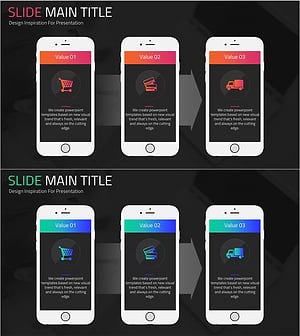
Online Shopping Mall Service Program Slide – Customer-Centric Innovation
#Company Introduction #Product/Service Introduction #Diagram
