



Maple Leaf Diagram – Visualizing Product Attributes
RJ0600028_10
- Last Update 06/27/2025
- File Size 4.1MB
- # of Slides 2
- File Format PPTX
- Slide Ratio 16:9
- Color
Keywords
- #Content-Based Slides
- #Design-Based Slides
- #Product/Service Introduction
- #Diagram
- #Product/Service Introduction
- #Features
- #Cluster
- #Closed Cluster Diagram
- #16:9
- #maple leaf diagram PowerPoint
- #product attribute visualization slide
- #3-item comparison PowerPoint
- #cluster diagram template
- #icon diagram slide design
About the Product
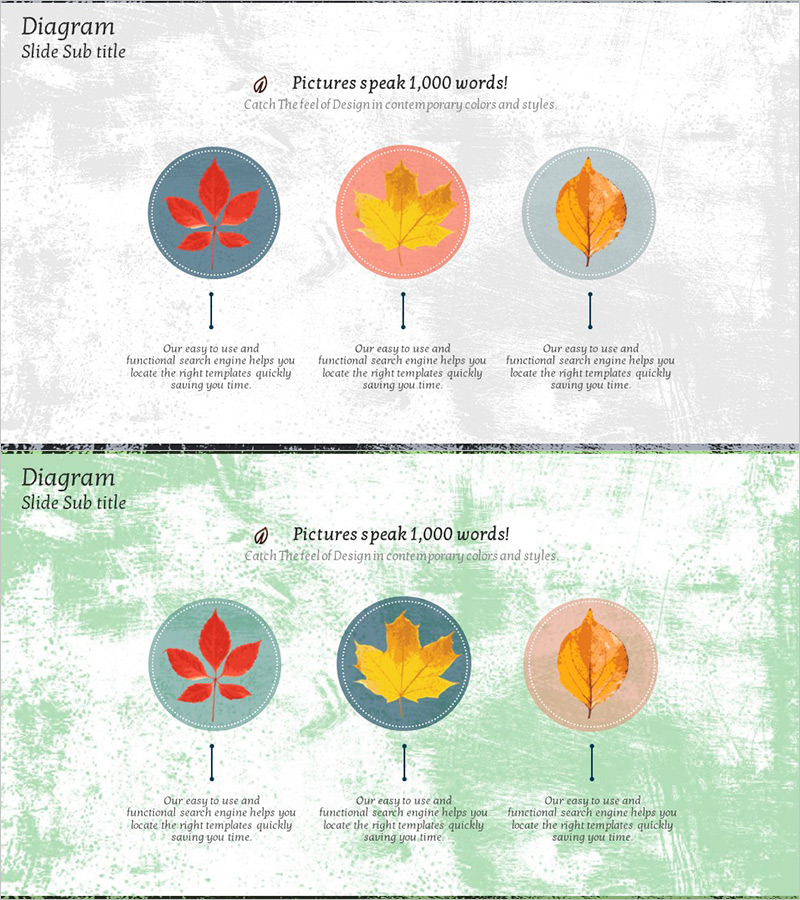
A PowerPoint slide that visualizes three key product attributes using maple leaf icons arranged in circular nodes. Each leaf is positioned within a colored circle and connected to descriptive text below via vertical lines, creating a clear information hierarchy. The design features two color versions: one with gray background and another with green background, both using red, yellow, and orange leaves for visual contrast. The slide is ready to use immediately for product introductions, service feature comparisons, brand value presentations, and competitive analysis. All text fields are fully editable to match your specific content needs.
Usage Points
-
Main Usage
This slide effectively presents three key product characteristics, advantages, or differentiators in a single visual. The leaf icons provide a memorable, nature-inspired design while maintaining consistency across all three items. Ideal for product launches, marketing presentations, service proposals, and competitive positioning where clarity and visual impact are essential.
-
How to Use
Enter your product attribute names in the text boxes beneath each maple leaf, then add detailed descriptions in the lower text areas. Choose between the gray or green background version based on your presentation's overall color scheme. All elements are fully editable using PowerPoint's standard tools, and the slide is optimized for 16:9 widescreen displays.
-
Recommended For
Perfect for product managers, marketing teams, and sales professionals creating pitch decks and business presentations. Use it for new product launches, competitive analysis, client proposals, internal strategy meetings, and any presentation where you need to clearly distinguish and explain three related concepts or features.
-
Slide Structure
The slide layout includes a title area at the top, three circular nodes containing maple leaf icons, vertical connector lines linking each node to its description, and text explanation areas at the bottom. The balanced arrangement maintains visual harmony while clearly communicating the hierarchical relationship between the three items.
Related Products
-
Learning Icons and Order Text for Effective Information Delivery – Product Introduction
#Product/Service Introduction #Diagram #Product/Service Introduction
-
Introduction to Healthcare Business Services – Utilizing Cluster Diagram
#Product/Service Introduction #Diagram #Product/Service Introduction
-

Key Strategies to Enhance Corporate Competitiveness – Design for Success
#Product/Service Introduction #Diagram #Product/Service Introduction
-
Diagram Slide Explaining Structure and Function of Plants
#Product/Service Introduction #Diagram #Product/Service Introduction
