



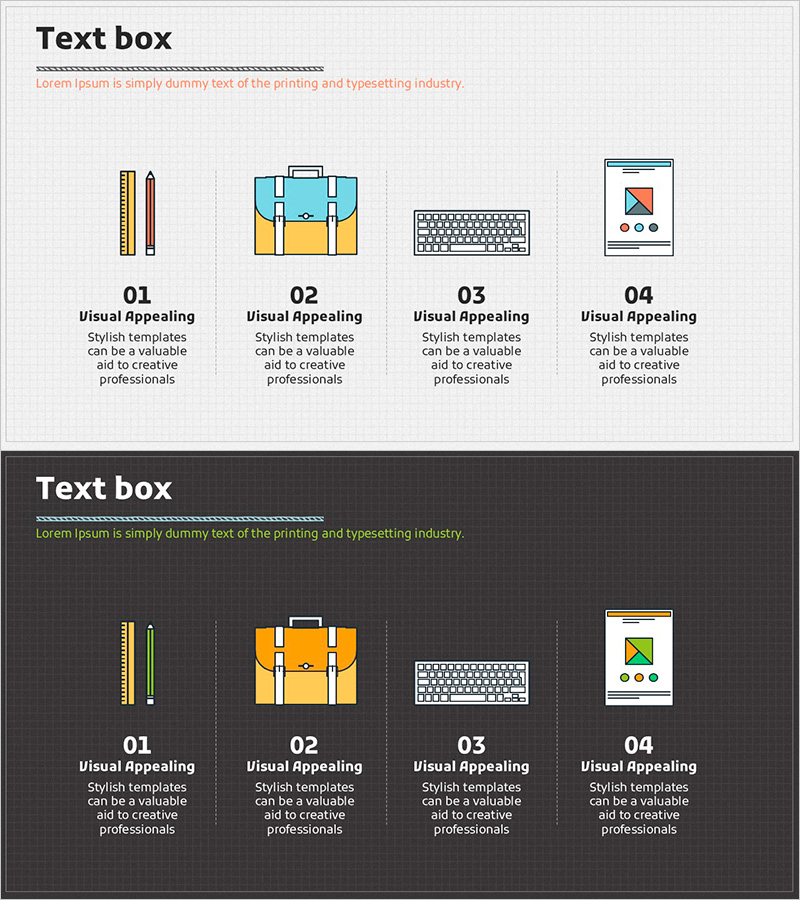
Learning Icons and Order Text for Effective Information Delivery – Product Introduction
RJ0500022_19
- Last Update 06/13/2025
- File Size 3.7MB
- # of Slides 2
- File Format PPTX
- Slide Ratio 16:9
- Color
Keywords
About the Product
An information delivery slide featuring learning icons and sequential text arrangement. This PowerPoint template displays four illustrated icons (pencil, briefcase, keyboard, mobile device) with corresponding titles and descriptions for each item, making it ideal for product introductions, service stages, and learning processes. The light gray background with colorful icons creates a clean, organized layout that transforms complex information into clear, digestible content. The 2-slide set includes both light and dark background versions, allowing you to match your presentation's overall tone and design aesthetic.
Usage Points
-
Main Usage
This slide effectively presents product features, service stages, or process steps organized into four distinct items using icons and text. The combination of visual icons and clear text simplifies complex information and enhances audience comprehension. Suitable for product launches, service flow explanations, educational content, and business process presentations.
-
How to Use
Customize each item's icon, title, and description text to match your content. Two versions are provided—light tone (light gray background) and dark tone (dark background)—allowing you to select the version that best fits your presentation's design scheme. Icons are fully editable and can be replaced with alternatives as needed.
-
Recommended For
Product marketing professionals, service designers, educators, business consultants, and presenters who need to communicate four-part information clearly and visually. Ideal when you want to present balanced, sequential information with equal emphasis on each item.
-
Slide Structure
The 2-slide set features four independent text box areas per slide. Each area contains an illustrated icon at the top, a title in the middle, and descriptive text at the bottom, arranged left to right. This layout creates a natural information flow and visual hierarchy.
Related Products
-
Sea Lighthouse Service Diagram Icon – A Cluster Diagram for Visual Understanding
#Product/Service Introduction #Diagram #Product/Service Introduction
-
Introduction to Furniture Product Services – Information Delivery with Cluster Diagram
#Product/Service Introduction #Diagram #Product/Service Introduction
-
Interior Service Overview Presentation Template - Innovation and Trust
#Product/Service Introduction #Diagram #Product/Service Introduction
-
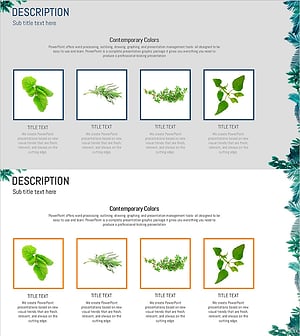
Cluster Slide Visualizing Characteristics of Grass
#Product/Service Introduction #Diagram #Product/Service Introduction
