



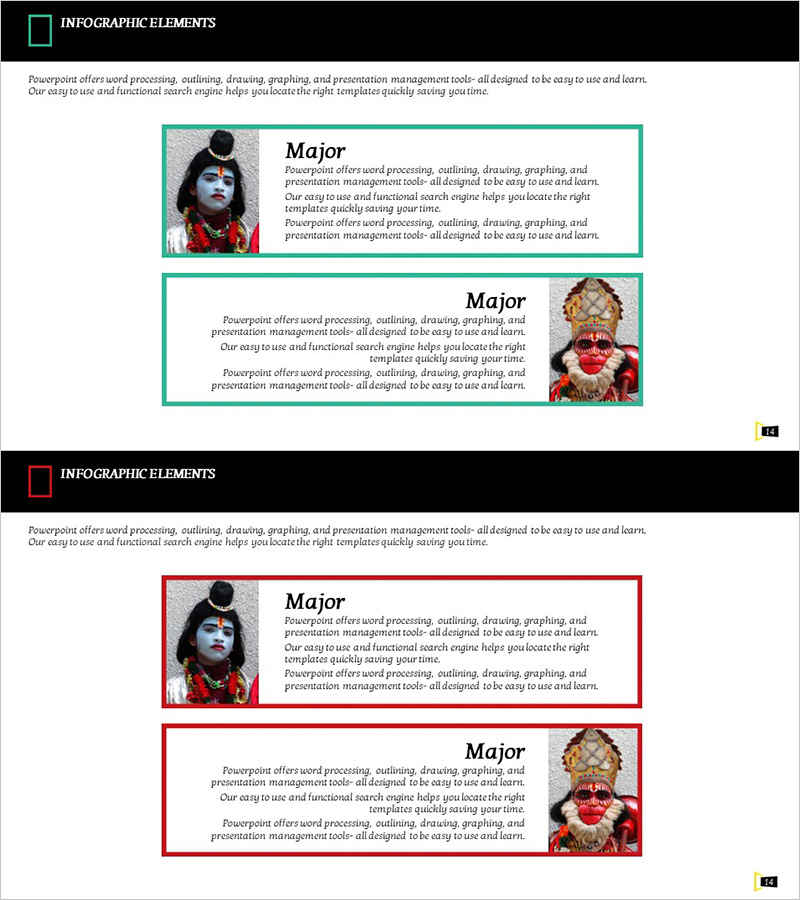
Introduction of Major Indian Travel Customers and Customer Stories – Showcasing Customer Experiences
RJ0600023_17
- Last Update 06/27/2025
- File Size 0.9MB
- # of Slides 2
- File Format PPTX
- Slide Ratio 16:9
- Color
Keywords
About the Product
A 2-slide PowerPoint presentation designed to showcase customer success stories and client testimonials with visual impact. The layout features an asymmetrical design with customer images positioned on alternating sides—left on the first slide, right on the second—paired with text areas for customer details and case descriptions. Teal-colored borders frame each slide, creating visual consistency while emphasizing customer credibility and trust. The flexible text input areas accommodate customer names, titles, company information, and detailed success narratives. Ideal for investor pitches, partnership presentations, and company profile sections highlighting customer satisfaction and business achievements.
Usage Points
-
Main Usage
Establish company credibility by visually presenting customer faces, names, and success outcomes. Demonstrates customer satisfaction and business impact in investor meetings, partnership discussions, and corporate profile presentations where customer trust is a key differentiator.
-
How to Use
Insert customer photo on the left side of slide 1 and fill the right text area with customer name, title, and company information. On slide 2, reverse the image position to the right and describe the customer's success metrics and case results. All text boxes are fully editable to match your specific customer stories.
-
Recommended For
B2B companies seeking investment funding, service-based businesses (travel, finance, consulting) requiring customer trust emphasis, sales presentations highlighting customer success, and company profile sections dedicated to customer partnerships and testimonials.
-
Slide Structure
Two-slide layout with one customer image per slide and 2-3 text input areas per slide (customer name, title, case description). Alternating left-right image positioning creates visual rhythm, while consistent teal borders maintain design cohesion throughout the presentation.
Related Products
-
Introducing IoT Service Program with Diagrams – Modern Visual Presentation
#Product/Service Introduction #Diagram #Program Introduction
-
Introducing the Mobile App Service Program
#Product/Service Introduction #Business Vision and Strategy #Diagram
-
Program Introduction Diagram – Clearly Conveying Business Goals
#Product/Service Introduction #Business Vision and Strategy #Diagram
-
Introduction to the Internet of Things Program – Innovation and Growth
#Product/Service Introduction #Business Introduction #Diagram
