



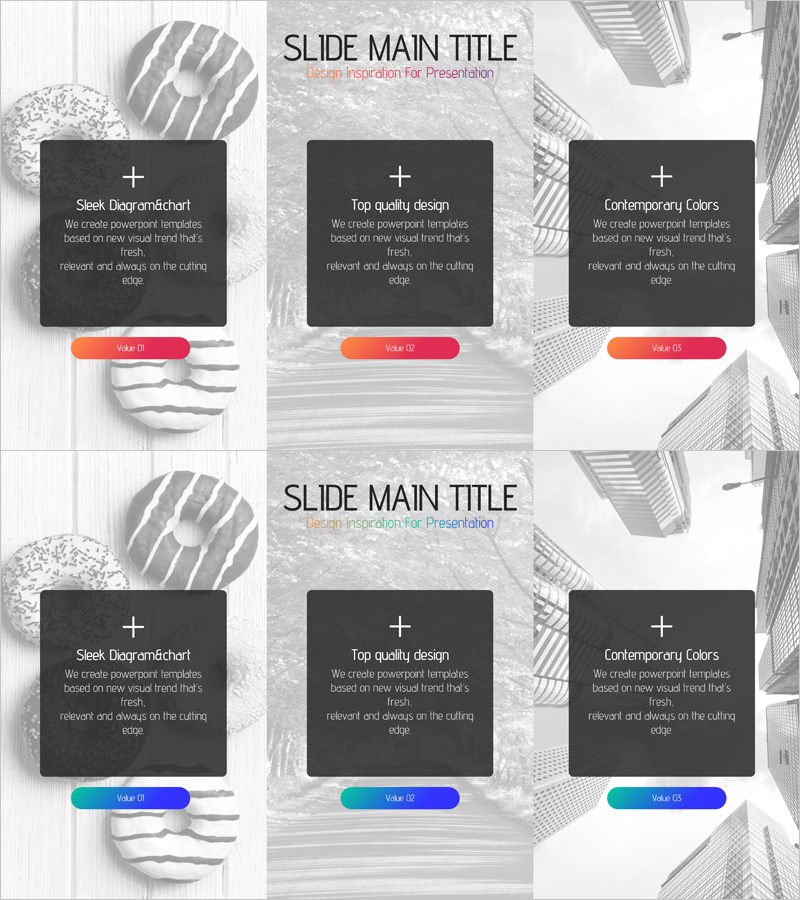
Program Introduction Diagram – Clearly Conveying Business Goals
RJ0400054_9
- Last Update 06/01/2025
- File Size 3.6MB
- # of Slides 2
- File Format PPTX
- Slide Ratio 16:9
- Color
Keywords
- #Content-Based Slides
- #Design-Based Slides
- #Product/Service Introduction
- #Business Vision and Strategy
- #Diagram
- #Program Introduction
- #Business Goals
- #Cluster
- #Closed Cluster Diagram
- #16:9
- #closed diagram PowerPoint
- #3-item diagram slide template
- #business goals diagram
- #program introduction PowerPoint
- #how to create diagram in PowerPoint
About the Product
A 3-item closed diagram PowerPoint slide designed to clearly communicate business objectives and program vision. Three black text boxes are arranged around a central hand image, with orange and cyan accent bars positioned below each item for emphasis. This 16:9 widescreen slide deck contains 2 slides with a gray geometric background pattern. Ideal for presentations, business proposals, strategic planning documents, and executive briefings where you need to highlight three key points or objectives in a balanced, integrated structure.
Usage Points
-
Main Usage
Visualizes three business objectives, program visions, or strategic pillars with equal emphasis, enabling clear communication to stakeholders. The integrated closed structure demonstrates how individual elements support an overarching business direction.
-
How to Use
Insert into business plans, investment pitch decks, or company overview presentations in the vision or strategy section. Replace placeholder text with your three key objectives, and customize accent bar colors to match your brand identity. Fully editable in PowerPoint.
-
Recommended For
Executives, business strategists, marketing managers, and project leads presenting organizational goals. Suitable for startup pitches, internal strategy alignment meetings, and client proposal presentations.
-
Slide Structure
2-slide deck in 16:9 widescreen format (PPTX). Each slide features a central hand image with three black text boxes arranged left-center-right, each with an orange or cyan accent bar below. Geometric gray background pattern throughout.
Related Products
-
Introduction to the Financial Business Program – A Differentiated Strategic Approach
#Product/Service Introduction #Business Vision and Strategy #Diagram
-
Goals Diagram for Business Success – Strategy and Vision
#Product/Service Introduction #Business Vision and Strategy #Diagram
-
3 Steps to Setting Business Goals Diagram Slide
#Product/Service Introduction #Business Vision and Strategy #Diagram
-
Introduction to Data Analysis Program – Business Vision and Goals
#Product/Service Introduction #Business Vision and Strategy #Diagram
