



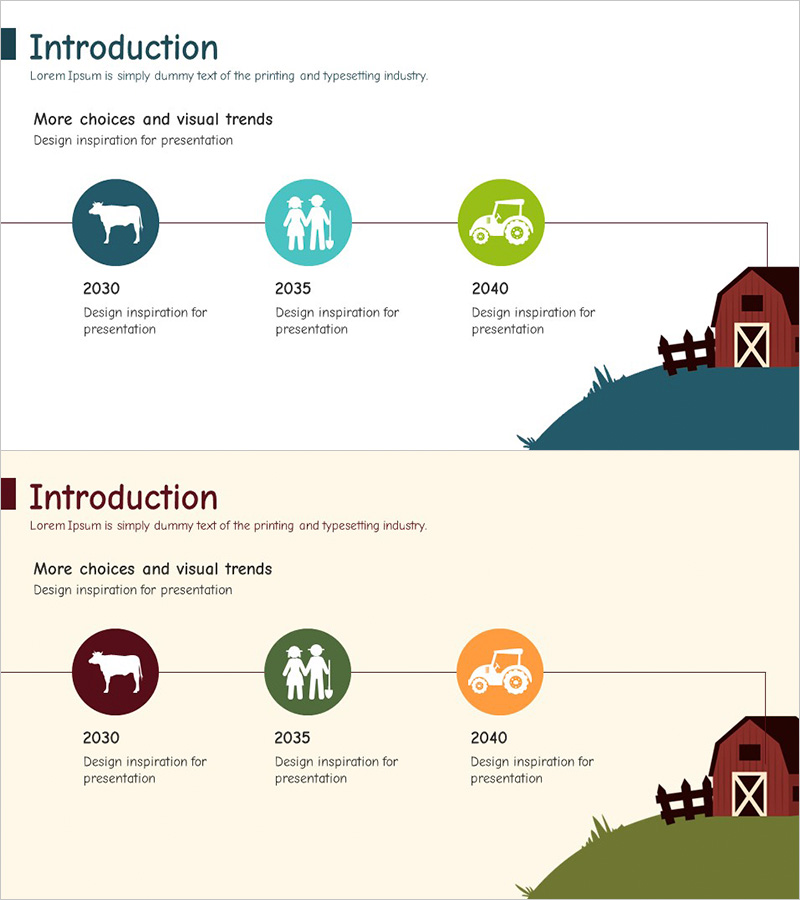
Farm Company History Blue Green – Systematic and Efficient Cluster Format
RJ0600019_4
- Last Update 06/26/2025
- File Size 0.4MB
- # of Slides 2
- File Format PPTX
- Slide Ratio 16:9
- Color
Keywords
About the Product
A 3-node cluster diagram PowerPoint slide designed to visualize the history and business structure of agricultural and farm companies. The blue and green dual-tone color scheme conveys both reliability and growth, with a central hub structure that branches left and right to systematically organize key milestones and business divisions. This 2-slide 16:9 widescreen presentation template is ready to use immediately, with fully editable text and icons for customization to match your company branding.
Usage Points
-
Main Usage
Organize company milestones, business divisions, and key achievements in a central hub structure to clearly communicate organizational growth and diversified business portfolio to audiences. Applicable to agricultural, farm, and various other industries for company introductions and business structure explanations.
-
How to Use
Enter the main item (company name, core value, founding date) in the center hub, then fill the three left-right nodes with historical timeline, business areas, and achievements. Customize icon and text colors to match your organization's branding for use in company presentations, investor pitches, and business briefings.
-
Recommended For
Agricultural, livestock, and food company presentations, SME business briefings, investor pitch decks, new employee onboarding materials, corporate portfolio presentations. Marketing teams, sales departments, executives, and business development teams benefit when visually explaining organizational structure and growth narratives.
-
Slide Structure
2-slide set. First slide features a blue background with 3-node cluster layout (1 center + 1 left + 1 right); second slide provides the same structure with beige background for color variation. Each node includes a circular icon area and text input field, with connecting lines between nodes to express relationships.
Related Products
-
Business History Connection Diagram – Company Growth Story
#Company Introduction #Diagram #History
-
Silhouette History Diagram – Visualizing Evolution
#Company Introduction #Diagram #Other
-
Fountain Pen History Diagram – Emphasizing Corporate Identity
#Company Introduction #Product/Service Introduction #Diagram
-
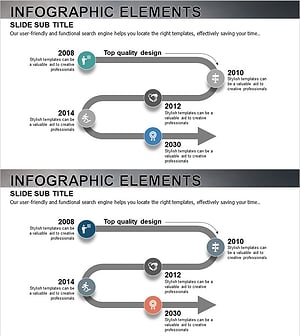
History Road Diagram – A Cluster Diagram Ideal for Company Introduction
#Company Introduction #Diagram #History
